Google Enhances Chrome Autofill with Two-Line Design and Google Wallet Integration
Google has introduced significant updates to Chrome’s Autofill feature, aiming to enhance user experience and streamline form-filling processes. These enhancements include a redesigned two-line display for autofill suggestions and deeper integration with Google Wallet.
Two-Line Autofill Design on Android
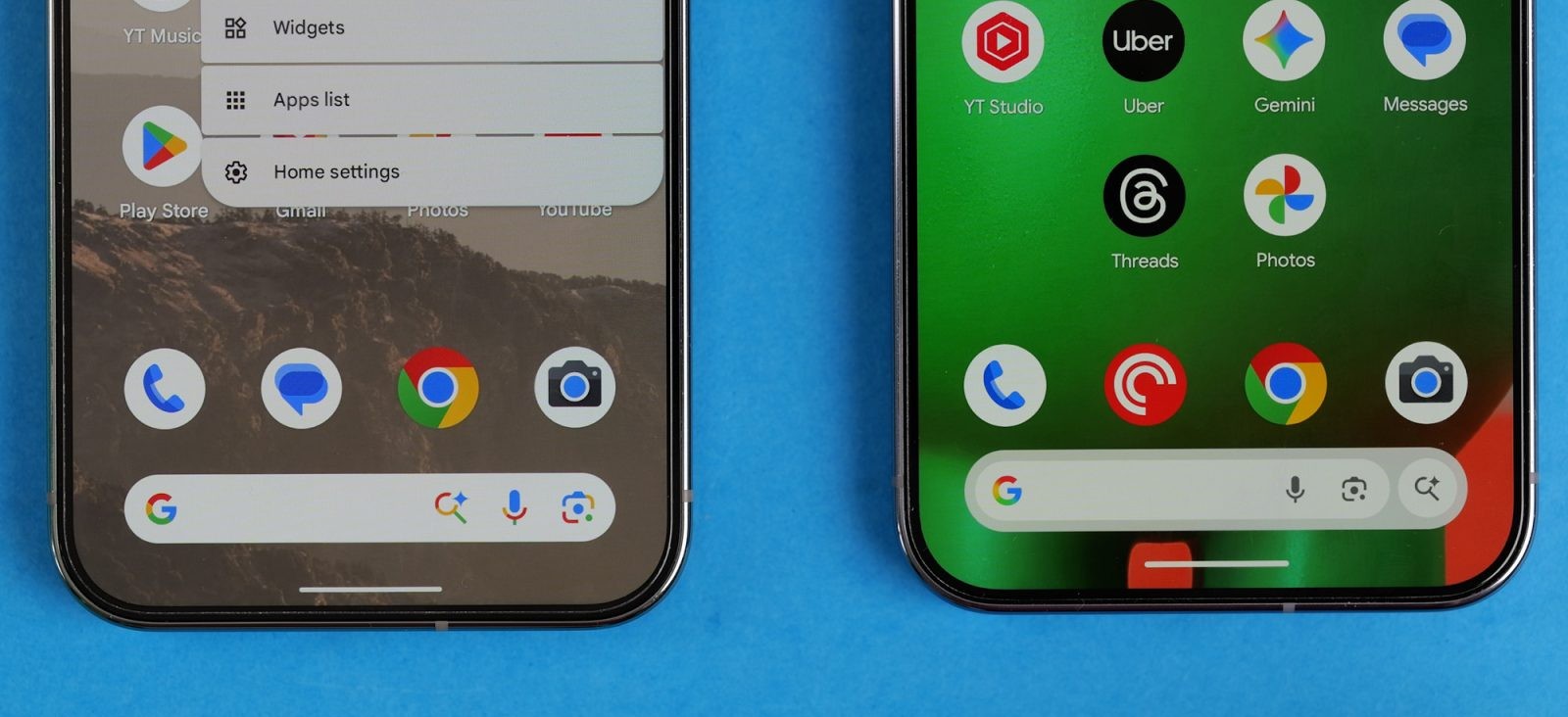
In an effort to improve clarity and selection speed, Chrome for Android now presents autofill suggestions—such as passwords, addresses, and payment methods—in a two-line format above the keyboard. This design allows users to quickly comprehend the content and select the appropriate option more efficiently.
Global Address Recognition Improvements
Google has made substantial advancements in recognizing and filling addresses worldwide. Notable updates include:
– Incorporation of ‘between streets’ descriptions in Mexico, enhancing address accuracy.
– Upcoming support for phonetic names in Japan, facilitating better pronunciation and understanding.
Integration with Google Wallet
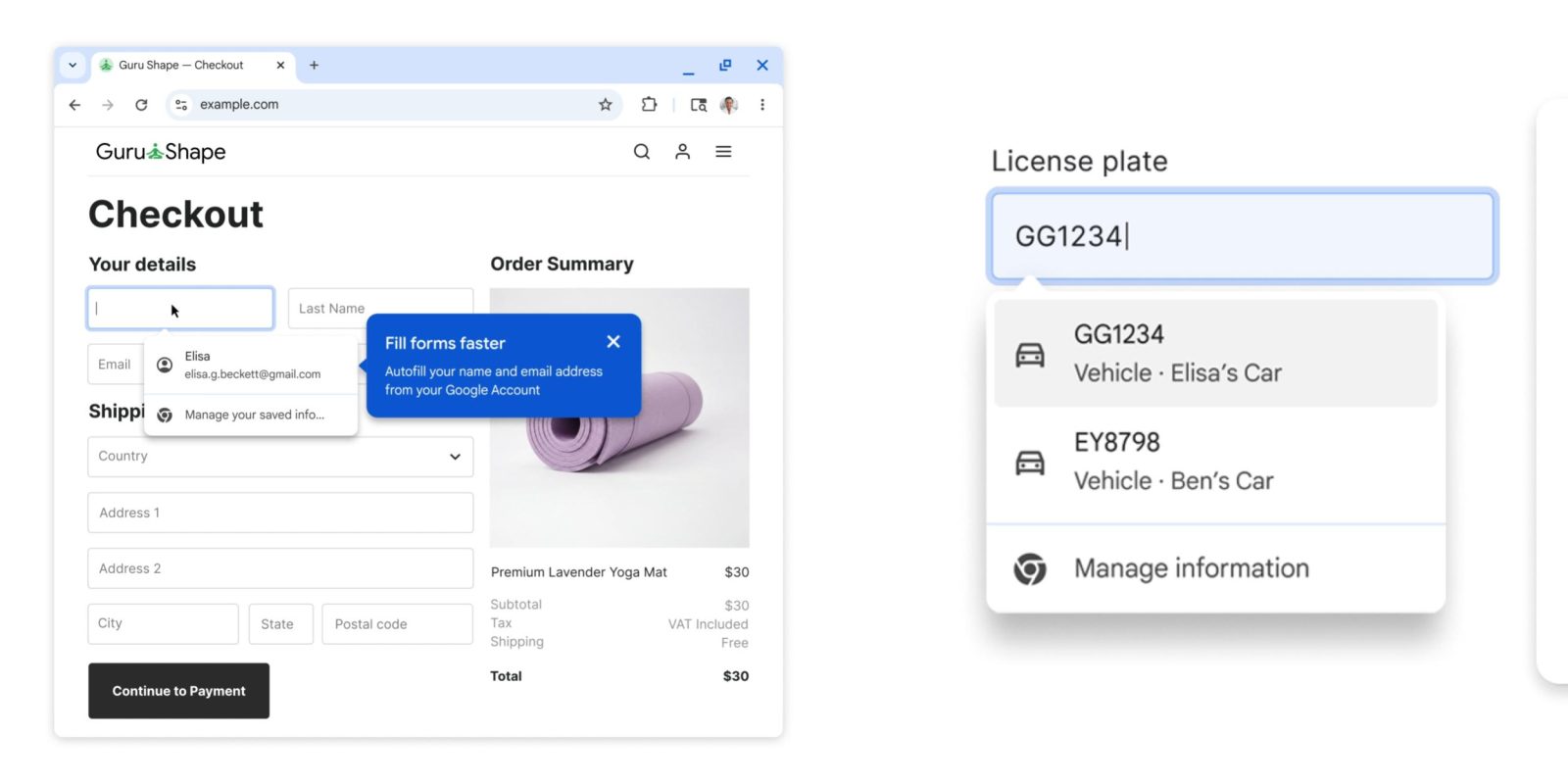
Chrome’s Autofill now integrates seamlessly with Google Wallet, enabling access to stored loyalty card numbers, travel details, and vehicle information. This integration simplifies the process of filling out forms that require such information.
For instance, when renting a car at the airport, Chrome can automatically retrieve flight confirmation numbers, dates, and other pertinent details from bookings saved in Google Wallet, streamlining the form-filling process.
This functionality is available on both desktop and Android versions of Chrome, with practical applications including:
– Utilizing existing loyalty card information to ensure reward points are earned without the need to present a physical card.
– Automatically filling in trip and vehicle details when booking flights or renting cars for travel.
– Saving and retrieving vehicle details for tasks such as obtaining insurance quotes or completing car rental agreements.
Utilization of Saved Home and Work Addresses
Chrome Autofill now leverages Home and Work addresses saved to users’ Google Accounts, facilitating quicker and more accurate form completion when shopping or ordering services online. This feature is currently rolling out across desktop, Android, and iOS platforms.
These updates reflect Google’s ongoing commitment to enhancing user convenience and efficiency in digital interactions.