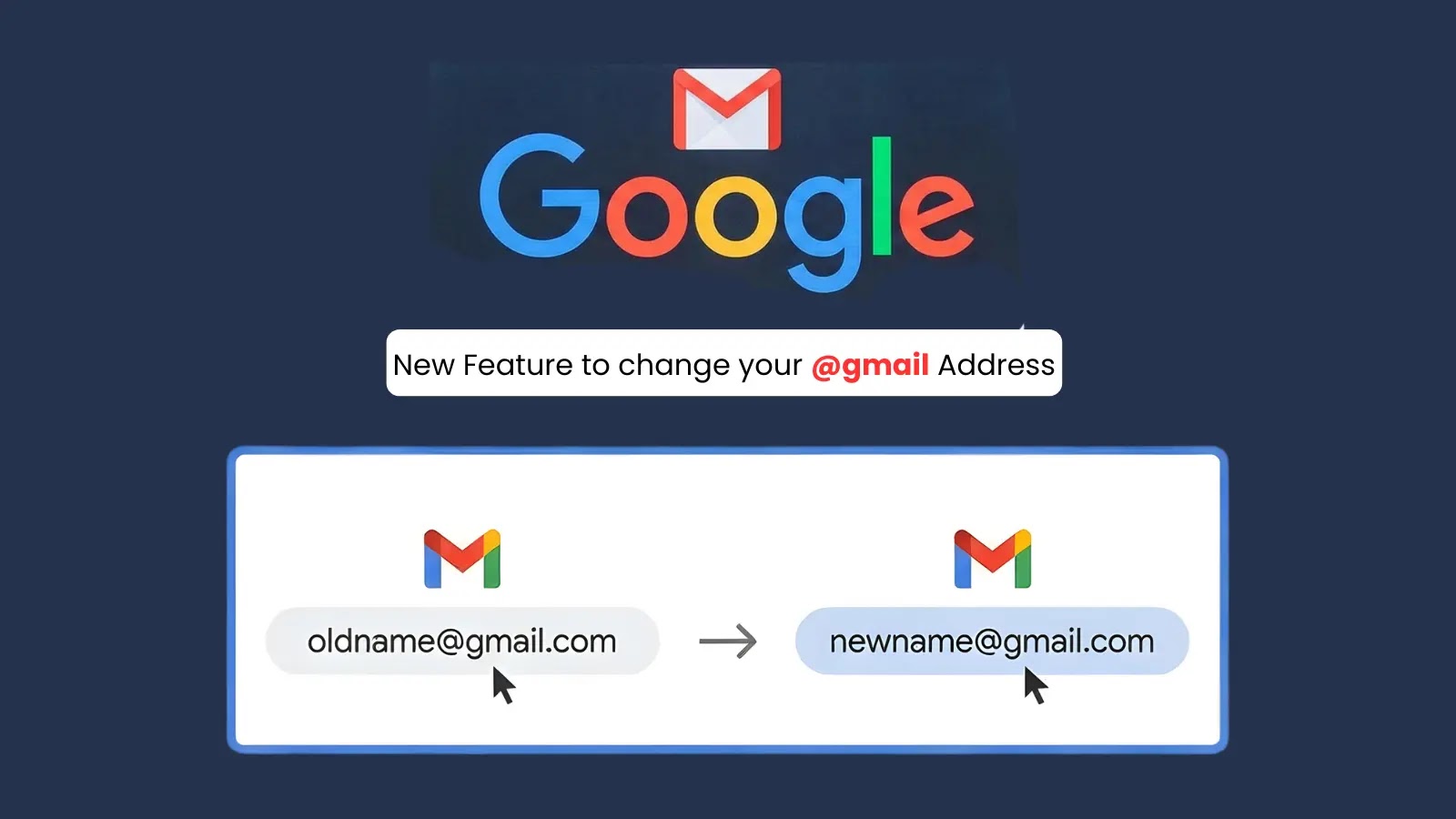
Google Introduces Long-Awaited Feature Allowing Users to Change @gmail.com Email Addresses
In a significant update, Google has begun rolling out a feature that enables users to change their primary @gmail.com email addresses without the need to create a new account. This development addresses a longstanding user request for greater flexibility in managing their digital identities.
Understanding the Update
Historically, altering a Gmail username required users to establish a new account, leading to potential data migration challenges and the loss of accumulated emails, contacts, and settings. With this new feature, users can now seamlessly update their email addresses while preserving all existing data and services.
How the Process Works
Upon changing the primary email address, the original address is converted into an alias. This ensures that emails sent to both the new and old addresses are delivered to the same inbox. Additionally, users can sign in to Google services using either email address, maintaining continuity across platforms.
Eligibility and Steps to Change Your Email Address
The feature is being introduced gradually and may not be immediately available to all users. To determine eligibility:
1. Navigate to [myaccount.google.com/google-account-email](https://myaccount.google.com/google-account-email) on a computer.
2. Select Personal Information from the left-hand menu.
3. Click on Google Account email under the Contact info section.
4. If the option Change your Google Account email address is available, you can proceed by entering a new, available username.
If the option is not visible, the feature may not yet be available for your account. It’s important to note that accounts managed by organizations, such as schools or workplaces, may require administrator approval for such changes.
Considerations and Potential Impacts
While this update offers enhanced flexibility, users should be aware of certain limitations and potential disruptions:
– Change Frequency: Once an email address is changed, users cannot create another new @gmail.com address for the same account for 12 months. However, reverting to the original address is possible at any time.
– Third-Party Services: Users who utilize Sign in with Google for external sites may need to re-authenticate or adjust settings after changing their email address.
– Device Synchronization: Devices like Chromebooks or services such as Chrome Remote Desktop may require reconfiguration post-change.
To mitigate potential issues, Google recommends backing up essential data and reviewing app settings before initiating the change.
Security Implications
Cybersecurity experts view this update as a positive step toward enhancing user control over digital identities. By allowing users to update outdated or easily guessable usernames, the feature can potentially reduce phishing risks. However, users are advised to verify changes carefully and ensure that recovery options are up to date to prevent unauthorized access.
Conclusion
Google’s introduction of the ability to change @gmail.com email addresses marks a significant improvement in user account management. By providing this flexibility, Google addresses a common user concern and enhances the overall user experience within its ecosystem.