Enhance Your Google Docs with Google Sans and Google Sans Flex Fonts
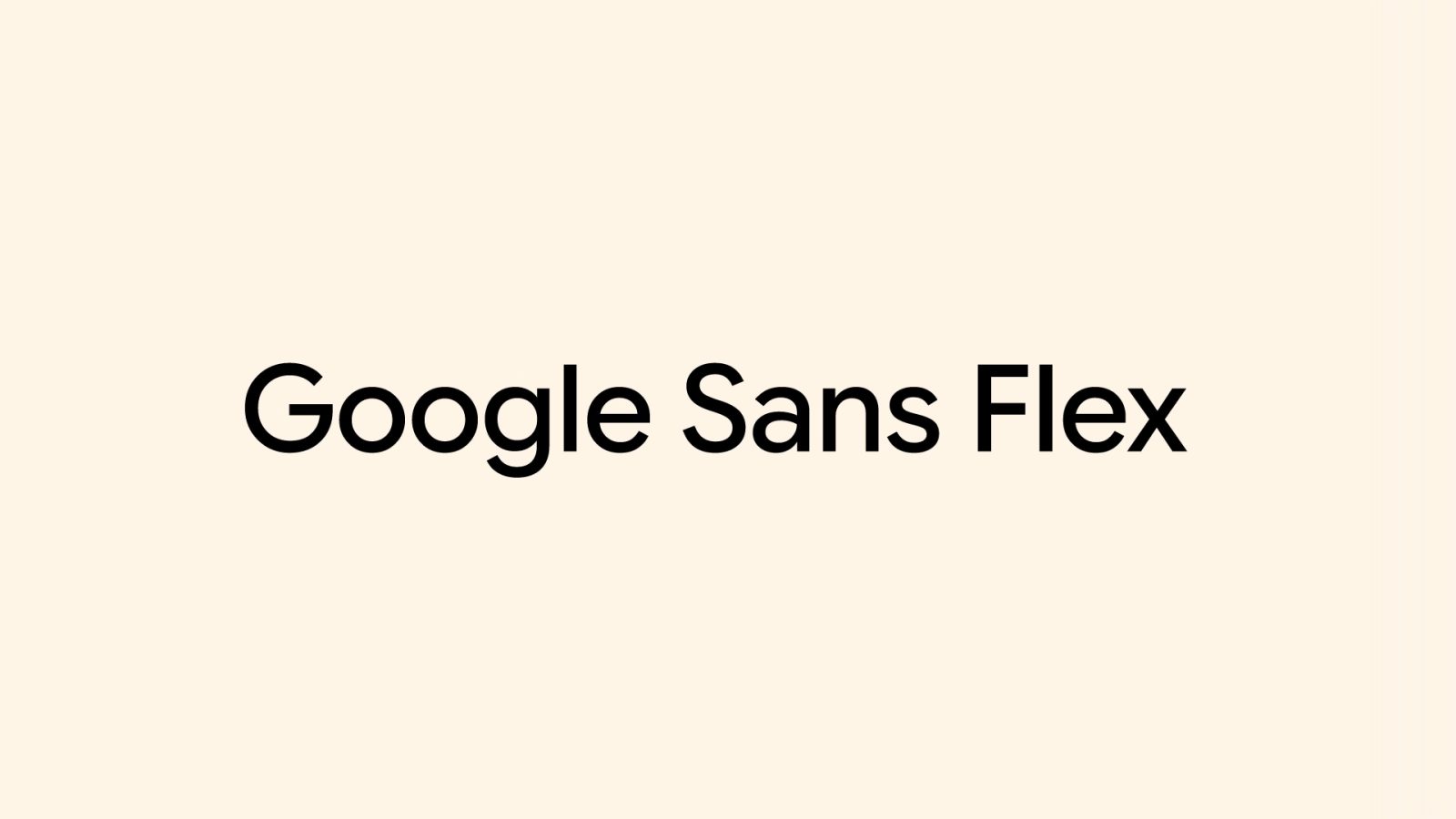
Google has recently made its proprietary fonts, Google Sans and Google Sans Flex, available for public use, allowing users to incorporate these distinctive typefaces into their Google Docs, Sheets, and Slides projects.
Background on Google Sans and Google Sans Flex
In 2015, Google introduced Product Sans as part of its logo redesign, aiming to create a cohesive and modern visual identity. Building upon this foundation, Google Sans was developed to optimize the font for user interfaces and smaller text sizes, making it a staple in various Google products, including Android devices.
To offer greater customization, Google later introduced Google Sans Flex. This variant allows for adjustments in weight, width, optical size, slant, grade, and roundedness, providing designers and users with enhanced flexibility to tailor the font to specific needs.
Open-Sourcing for Unified Design
By open-sourcing these fonts, Google aims to bridge the visual gap between its first-party applications and third-party apps. This initiative is intended to create a more unified experience across devices and platforms, resulting in clearer and more comfortable interfaces for users.
Integrating Google Sans and Google Sans Flex into Google Docs
Users can now easily add Google Sans, Google Sans Flex, and Google Sans Code (designed for coding purposes) to their documents. To do so:
1. Start a new document on the web by navigating to [docs.new](https://docs.new).
2. Click on the font dropdown in the toolbar.
3. Select More fonts at the top of the list.
4. In the search bar, type Google.
5. Choose Google Sans, Google Sans Flex, and/or Google Sans Code from the results.
Once added, these fonts will appear in your font dropdown menu for current and future documents, allowing for consistent and personalized typography across your projects.
Benefits of Using Google Sans and Google Sans Flex
Incorporating these fonts into your documents offers several advantages:
– Consistency Across Platforms: Utilizing the same fonts as Google’s own products ensures a cohesive look and feel, especially when integrating with other Google services.
– Enhanced Readability: Designed with user interfaces in mind, these fonts provide clear and legible text, improving the reading experience.
– Customization Options: With Google Sans Flex, users can fine-tune various font attributes to match specific design preferences or branding guidelines.
Conclusion
The availability of Google Sans and Google Sans Flex for public use marks a significant step in Google’s efforts to unify design aesthetics across platforms. By integrating these fonts into your Google Docs, Sheets, and Slides, you can achieve a professional and consistent appearance in your documents, aligning with Google’s design standards.