Google Play Store’s Hidden Updates: A Guide to Accessing System App Enhancements
In recent developments, Android users have encountered a perplexing issue: the Google Play Store is not displaying available updates for certain system-level applications, particularly when automatic updates are disabled. This phenomenon has raised concerns about device security and functionality, as users may inadvertently miss critical updates.
Understanding the Issue
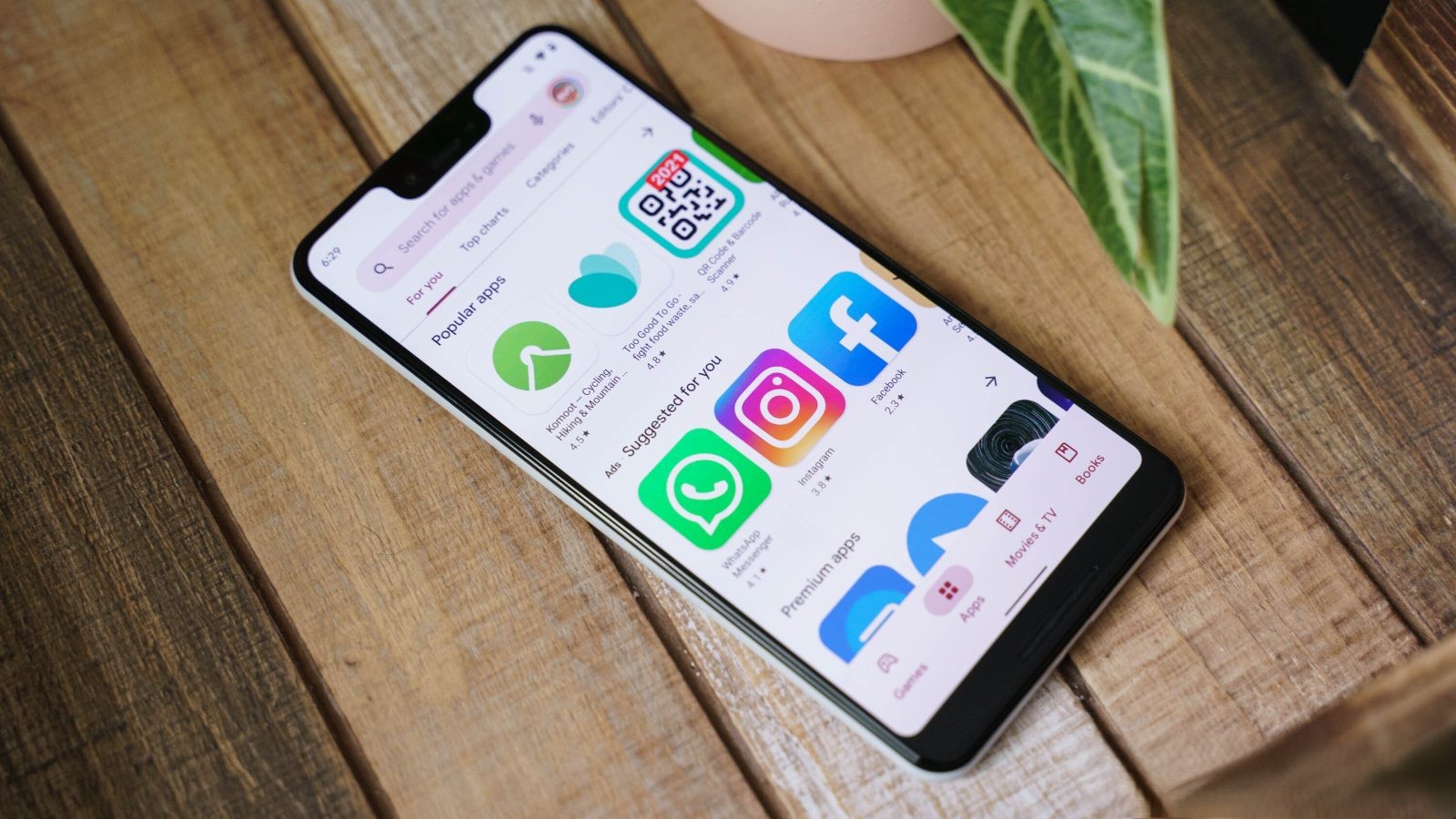
Traditionally, the Play Store’s Pending downloads section lists all apps with available updates, allowing users to manage them efficiently. However, a growing number of users have reported that specific system apps do not appear in this list, even when updates are available. This anomaly primarily affects users who have chosen to disable automatic updates, relying instead on manual checks to keep their apps current.
Impacted Applications
Several essential Google applications have been identified as affected by this issue. Notably, these apps do not show up in the Pending downloads list but will display an Update button when their individual Play Store listings are accessed directly. The affected apps include:
– Android Switch: Facilitates data transfer between devices.
– Google Clock: Recently updated to version 8.5, introducing a swipe to dismiss feature.
– Google Wi-Fi Provisioner: Manages Wi-Fi configurations and provisioning.
– Pixel Camera: Updated to version 10.2.095.854411128.10 as of January 20, enhancing camera functionalities.
– Pixel Weather: Provides weather updates and forecasts.
– VPN by Google: Ensures secure internet connections.
– YouTube: The popular video-sharing platform.
– YouTube Music: Music streaming service.
Potential Causes
The root cause of this issue remains unclear. It could be a bug within the Play Store or an intentional change in behavior. Historically, certain system-level applications, such as Google Play Services, have been updated automatically without appearing in the Pending downloads list. This approach ensures that critical updates are applied seamlessly. However, extending this behavior to other system apps without clear communication can lead to confusion among users who prefer manual control over updates.
Implications for Users
For users who have disabled automatic updates, this issue poses several challenges:
– Missed Updates: Users may remain unaware of available updates, potentially missing out on new features, performance improvements, and security patches.
– Security Risks: Outdated apps can become vulnerable to security threats, compromising user data and device integrity.
– Manual Intervention Required: Users must proactively check each app’s Play Store listing to identify and install updates, a time-consuming and inefficient process.
Recommended Actions
To mitigate the impact of this issue, users can consider the following steps:
1. Enable Automatic Updates: By allowing the Play Store to update apps automatically, users can ensure that all applications, including system-level ones, receive timely updates. To enable this feature:
– Open the Play Store app.
– Tap on the profile icon in the top-right corner.
– Navigate to Settings > Network preferences > Auto-update apps.
– Select Over any network or Over Wi-Fi only, based on your preference.
2. Regularly Check Individual App Listings: For users who prefer manual updates, it’s advisable to periodically visit the Play Store listings of essential system apps to check for available updates.
3. Monitor Official Communications: Stay informed by following official channels and forums where Google may provide updates or explanations regarding this issue.
Conclusion
The absence of system app updates in the Play Store’s Pending downloads list underscores the importance of proactive app management. Whether this behavior is a bug or an intentional change, users must adapt their update strategies to maintain device security and functionality. By enabling automatic updates or regularly checking individual app listings, users can ensure their devices remain up-to-date and secure.