Enhancing Your Pixelsnap Charger: A Comprehensive Guide to Firmware Updates
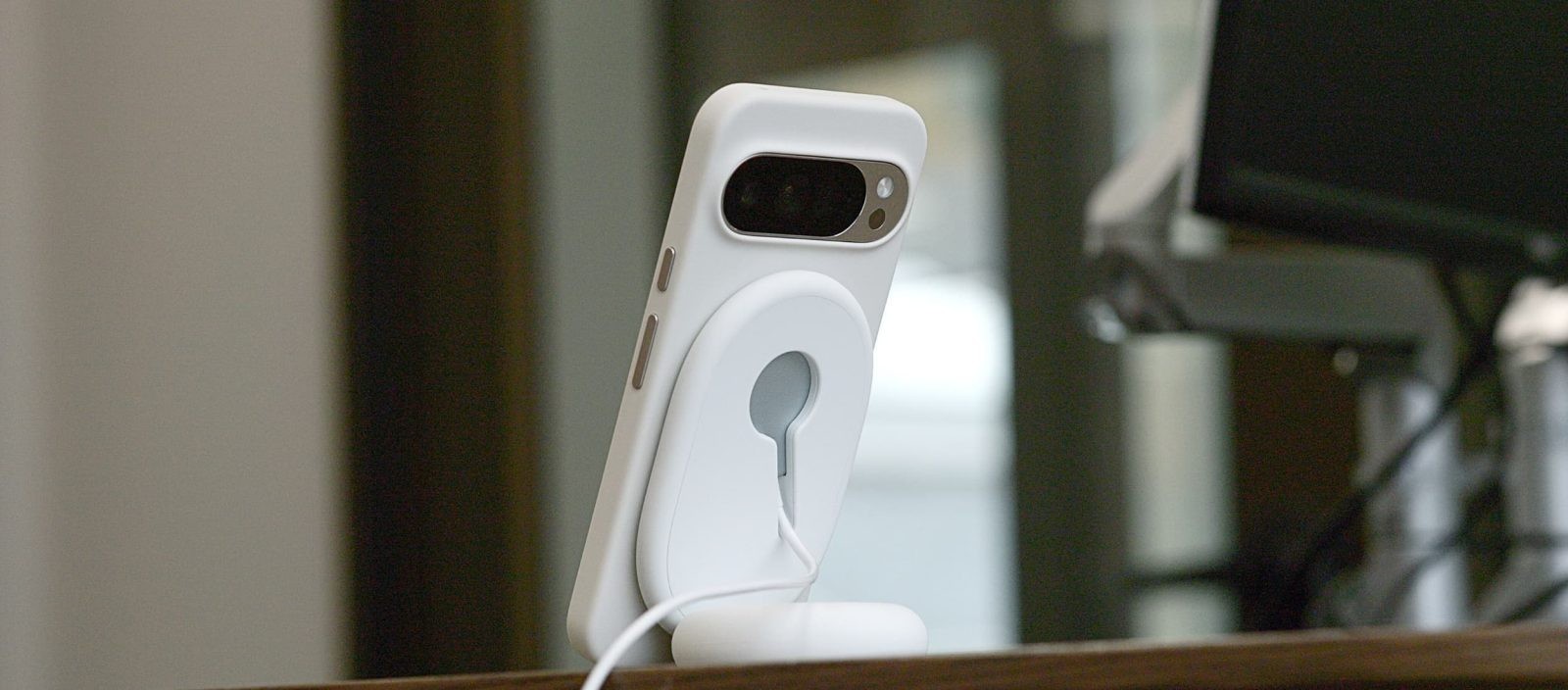
Google’s Pixelsnap Charger has become an essential accessory for Pixel device users, offering efficient wireless charging capabilities. To ensure optimal performance and compatibility with the latest Qi standards, Google provides firmware updates for the Pixelsnap Charger. These updates can be applied automatically or manually, depending on your device and preferences.
Automatic Firmware Updates for Pixel Users
For those using a Pixel smartphone, the Pixelsnap Charger is designed to update its firmware seamlessly during regular charging sessions. This process occurs in the background, ensuring that your charger remains up-to-date without any manual intervention. To verify the current firmware version of your Pixelsnap Charger:
1. Navigate to Settings on your Pixel device.
2. Select Connected devices.
3. Choose your Pixelsnap Charger from the list.
The latest firmware version available is 1.51.0. If your charger displays this version, it is operating with the most recent updates.
Manual Firmware Updates for Non-Pixel Users
If you own a Pixelsnap Charger but do not use a Pixel smartphone, Google offers a manual update method to ensure your charger remains current:
1. Device Compatibility: Ensure you have an Android device running version 16 or higher.
2. Connect the Charger: Insert the USB-C end of the Pixelsnap Charger into your Android device.
3. Access the Update Site: Open the Chrome browser on your device and visit [pixel.google.com/pixelsnap](https://pixel.google.com/pixelsnap).
4. Follow On-Screen Instructions: The website will guide you through the process of checking your current firmware version and installing any available updates.
Please note that this manual update process is designed specifically for mobile devices and will not function on desktop browsers.
Importance of Firmware Updates
Regular firmware updates are crucial for maintaining the performance and compatibility of your Pixelsnap Charger. These updates address potential issues, enhance charging efficiency, and ensure alignment with the latest Qi wireless charging standards. By keeping your charger updated, you can:
– Enhance Performance: Experience faster and more reliable charging sessions.
– Ensure Compatibility: Maintain seamless operation with new devices and accessories.
– Improve Security: Benefit from patches that protect against potential vulnerabilities.
Additional Features and Accessories
The Pixelsnap Charger is part of a broader ecosystem of accessories designed to enhance the Pixel experience. For instance, the Pixel 10 series introduced an upgraded screensaver mode that activates when the device is connected to the Pixelsnap Charger. This feature offers various display options, including:
– Home Controls: Quick access to smart home devices.
– Pixel Weather: Current weather forecasts at a glance.
– Clock Displays: Analog and digital clock options.
– Wallpaper Showcase: Display your favorite images while charging.
Additionally, Google has expanded its accessory lineup to include the Pixel Flex Dual Port charger. This device offers a combined 67W PPS output and can prioritize charging for Pixel devices, ensuring efficient power delivery even when multiple devices are connected.
Addressing Common Issues
Some users have reported issues with wireless charging on the Pixel 10 series, such as intermittent charging or reduced speeds. These problems can often be mitigated by:
– Ensuring Firmware is Up-to-Date: Regular updates can resolve known issues.
– Using Compatible Accessories: Ensure that your charger and device are compatible and properly aligned.
– Checking for Obstructions: Remove any cases or objects that might interfere with the charging connection.
Conclusion
Maintaining the firmware of your Pixelsnap Charger is essential for optimal performance and compatibility. Whether through automatic updates on Pixel devices or manual updates on other Android devices, staying current ensures a seamless and efficient charging experience. Additionally, exploring the range of compatible accessories can further enhance your device’s functionality and user experience.