Google Pixel’s March Update Alters Image Selection in Recents Menu
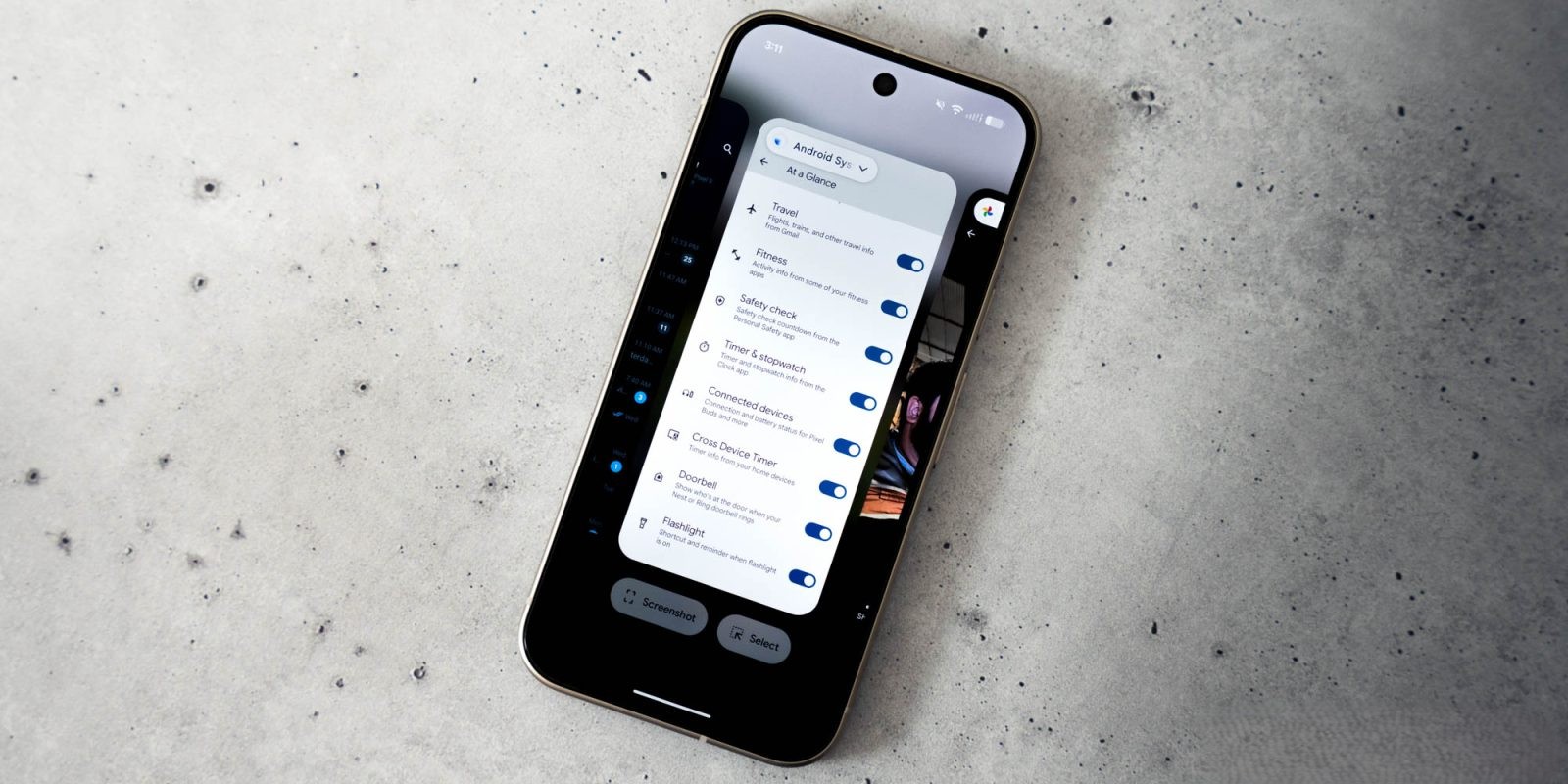
In March 2026, Google released an update for its Pixel devices that introduced significant changes to the Recents menu’s image selection functionality. Previously, Pixel users could effortlessly select images from the Recents menu, granting them options to copy, share, save, or analyze the image using Google Lens. This feature, introduced over five years ago, allowed users to interact with images without fully opening the respective applications.
With the latest update, the process has been streamlined but at the cost of certain functionalities. Now, when users select an image in the Recents menu, the system automatically opens the share interface, bypassing the previous options to save the image directly or access Google Lens. While users can still share the image or copy it through the share menu, the direct save option has been removed, requiring additional steps to achieve the same result.
This change has sparked discussions among the Pixel community. Some users appreciate the simplified sharing process, while others miss the convenience of the direct save and Google Lens options. The removal of the direct save feature means that users now need to share the image to another application, such as Google Photos or Files by Google, to save it, adding extra steps to a previously straightforward process.
The rationale behind this modification remains unclear. It’s possible that Google aims to encourage users to utilize the share menu more extensively or to integrate image handling more seamlessly with other applications. However, for users accustomed to the previous functionality, this change represents a notable shift in user experience.
In addition to the changes in image selection, some users have reported inconsistencies in text selection within the Recents menu. While the ability to highlight and copy text remains, certain users have noted that text cannot be highlighted without first tapping the Select button, indicating potential variations in user experience across different devices.
As with any software update, user feedback is crucial. Google may consider revisiting these changes in future updates, especially if a significant portion of the user base expresses dissatisfaction. For now, Pixel users will need to adapt to the new image selection process or explore alternative methods to manage their images efficiently.