Google’s Pixel Launcher to Revolutionize Home Screen Customization with Automated Layouts
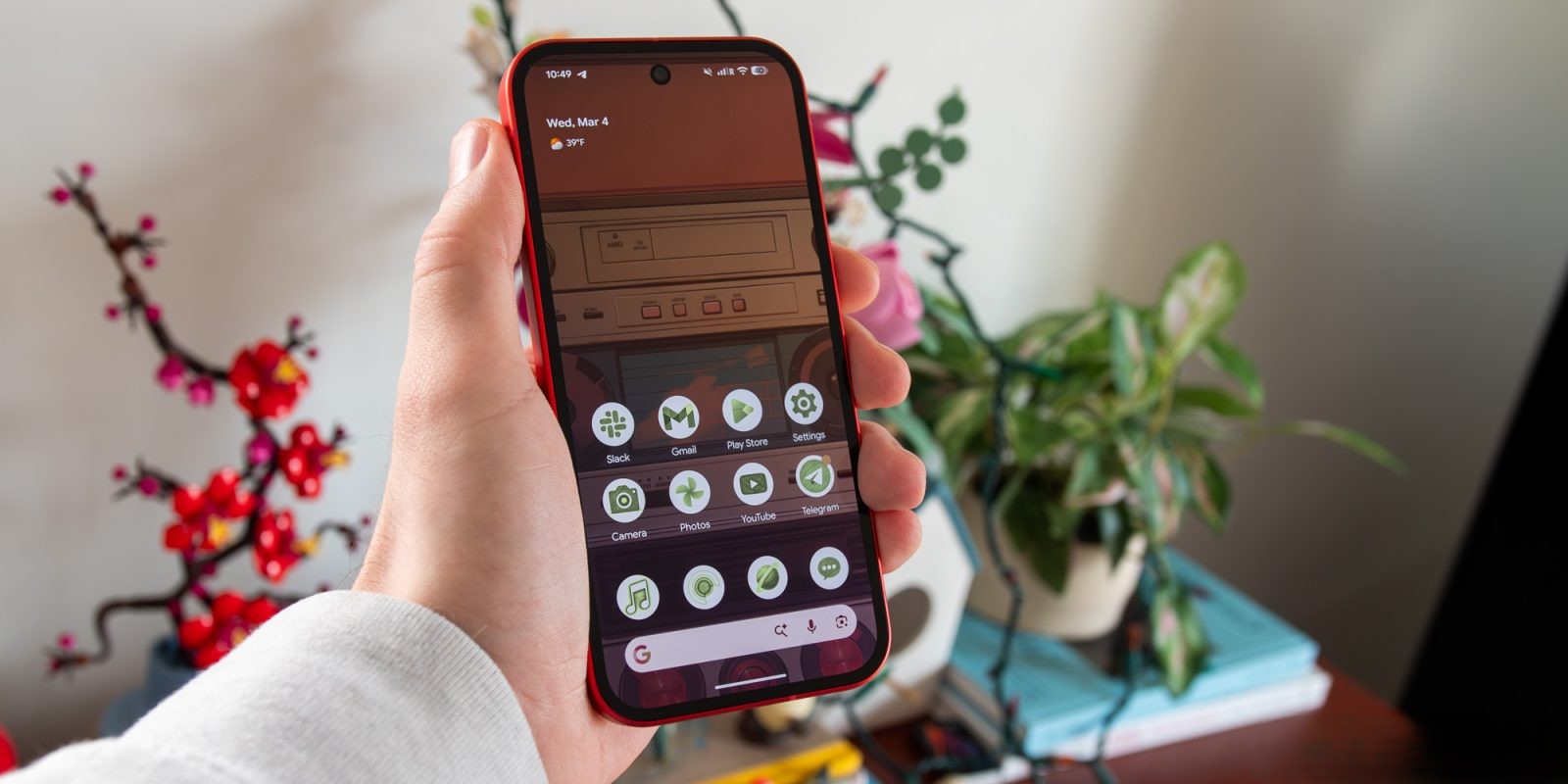
Google’s latest Android 17 Beta 3 introduces a groundbreaking feature in the Pixel Launcher, aiming to simplify and enhance home screen customization for Pixel users. This innovative tool is designed to automatically populate home screens with suggested apps, widgets, and layouts, streamlining the setup process and offering a personalized user experience.
Overview of the New Feature
Traditionally, setting up a home screen involves manually selecting and arranging apps and widgets—a process that can be time-consuming and cumbersome. Recognizing this, Google is developing a feature that allows users to create new home screen pages by selecting from various app categories. Once a category is chosen, the Pixel Launcher will automatically populate the page with relevant applications and widgets, eliminating the need for manual arrangement.
Current Development Status
As reported by Android Authority, this feature is still in its early stages of development. The current user interface includes placeholders and unfinished elements, indicating that it may not be ready for the final release of Android 17. Despite its nascent state, the potential impact on user experience is significant, promising a more efficient and personalized approach to home screen customization.
Functionality and User Experience
The envisioned functionality involves users selecting from predefined app categories such as Games, Health & Fitness, Productivity, Travel, and Social. Additionally, a Most Used option will be available, allowing users to create a page populated with their frequently accessed apps. After selecting a category, users can choose from various layout options before finalizing their new home screen page.
This approach leverages Play Store categories to determine which applications and widgets are added, ensuring relevance and personalization. By automating the arrangement process, Google aims to reduce the time and effort users spend on organizing their home screens, making it more accessible for individuals who prefer a streamlined setup.
Comparison with Existing Features
The introduction of this feature marks a significant evolution in home screen customization. Previously, users had to manually drag and drop apps and widgets from the app drawer to the home screen, a method that, while offering complete control, could be tedious. The new automated system maintains user control by allowing category and layout selection while simplifying the overall process.
Moreover, this development brings to Pixel devices a functionality reminiscent of features found in other Android skins and custom launchers, where users can view all home screen pages on a single grid and easily rearrange or delete them. This addition addresses a long-standing request from users seeking more efficient home screen management.
Potential Impact on User Engagement
By reducing the complexity of home screen setup, this feature is likely to enhance user engagement and satisfaction. New users, in particular, may find it easier to personalize their devices, leading to a more enjoyable onboarding experience. For existing users, the ability to quickly create themed pages based on their interests or needs can make their devices more functional and tailored to their lifestyles.
Integration with Other Pixel Launcher Enhancements
This development aligns with Google’s ongoing efforts to enhance the Pixel Launcher. Recent updates have introduced features such as the ability to search for Quick Settings Tiles directly from the launcher, providing quicker access to system settings. Additionally, the integration of the Google app with the Pixel Launcher search bar has streamlined the search experience, offering a more cohesive interface.
The automated home screen design feature complements these enhancements by focusing on personalization and ease of use. Together, these updates reflect Google’s commitment to refining the user experience on Pixel devices, making them more intuitive and user-friendly.
Anticipated Release and Future Prospects
Given the current development stage, it is uncertain whether this feature will be included in the final release of Android 17. However, its presence in the beta suggests that Google is actively exploring its potential. It is possible that the feature will debut alongside the Pixel 11 series later this year, potentially as part of a subsequent Android 17 Quarterly Platform Release (QPR) update.
The introduction of automated home screen design represents a significant step forward in mobile user interface customization. By leveraging automation and user preferences, Google aims to provide a more personalized and efficient experience for Pixel users. As development progresses, this feature has the potential to set a new standard for home screen management on Android devices.
Conclusion
Google’s initiative to automate home screen design in the Pixel Launcher signifies a thoughtful response to user needs for simplicity and personalization. While still in development, this feature promises to transform how users interact with their devices, offering a balance between automation and user control. As we await further updates, the prospect of a more intuitive and customized home screen experience is an exciting development for the Android community.