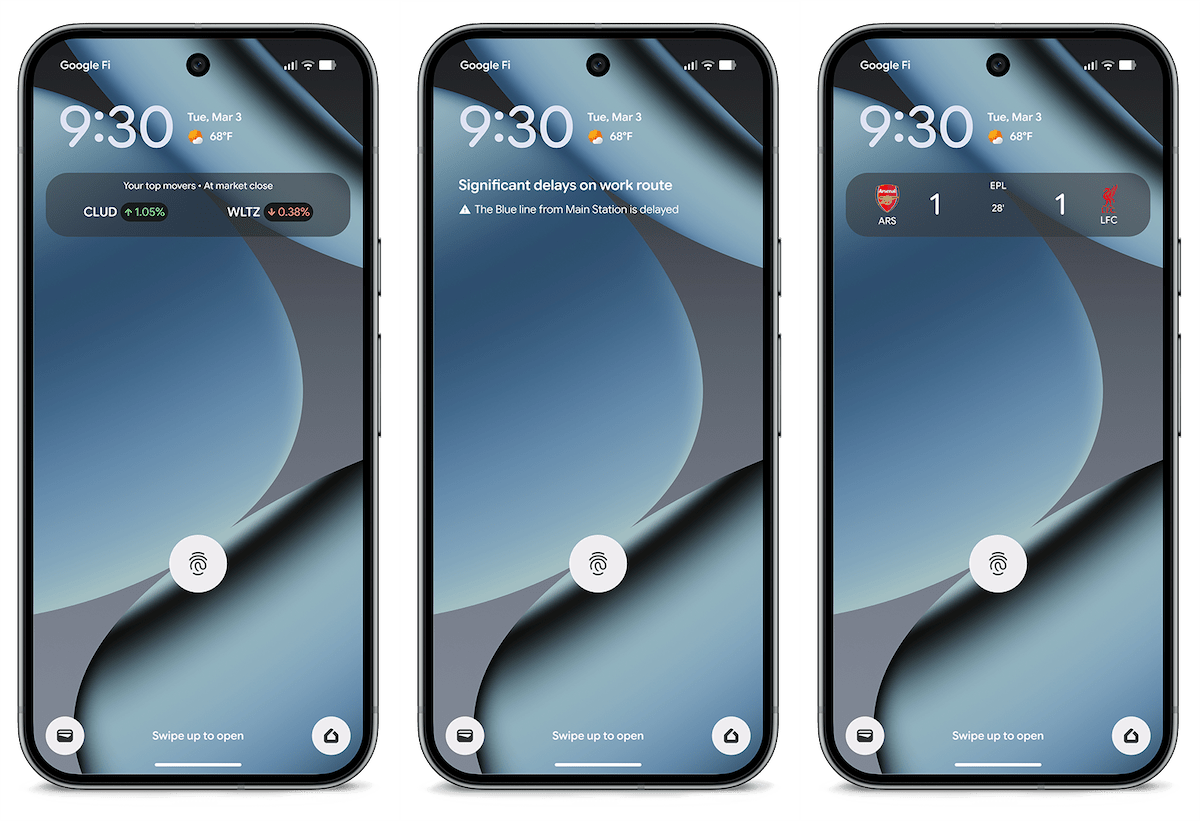
Google Pixel Introduces ‘Transit Mode’ and Real-Time Commute Updates in ‘At a Glance’
Google has unveiled two significant enhancements for Pixel users: the introduction of ‘Transit Mode’ and the integration of real-time commute updates into the ‘At a Glance’ feature. These updates aim to streamline the commuting experience by providing timely information and personalized settings.
Understanding ‘Transit Mode’
‘Transit Mode’ is a new addition to the Pixel’s suite of modes, joining existing options like Do Not Disturb, Bedtime, and Driving. This mode is designed to automatically adjust your device’s settings to enhance your commuting experience.
Accessing ‘Transit Mode’
To activate ‘Transit Mode’:
1. Navigate to Settings on your Pixel device.
2. Select Modes.
3. Choose Transit from the list of available modes.
Customizing ‘Transit Mode’ Settings
Within ‘Transit Mode,’ users can tailor various settings:
– Notification Filters: Manage which notifications you receive during transit by adjusting settings for People, Apps, and Alarms.
– Display Preferences: Modify screen settings to suit your commuting environment.
– Volume Settings: Set your device to Sound on, Vibrate only, or Silent during transit.
– Bluetooth Connectivity: Ensure Bluetooth is activated to seamlessly connect with wireless headphones or other devices.
Setting Up Real-Time Commute Notifications
To receive real-time updates about your commute:
1. In the ‘Transit Mode’ settings, scroll to App Settings.
2. Tap on Set up commute notifications.
3. Follow the prompts to:
– Confirm your home and work addresses.
– Enable Google Maps Timeline (Location History).
– Allow precise background location access for the Maps app.
Once configured, ‘At a Glance’ will display real-time updates on your lock screen and home screen, including departure times, delays, and alternative routes.
Learning Period for Commute Patterns
Google notes that it may take 2–3 weeks for commute information to appear after the initial setup, as Google Maps requires time to learn your commuting patterns.
Availability
As of March 30, 2026, these features are rolling out widely on devices running Android 16 QPR3 and the Android 17 Beta in the United States. The functionality is available globally, excluding Europe and the UK, for Pixel 7 and newer models.
Enhancing the Commuting Experience
These updates reflect Google’s commitment to enhancing user experience by providing timely and relevant information. By integrating real-time commute updates and customizable settings, Pixel users can enjoy a more informed and personalized commuting experience.