Google Photos Introduces Floating Toolbar for Enhanced Navigation
Google Photos is undergoing a significant redesign, introducing a floating toolbar to replace the traditional bottom navigation bar. This update, initially rolling out on iOS, aligns with Google’s broader adoption of the Material 3 Expressive design language across its suite of applications.
Design and Functionality
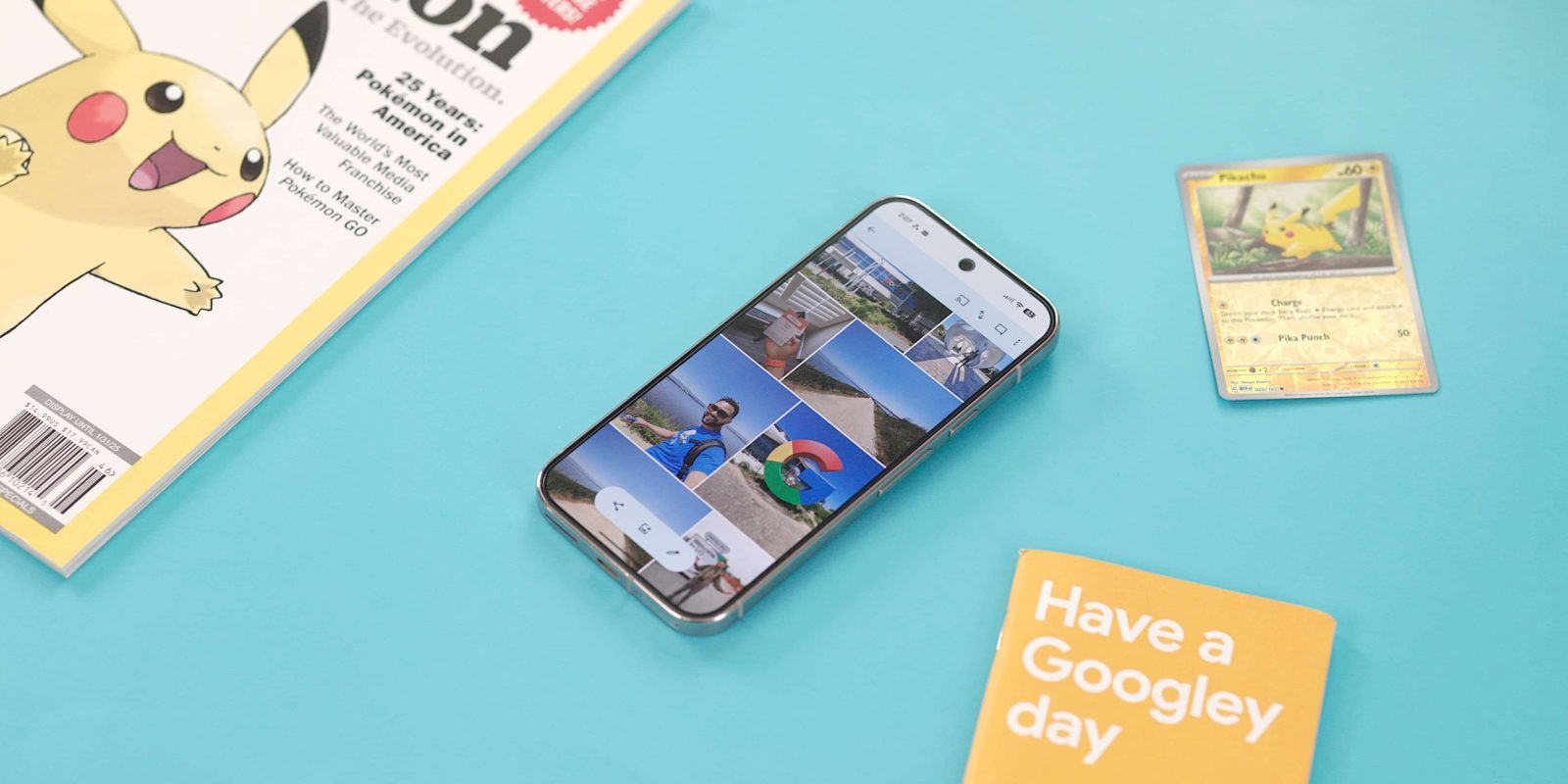
The new floating toolbar is encapsulated within a pill-shaped container, providing access to key sections: Photos, Collections, and Create. When a specific tab is active, an accompanying icon appears on the left side of the toolbar, offering visual confirmation of the selected section. On the right side, a floating action button (FAB) facilitates quick access to Search or the AI-powered Ask feature.
Unlike the previous bottom bar, this floating toolbar remains persistent and does not auto-hide upon scrolling. Its placement ensures that users can view their images without obstruction, enhancing the overall browsing experience.
Alignment with Material 3 Expressive Guidelines
According to the Material 3 Expressive guidelines, floating toolbars are designed to house frequently used actions relevant to the current page rather than serve as primary navigation components. For instance, in email applications, such a toolbar might include actions like archive and delete. In Google Photos, a correct implementation of this design can be observed in the Albums section, where the floating toolbar provides contextual actions pertinent to the content displayed.
Historical Context and Broader Adoption
Google’s experimentation with floating toolbars isn’t new. The company introduced a similar design in Google Chat two years ago, utilizing it for navigation purposes. The current rollout in Google Photos signifies a broader shift towards this design paradigm, emphasizing a cleaner and more intuitive user interface.
This redesign is part of a series of updates aimed at enhancing user experience. For example, in August 2025, Google Photos introduced a new viewer on Android, featuring a simplified and modern UI with a light background theme. This update also included pill-shaped badges for categorizing photos and managing photo stacks and bursts. Additionally, in June 2025, the Albums view was redesigned to incorporate the Material 3 Expressive toolbar, consolidating actions like Share, Add photos, and Edit into a floating toolbar, resulting in a more fullscreen experience.
Current Rollout and Future Expectations
As of now, the floating toolbar is being deployed on iOS devices running version 7.63 of Google Photos. Users can expect a more streamlined and visually appealing interface that aligns with Google’s latest design standards. While the update is currently limited to iOS, it is anticipated that Android users will receive the redesign in subsequent updates, ensuring a consistent experience across platforms.
This move reflects Google’s commitment to evolving its applications in line with contemporary design principles, aiming to provide users with interfaces that are both functional and aesthetically pleasing.