Google Photos Introduces Personalized Sticker Creation on Android Devices
Google Photos has unveiled a new feature for Android users, enabling the creation of personalized stickers directly from their photos. This functionality, which debuted on iOS in August 2025, allows users to transform subjects within their images—such as people, pets, or objects—into unique stickers without the need for additional tools or applications.
How to Create Stickers in Google Photos:
1. Open the App: Launch Google Photos on your Android device.
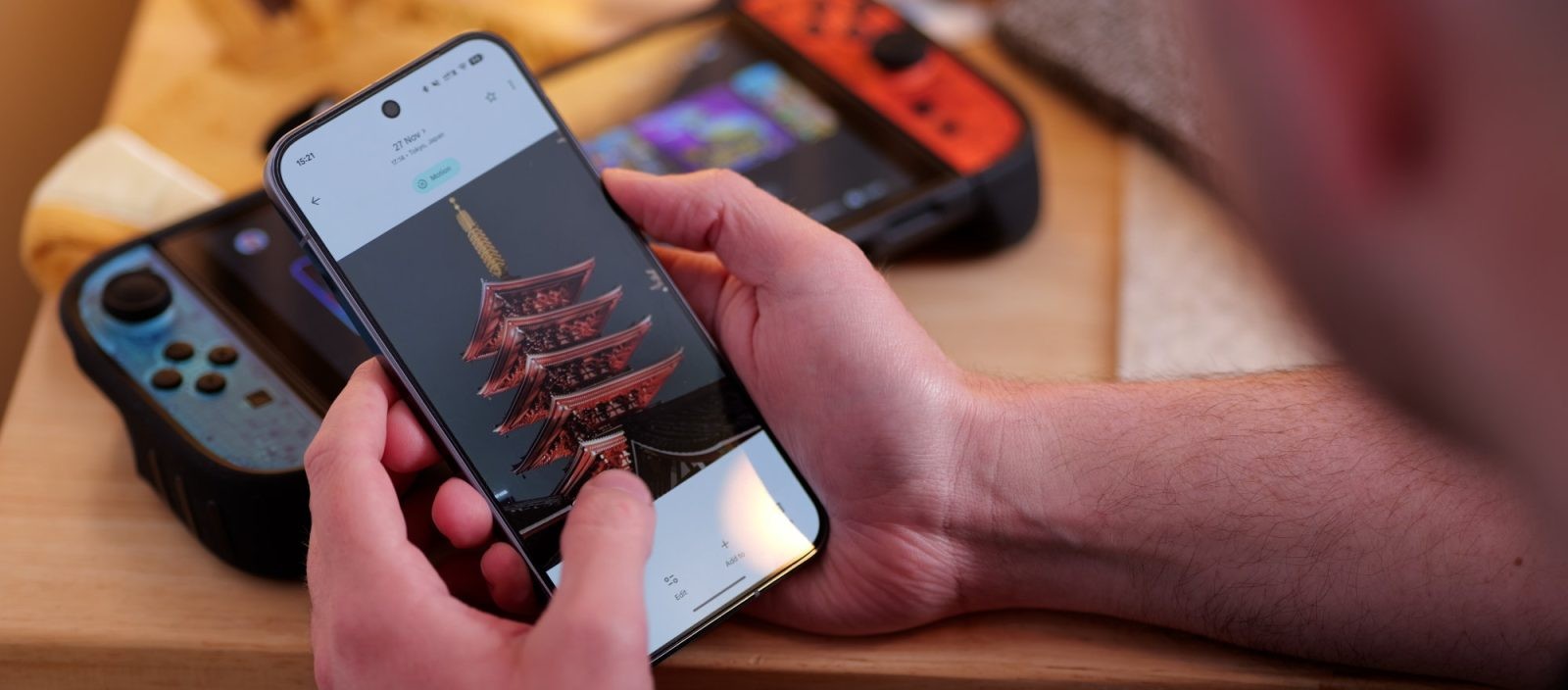
2. Select a Photo: Choose an image from your library.
3. Identify the Subject: A shimmer effect will highlight the main subject of the photo, indicating it can be converted into a sticker.
4. Create the Sticker: Press and hold the highlighted subject to generate the sticker.
5. Choose an Action:
– Copy: Tap Copy to place the sticker on your clipboard.
– Share: Tap Share to send the sticker via apps like WhatsApp or Instagram.
For optimal results, it’s recommended to use photos where the subject is clearly defined against the background. This feature is compatible with most Android devices running the latest version of Google Photos (version 7.64) and equipped with at least 4 GB of RAM.
In the near future, Google plans to introduce a Stickers section within the Collections tab, allowing users to access and reuse previously created stickers without recreating them each time.
This update aligns with Google’s ongoing efforts to enhance user experience by integrating creative tools directly into their applications, eliminating the need for third-party software.