Google Messages Unveils Enhanced Photo Viewer for a Modernized Messaging Experience
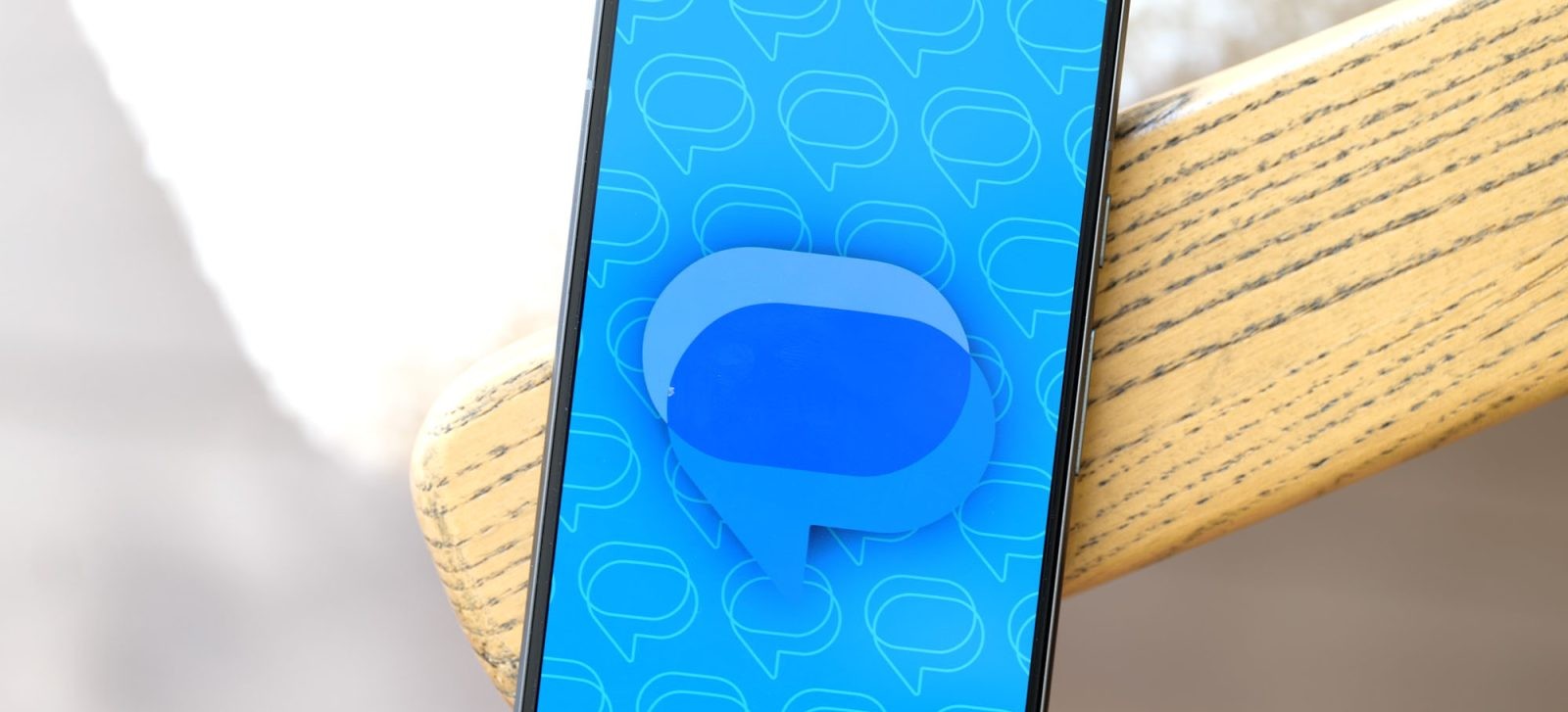
Google Messages has introduced a significant update to its photo viewer, aiming to provide users with a more immersive and streamlined experience when viewing media within conversations. This enhancement reflects Google’s ongoing commitment to refining its messaging platform to meet user expectations and modern design standards.
Key Features of the Redesigned Photo Viewer:
1. Fullscreen Media Display: Upon selecting an image or video within a conversation, users are now presented with a fullscreen viewer. This design choice minimizes distractions, allowing for a more focused viewing experience.
2. Seamless Navigation: Adjacent media items from the conversation are subtly indicated on the left and right edges of the screen. Users can effortlessly swipe to navigate through these media files, enhancing the fluidity of the viewing process.
3. Aesthetic Enhancements: The background of the viewer adopts a blurred version of the current media, creating a visually appealing backdrop that emphasizes the content. The media itself is displayed with elegantly curved corners, adding a touch of sophistication to the interface.
4. Integrated Remix Feature: A notable addition is the inclusion of Nano Banana’s Remix shortcut. This feature allows users to engage with media in creative ways, such as applying filters or making quick edits, directly within the viewer.
5. Comprehensive Information Display: The top section of the viewer provides essential details, including the sender’s name and the timestamp of the media. Additionally, users have quick access to options like downloading or deleting the media. An overflow menu offers further actions such as forwarding, sharing, starring, and viewing detailed information about the media file.
6. Interactive Engagement: At the bottom of the viewer, a row of emojis, including the innovative Photomoji, is available for users to react to media. A dedicated button opens the full emoji picker, allowing for a wide range of expressive responses. Furthermore, a comment count displayed in the bottom-left corner enables users to view and participate in inline discussions related to the media.
Enhanced Media Grouping in Conversations:
In addition to the viewer redesign, Google Messages has improved how images sent simultaneously are displayed within conversations. Initially, these images appear individually as they are received or sent. However, upon revisiting the conversation or if the app was not active during the reception, the images are now grouped together. This approach results in a more organized and compact conversation view, reducing clutter and enhancing readability.
Availability and Rollout:
The updated photo viewer is being progressively introduced to both stable and beta versions of Google Messages. Users are encouraged to ensure their app is updated to the latest version to experience these enhancements. This redesign has been in development and testing since June, reflecting Google’s dedication to delivering a polished and user-centric update.
Additional Camera Interface Refinement:
Alongside the photo viewer enhancements, Google has made a subtle yet impactful tweak to the fullscreen camera interface within the app. The bottom corners of the camera viewfinder are now rounded, aligning with the overall aesthetic improvements and providing a cohesive visual experience. This particular update is currently available in the beta channel, with plans for a broader rollout in the near future.
Conclusion:
The latest updates to Google Messages’ photo viewer and camera interface signify a thoughtful evolution of the app’s design and functionality. By focusing on user engagement and aesthetic refinement, Google continues to enhance the messaging experience, ensuring it remains intuitive, visually appealing, and aligned with modern user expectations.