Google’s Expressive Calling: Enhancing Urgent Communication in the Phone App
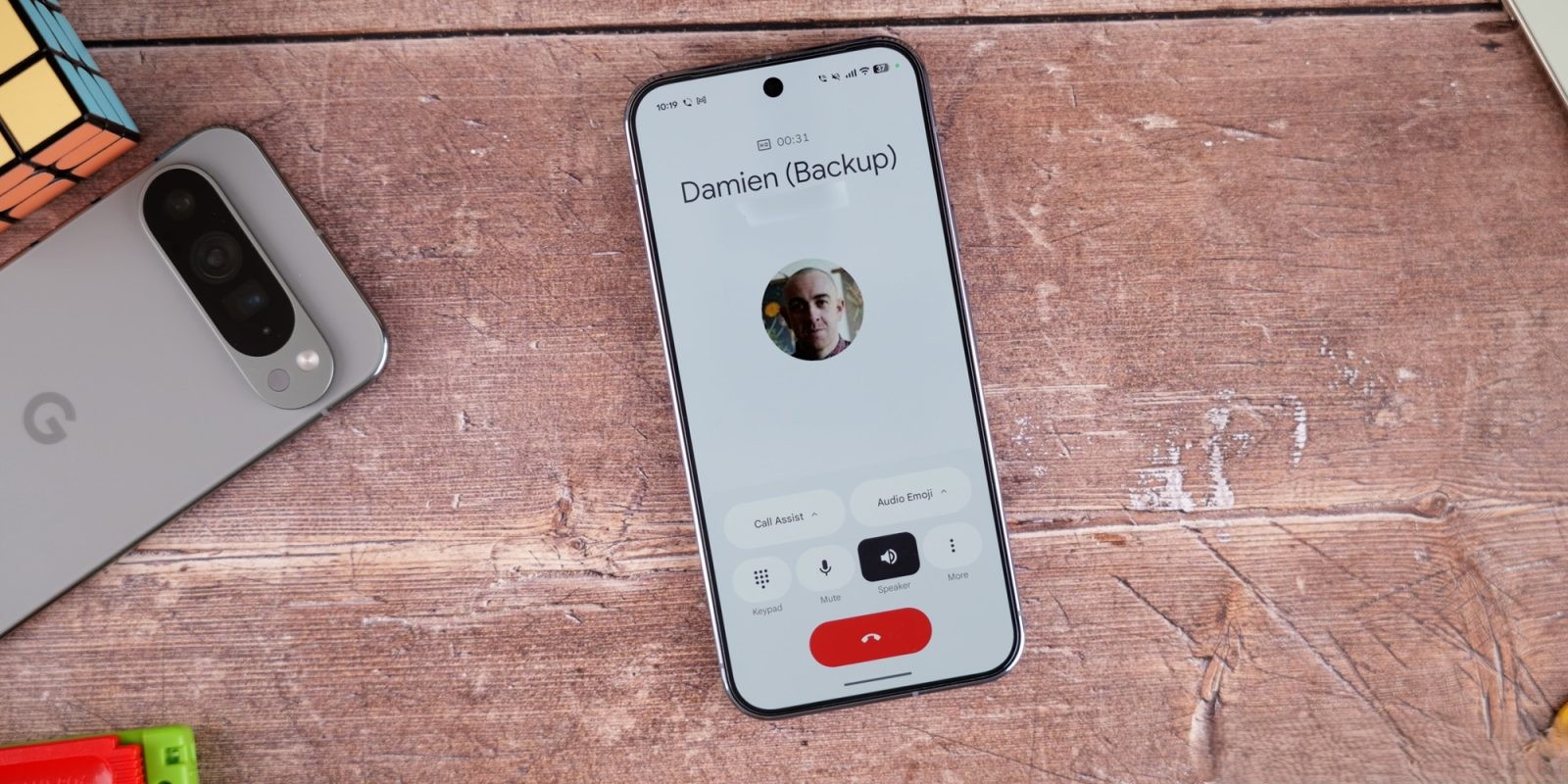
Google has introduced a new feature called Expressive Calling in its Phone app, now available to beta users. This feature allows users to mark calls as urgent, ensuring they can break through the recipient’s Do Not Disturb (DND) settings when necessary.
Activating Expressive Calling
To enable Expressive Calling, navigate to the Phone app’s settings:
1. Open the Phone app.
2. Tap on Settings.
3. Select General.
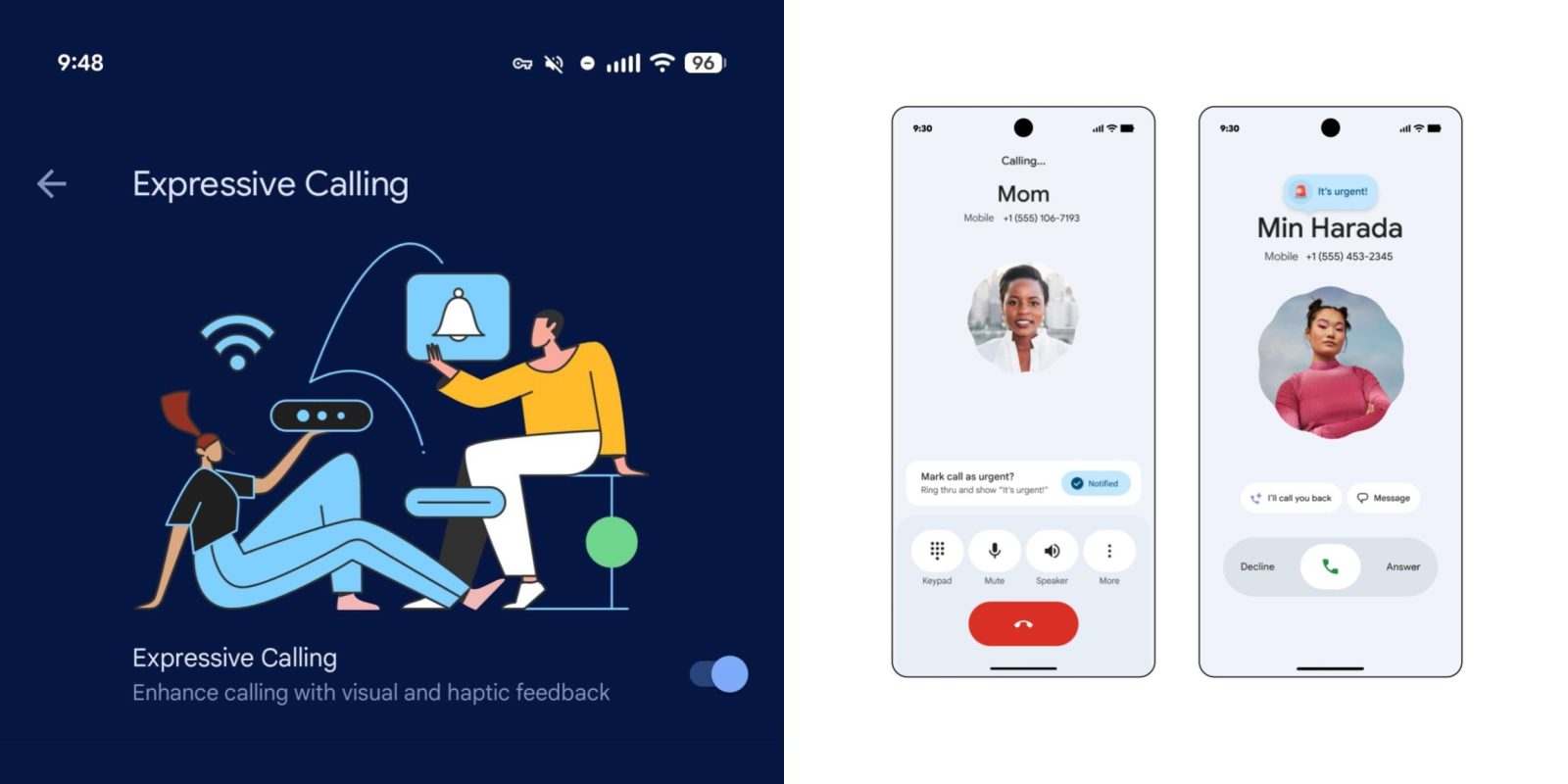
4. Scroll down to Expressive Calling.
By default, the option to Enhance calling with visual and haptic feedback is turned on. Users can also choose to enable Urgent call can interrupt Do Not Disturb based on their preferences.
Using the Urgent Call Feature
For the urgent call functionality to work, both the caller and recipient must be using the beta version of the Phone app (version 203). When initiating a call, a prompt labeled Mark call as urgent? appears above the standard call controls. Tapping Notify sends an It’s urgent! message to the recipient, accompanied by an animated siren emoji. If the call is missed, it will be labeled as urgent in the call history.
Additional Updates
In related developments, version 202 of the Phone app has been released to the stable channel. However, features like the shorter bottom bar and the Keep portrait mode setting are still in beta and have not been widely rolled out yet.