Google Keep Reminders Now Integrated with Google Tasks for Enhanced Productivity
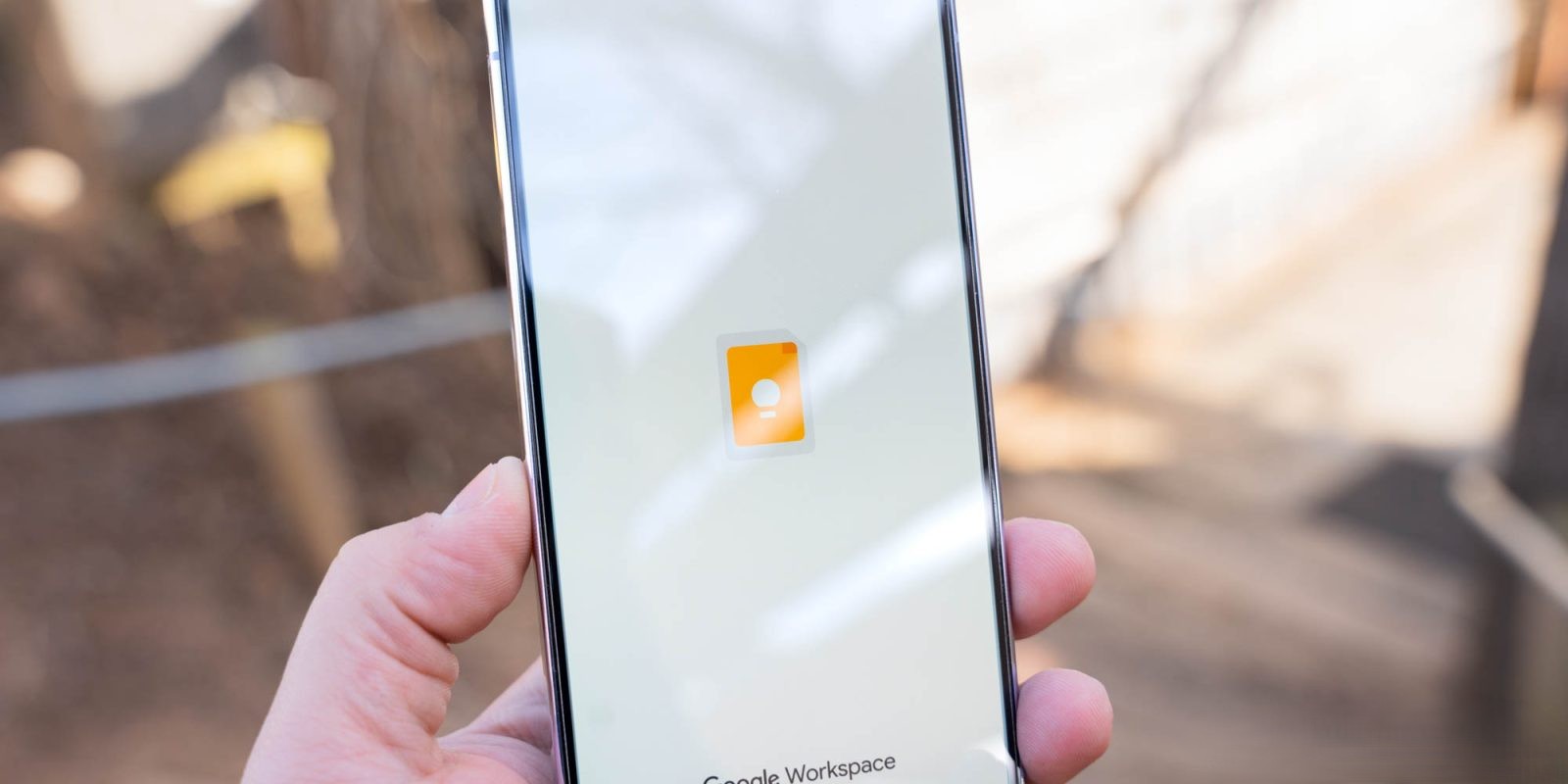
In a significant update aimed at streamlining task management, Google has expanded the integration of Google Keep reminders into Google Tasks. This transition, which began in late 2025, is now being implemented more broadly across user accounts. The integration is designed to unify task management across Google’s suite of applications, including Keep, Calendar, Tasks, Assistant, and Gemini.
Transition Details
Users will notice a prompt stating, Reminders are now Google Tasks, indicating the activation of this feature. This update is being deployed across multiple platforms, including Android, iOS, and the web version of Google Keep. The primary objective is to consolidate reminders and tasks into a single, cohesive system, enhancing user experience and productivity.
Key Changes and Features
– Unified Reminder Management: Reminders set in Google Keep will now be automatically saved to Google Tasks. This allows users to view, edit, and complete their reminders seamlessly across Keep, Calendar, Tasks, Assistant, and Gemini.
– Updated Reminder Interface: Tapping the bell icon in a Keep note will display an updated Remind me later interface, featuring the Google Tasks icon. Users can choose from preset times such as Tomorrow morning, Tomorrow evening, Next week, or select a specific date and time.
– Discontinuation of Location-Based Reminders: The integration does not support location-based reminders. Existing location data associated with reminders will be transferred to the task description field in Google Tasks.
– Notification Handling: Google Keep will no longer send notifications for reminders. Instead, this functionality will be managed by the Google Calendar or Tasks apps. Users are advised to ensure these applications are installed and notifications are enabled to continue receiving alerts.
– Reminders List in Keep: The Reminders section within Google Keep’s navigation drawer remains accessible. Users can view their reminders in list or grid format. When deleting a reminder from Keep, a prompt will ask whether to remove both the reminder and the associated note or just the note.
Considerations and Limitations
While the migration aims to provide a seamless experience, users should be aware of certain limitations:
– Task Limits: Google Tasks supports up to 100,000 tasks. If the number of Keep reminders exceeds this limit, the oldest reminders will not be migrated.
– Long Reminders: Reminders with lengthy titles may be truncated upon migration to Tasks.
– Pending Tasks: Tasks pending for the last 365 days will appear in the All-day section of the current day’s calendar.
– Repeating Tasks: Tasks set to repeat more than every 1,000 days, weeks, months, or years will have their recurrence adjusted to every 1,000 units. For instance, a task repeating every 2,000 days will be modified to repeat every 1,000 days.
– Tasks Beyond the Year 3000: Any tasks with dates set beyond the year 3000 will be adjusted to the year 2900.
User Guidance
To ensure a smooth transition, users are encouraged to:
– Install Necessary Applications: Ensure that Google Calendar and Google Tasks apps are installed on your devices to continue receiving reminder notifications.
– Review Reminders: Check existing reminders, especially those with location-based triggers, and update them as needed within the new system.
– Monitor Task Limits: Be aware of the task limit in Google Tasks and manage reminders accordingly to prevent loss of older reminders.
Conclusion
The integration of Google Keep reminders into Google Tasks represents a significant step towards a unified task management system within Google’s ecosystem. By consolidating reminders and tasks, users can enjoy a more streamlined and efficient experience across various Google applications. While certain features like location-based reminders are being phased out, the overall enhancement aims to improve productivity and organization for users.