Google’s February 2026 System Updates: Enhancing Android’s Functionality and Security
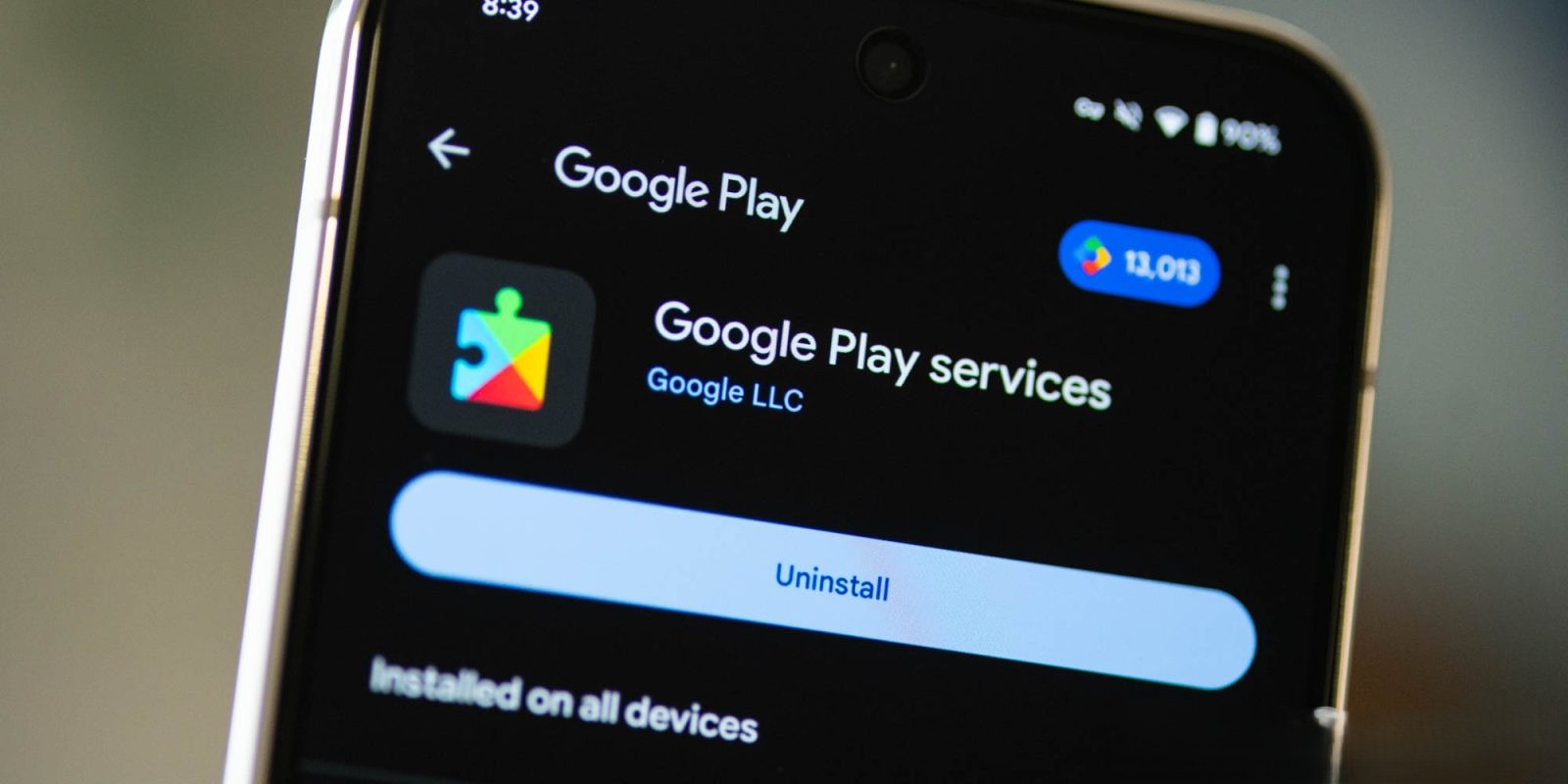
In February 2026, Google introduced a series of system updates aimed at enhancing the functionality, security, and user experience across its Android ecosystem. These updates span various components, including Google Play services and the Google Play Store, impacting devices such as smartphones, tablets, Wear OS devices, Google/Android TV, Auto, and PCs.
Google Play Services v26.05 (Released February 9, 2026):
Developer Services:
– Transit Data Control: Users now have the ability to manage the display of transit data on maps when available. This feature is accessible on Android Auto, smartphones, and Wear OS devices, providing a more tailored navigation experience.
Device Connectivity:
– Enhanced Developer Support: The update introduces new tools for developers, facilitating the creation of applications that leverage device connectivity features. This enhancement aims to improve the integration and performance of apps that rely on interconnected devices.
Wallet:
– Expanded Passport Support: Google Wallet now supports a broader range of passports for the ID Pass feature, simplifying the process of storing and accessing digital identification documents on smartphones.
Google Play Store v50.1 (Released February 9, 2026):
– EngageSDK Update: Content publication is no longer supported for outdated versions of EngageSDK across Android Auto, smartphones, TVs, and Wear OS devices. Developers are encouraged to update to the latest SDK versions to ensure compatibility and access to new features.
Google Play Services v26.04 (Released February 2, 2026):
Account Management:
– Improved Storage Purchase Experience: Users purchasing Google Account storage will encounter a more streamlined and user-friendly process, enhancing the overall experience of managing cloud storage.
Developer Services:
– Security & Privacy Enhancements: New features have been introduced to assist developers in implementing robust security and privacy measures within their applications, reinforcing user trust and data protection.
System Management:
– Streamlined Device Setup: The new device setup process has been optimized, reducing the time and complexity involved in configuring new Android devices.
Additional Updates:
Beyond these specific updates, Google continues to refine various system components to enhance performance and security. Users are encouraged to regularly check for updates to ensure their devices benefit from the latest improvements.
How to Update:
To apply these updates, users can navigate to the Settings app on their devices, tap on their name at the top to access Google services, select the All services tab, and then go to Privacy & security followed by System services. It’s important to note that while these features are listed in the changelog, their availability may vary, and some may take time to become widely accessible.
Conclusion:
Google’s February 2026 system updates reflect the company’s ongoing commitment to enhancing the Android ecosystem. By introducing new features and improvements across various services, Google aims to provide users with a more secure, efficient, and user-friendly experience. Staying informed about these updates and applying them promptly ensures that users can take full advantage of the latest advancements in their devices.