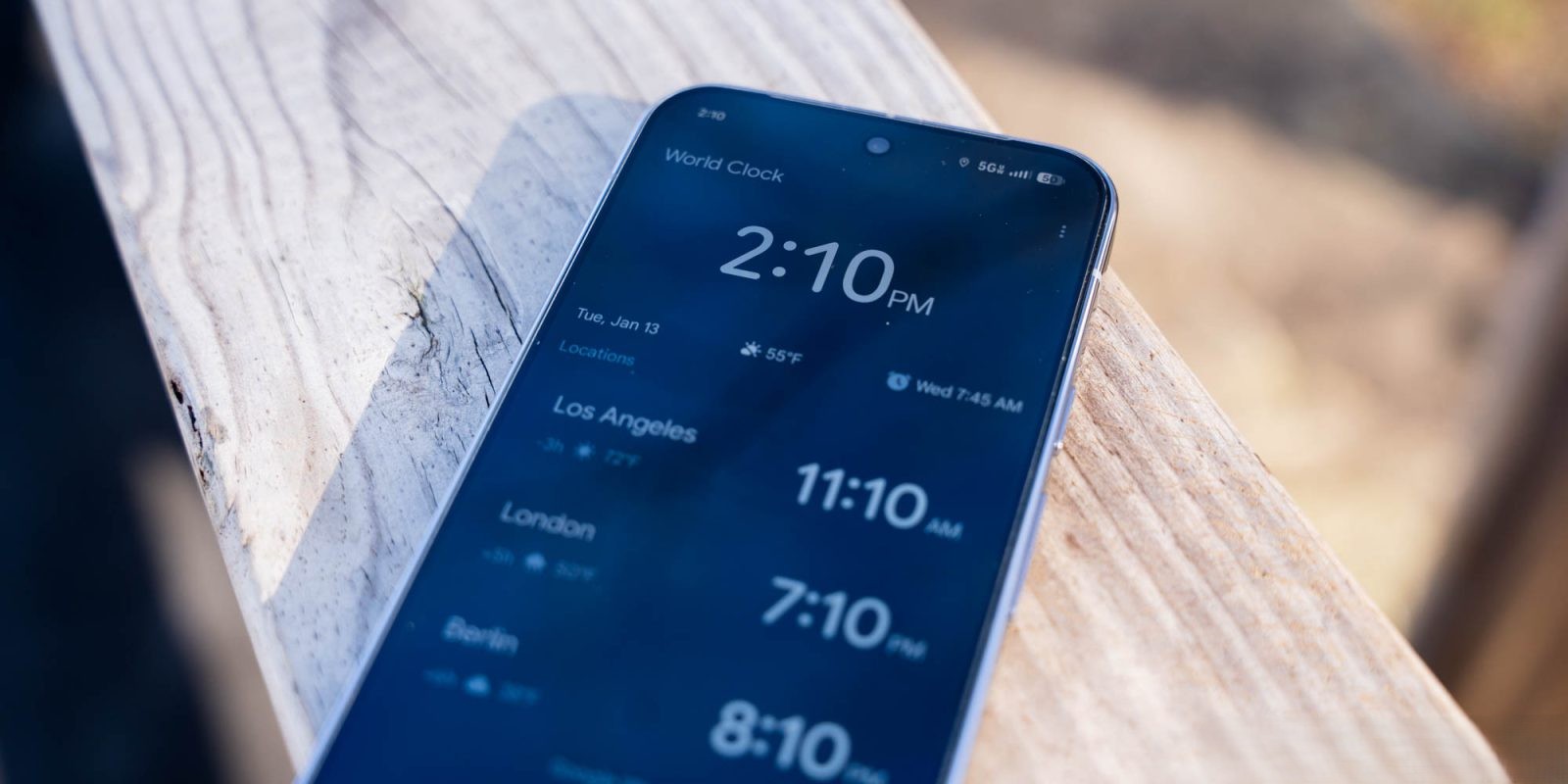
Google has unveiled a significant update to its Clock app with the release of version 8.5, introducing a ‘swipe to dismiss’ feature for alarms on Android devices. This enhancement aims to provide users with a more intuitive and flexible method to manage their alarms.
Introduction of ‘Swipe to Dismiss’ Feature
The ‘swipe to dismiss’ functionality allows users to silence or stop alarms by simply swiping on the alarm interface. This gesture-based control offers an alternative to the traditional tap method, catering to user preferences for managing alarms.
How to Enable the Feature
Upon updating to version 8.5, users will receive a prompt highlighting the new dismissal options: you can swipe or tap to dismiss your alarm. To customize this setting:
1. Open the Google Clock app.
2. Navigate to Settings.
3. Locate the Dismiss alarm with a preference.
4. Choose between ‘Tap’ or ‘Swipe’ based on your preference.
The ‘Tap’ option features large, pill-shaped buttons themed with Dynamic Color, while the ‘Swipe’ option presents ‘Snooze’ on the left and ‘Stop’ on the right, accompanied by guide animations within the container.
User Experience and Design Enhancements
The introduction of the swipe gesture adds a layer of interaction that may require more deliberate action, potentially reducing accidental dismissals, especially during early morning hours. This update aligns with Google’s broader design philosophy, as seen in the Phone app’s Material 3 Expressive update, which introduced a similar Incoming call gesture in the previous year.
In addition to the swipe feature, version 8.5 brings a Material 3 Expressive slider, replacing the older Material 2 component. The new slider boasts a thicker, pill-shaped track and a more substantial handle. As users drag the slider, a value between 1.00 and 7.00 is displayed, enhancing the app’s visual appeal and functionality.
Rollout and Availability
The ‘swipe to dismiss’ feature is being deployed through a server-side update following the installation of version 8.5 of Google Clock. While the update was released last week, the feature is gradually becoming available across devices. Users eager to access this functionality can expedite the process by force-stopping the Google Clock app via the App info menu and then relaunching it to trigger the Customize prompt. Alternatively, accessing the Settings directly within the app may also reveal the new option.
Conclusion
Google’s introduction of the ‘swipe to dismiss’ feature in the Clock app’s latest update underscores the company’s commitment to enhancing user experience through intuitive design and functionality. By offering multiple methods to manage alarms, Google caters to diverse user preferences, ensuring a more personalized and efficient interaction with their devices.