Final Call: Convert Your Stadia Controller to Bluetooth Before December 31, 2025
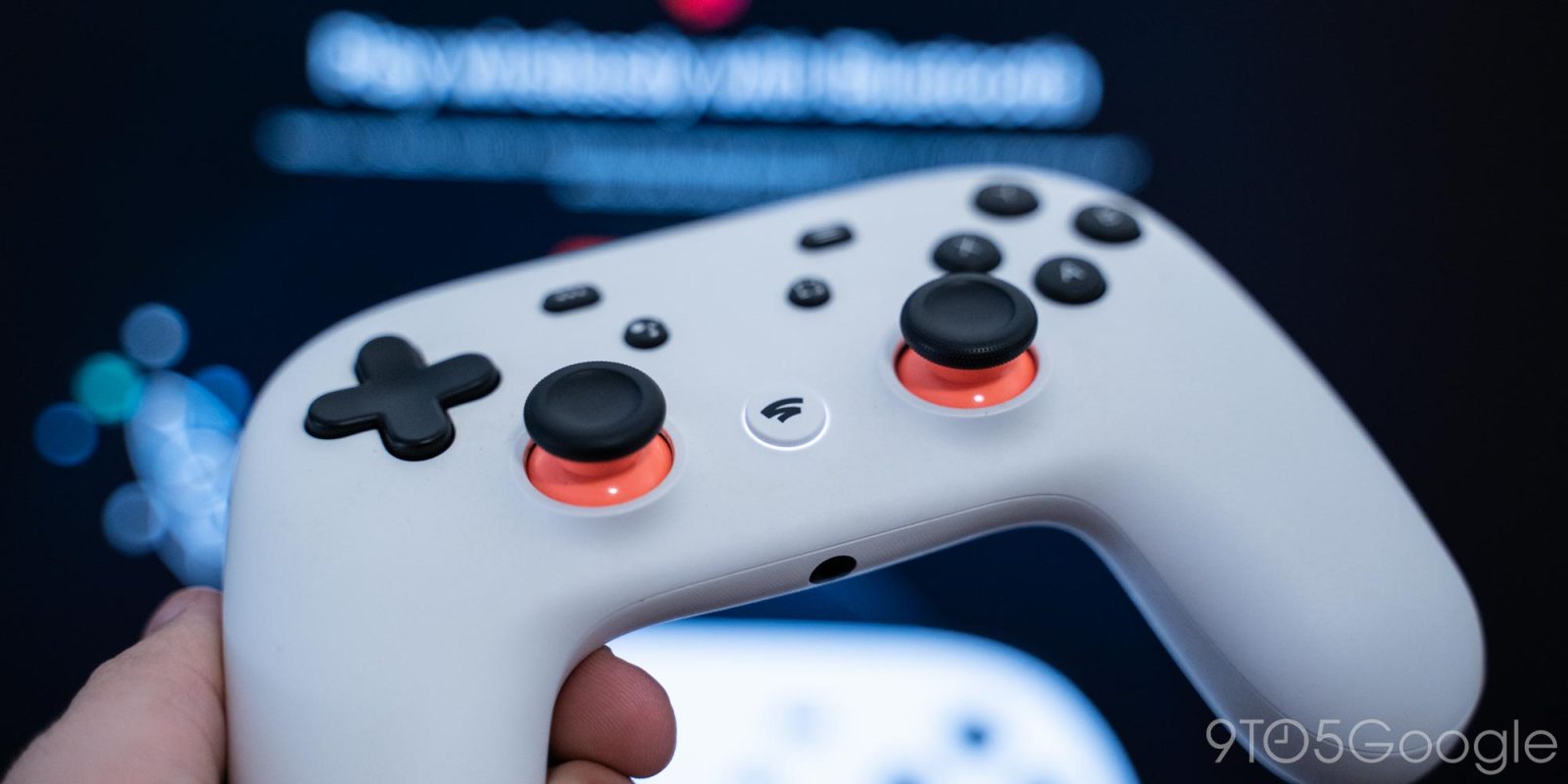
As the third anniversary of Google’s Stadia shutdown approaches, the company is preparing to discontinue the last remaining component of its cloud gaming service: the Stadia Controller conversion tool. This web-based utility, which allows users to switch their Stadia Controllers from Wi-Fi to Bluetooth mode, is scheduled to go offline on December 31, 2025. Users are urged to act promptly to ensure their controllers remain functional for future use.
Background on Stadia’s Closure
Google Stadia, launched in November 2019, aimed to revolutionize gaming by offering high-quality streaming without the need for dedicated hardware. Despite its innovative approach, Stadia struggled to attract a substantial user base. In September 2022, Google announced the platform’s impending shutdown, citing insufficient traction with users. The service officially ceased operations on January 18, 2023.
Introduction of the Bluetooth Conversion Tool
In anticipation of Stadia’s closure, Google introduced a web-based tool enabling users to convert their Stadia Controllers from Wi-Fi to Bluetooth mode. This conversion allows the controllers to function wirelessly with various devices, including smartphones, tablets, and PCs. The tool was initially set to be available until the end of 2023 but received extensions through 2024 and 2025. With the current deadline of December 31, 2025, approaching, it appears this will be the final opportunity for users to perform the conversion.
Importance of Converting Your Stadia Controller
Converting your Stadia Controller to Bluetooth mode is essential for preserving its usability. Without this conversion, the controller’s functionality will be significantly limited, as it was originally designed to connect directly to Stadia’s servers via Wi-Fi. The Bluetooth mode ensures compatibility with a wide range of devices and gaming platforms, extending the controller’s lifespan and utility.
Enhanced Support from Steam
Adding to the controller’s versatility, Steam has recently improved its support for the Stadia Controller. Users can now connect the controller without enabling support for generic controllers, and additional features have been integrated:
– The Google Assistant button can be programmed as a macro button.
– The screenshot button captures screenshots, at least on SteamOS.
– The Stadia button functions similarly to an Xbox button, opening Steam Big Picture and SteamOS shortcuts.
These enhancements make the Stadia Controller a viable option for PC gaming, further emphasizing the importance of converting it to Bluetooth mode.
Steps to Convert Your Stadia Controller
To convert your Stadia Controller to Bluetooth mode, follow these steps:
1. Access the Conversion Tool: Visit the Stadia Bluetooth mode website before December 31, 2025.
2. Follow On-Screen Instructions: The website provides a step-by-step guide to complete the conversion process.
3. Test the Controller: After conversion, test the controller with your preferred devices to ensure proper functionality.
The entire process takes only a few minutes and ensures your controller remains operational for years to come.
Conclusion
With the Stadia Bluetooth conversion tool set to be discontinued on December 31, 2025, this is the final opportunity for users to adapt their Stadia Controllers for continued use. By converting to Bluetooth mode, you can extend the life of your controller and enjoy its compatibility with various devices and platforms. Don’t miss this chance to preserve your Stadia Controller’s functionality—act now before it’s too late.