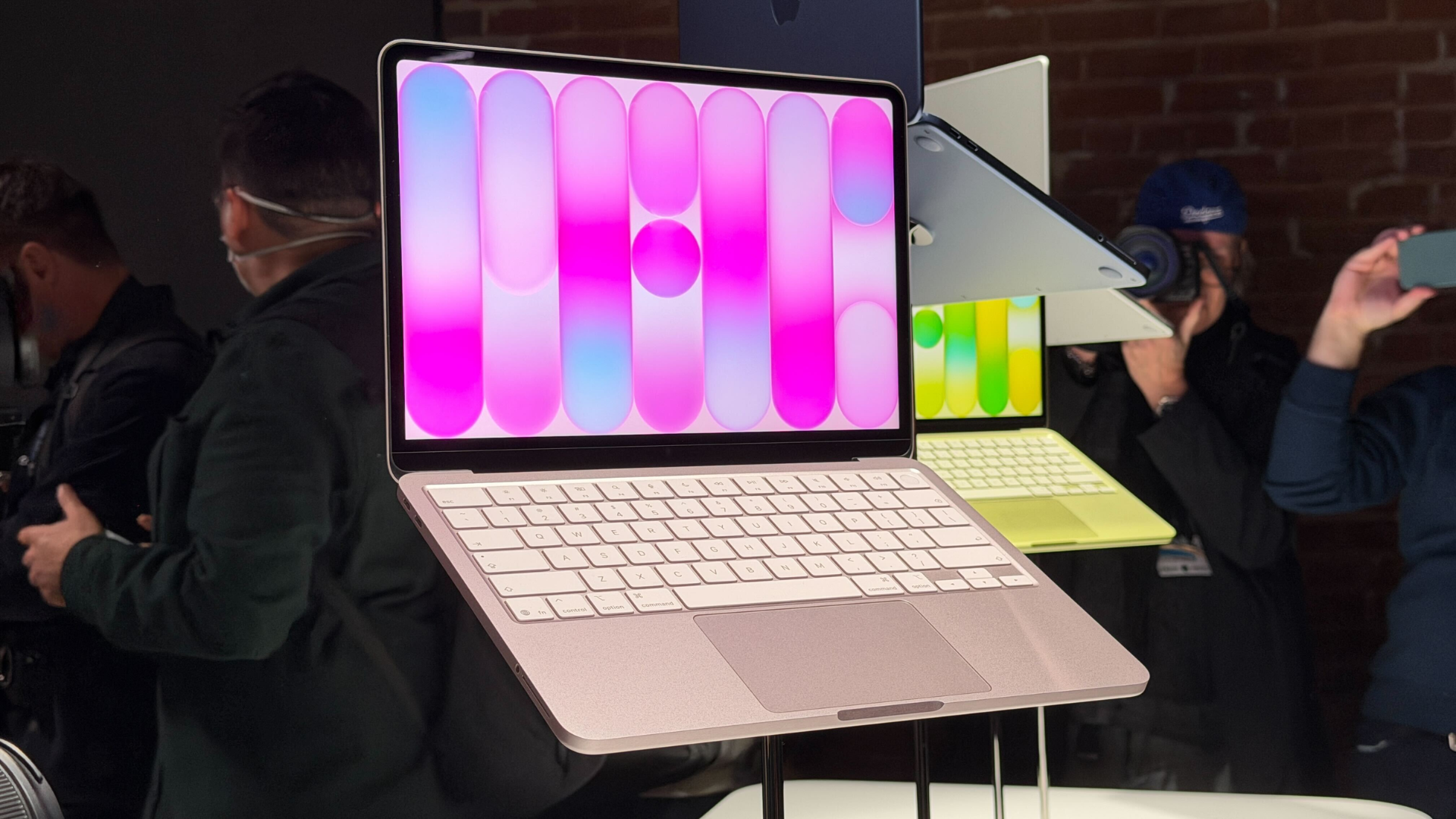
Understanding the MacBook Neo’s Single External Display Support
Apple’s latest addition to its laptop lineup, the MacBook Neo, has garnered attention for its affordability and sleek design. However, a notable limitation is its support for only one external display. This design choice reflects the device’s intended role as an entry-level Mac, optimized for everyday tasks rather than complex, multi-monitor setups.
External Display Capabilities
The MacBook Neo is equipped with two USB-C ports, both facilitating charging and peripheral connections. However, only the left USB-C port supports display output via DisplayPort over USB-C alt mode. This configuration allows users to connect a single external monitor with a resolution of up to 4K at 60Hz, while simultaneously utilizing the laptop’s built-in 13-inch Liquid Retina display at its full resolution. The internal screen boasts a resolution of 2408 by 1506 pixels and a brightness of up to 500 nits, ensuring a sharp and vibrant visual experience.
Hardware Considerations
At the heart of the MacBook Neo is Apple’s A18 Pro chip, derived from the same mobile silicon family used in iPhones. This chip prioritizes efficiency and integration, resulting in a simplified display engine compared to those found in higher-end Macs. Consequently, the MacBook Neo can only support a single external display. This design approach mirrors that of the initial Apple Silicon laptops, such as the original MacBook Air with the M1 chip, which also supported only one external monitor.
In contrast, higher-tier MacBook Air and MacBook Pro models are powered by more advanced Apple Silicon chips featuring additional display engines and Thunderbolt connectivity. These enhancements enable support for multiple high-resolution monitors, catering to users with more demanding display requirements.
Target Audience and Use Cases
Priced starting at $599, the MacBook Neo is positioned as Apple’s most affordable Mac notebook. It is tailored for students, families, and general users who primarily engage in web browsing, document creation, media streaming, and other common applications. For these users, the ability to connect a single external display aligns well with typical usage patterns, where a dual-screen setup suffices for productivity and entertainment needs.
For professionals requiring multiple external monitors for tasks such as software development, financial trading, or video editing, the MacBook Air or MacBook Pro models equipped with Apple’s M series chips offer the necessary capabilities to support complex, multi-monitor configurations.
Comparative Analysis
When evaluating the MacBook Neo against the MacBook Air, several distinctions become apparent:
– Display Support: The MacBook Neo supports one external display up to 4K at 60Hz, whereas the MacBook Air can handle two external displays, including 6K displays at 60Hz or high-refresh-rate 4K monitors.
– Charging Options: The MacBook Neo relies solely on USB-C for charging, while the MacBook Air offers both MagSafe and USB-C charging options, with support for fast charging using a higher-wattage power adapter.
– Performance: The MacBook Air, equipped with more advanced Apple Silicon chips, delivers superior performance, making it suitable for more demanding applications and multitasking scenarios.
Conclusion
The MacBook Neo’s support for a single external display is a deliberate design choice that aligns with its role as an entry-level laptop. By focusing on the needs of everyday users and maintaining an affordable price point, Apple has created a device that balances functionality with cost-effectiveness. For users with more intensive display and performance requirements, exploring higher-tier MacBook models would be advisable.