Apple’s iOS 26.4.1 Update Resolves iCloud Syncing Issues and Enhances Security for Enterprises
Apple has released iOS 26.4.1, a critical update aimed at addressing significant issues related to iCloud data synchronization and bolstering security features for enterprise users.
Resolving iCloud Syncing Challenges
The previous iOS 26.4 update introduced a bug within the CloudKit framework, which is integral to iCloud’s data management. This flaw prevented devices from receiving timely iCloud notifications about data changes, leading to synchronization failures across Apple devices. Consequently, modifications made on one device were not reflected on others, disrupting the seamless user experience Apple is known for.
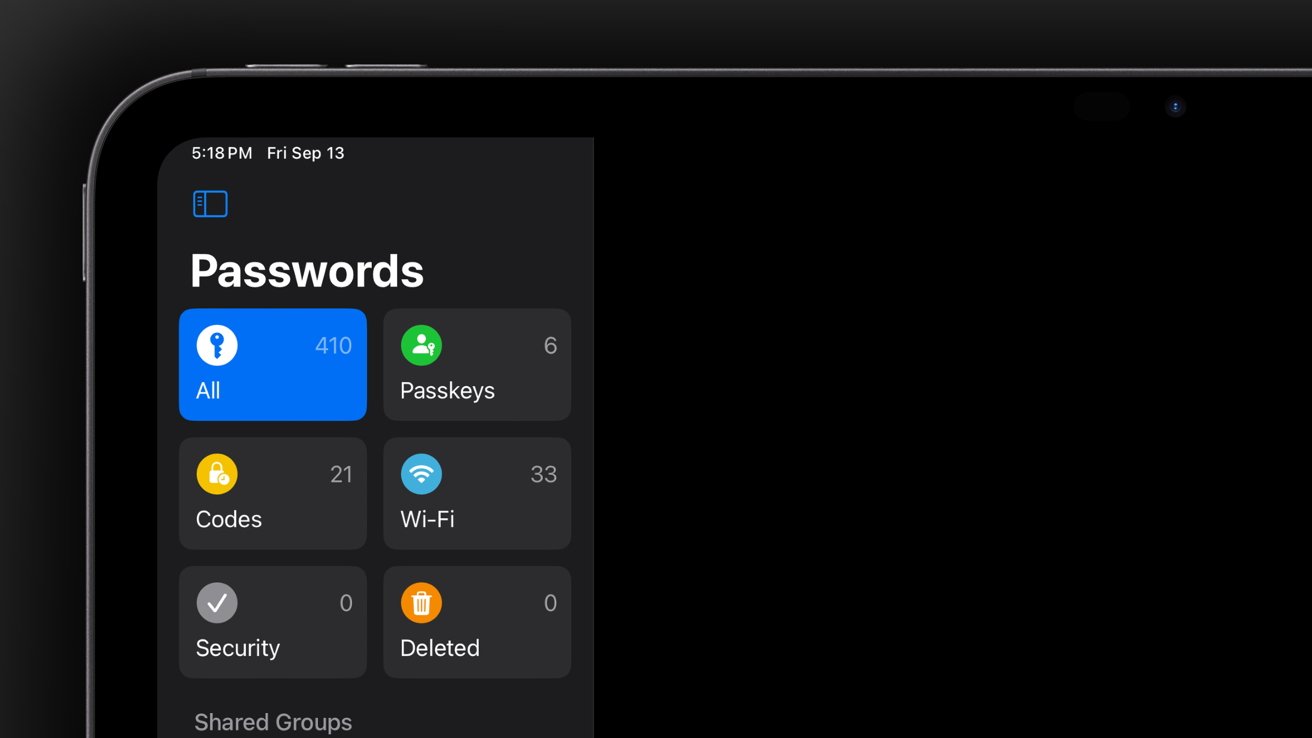
This issue notably impacted the Apple Passwords app, where shared passwords failed to sync properly. Third-party applications that rely on CloudKit for data storage and synchronization also experienced similar problems. Users reported that changes made within these apps on one device did not appear on their other devices, undermining the reliability of iCloud’s syncing capabilities.
With the release of iOS 26.4.1, Apple has rectified this synchronization bug. Devices running the updated operating system can now receive iCloud notifications as intended, ensuring that data changes are promptly and accurately reflected across all connected devices. This fix restores the integrity of iCloud’s syncing functionality, allowing users to trust that their data is consistent and up-to-date, regardless of which device they are using.
Enhancing Security with Stolen Device Protection
In addition to resolving the syncing issue, iOS 26.4.1 introduces a significant security enhancement for enterprise users: the default activation of Stolen Device Protection. This feature was initially made available to general users in iOS 26.4, and its extension to managed enterprise devices underscores Apple’s commitment to safeguarding sensitive corporate data.
Stolen Device Protection is designed to add an extra layer of security in scenarios where a device is lost or stolen. When enabled, it requires additional authentication steps before allowing access to certain features or data, thereby mitigating the risk of unauthorized access. For enterprise environments, where devices often contain confidential and proprietary information, this feature is particularly valuable.
By enabling Stolen Device Protection by default on managed devices, Apple ensures that organizations have a robust security measure in place without requiring manual configuration. This proactive approach helps enterprises maintain control over their data and reduces the potential impact of device theft or loss.
Updating to iOS 26.4.1
To benefit from these improvements, users should update their devices to iOS 26.4.1. For those with automatic updates enabled, the update will install seamlessly. Users who prefer to update manually can do so by navigating to the Settings app, selecting General, and then tapping on Software Update. If the update is available, it can be downloaded and installed from this menu.
Ensuring that devices are running the latest version of iOS is crucial for maintaining optimal performance, security, and access to the newest features. Regular updates address known issues and vulnerabilities, providing users with a more reliable and secure experience.
Conclusion
The release of iOS 26.4.1 demonstrates Apple’s responsiveness to user feedback and its dedication to delivering a seamless and secure user experience. By addressing the iCloud syncing bug and enhancing security measures for enterprise users, Apple continues to uphold its reputation for quality and reliability. Users are encouraged to update their devices promptly to take advantage of these critical fixes and improvements.