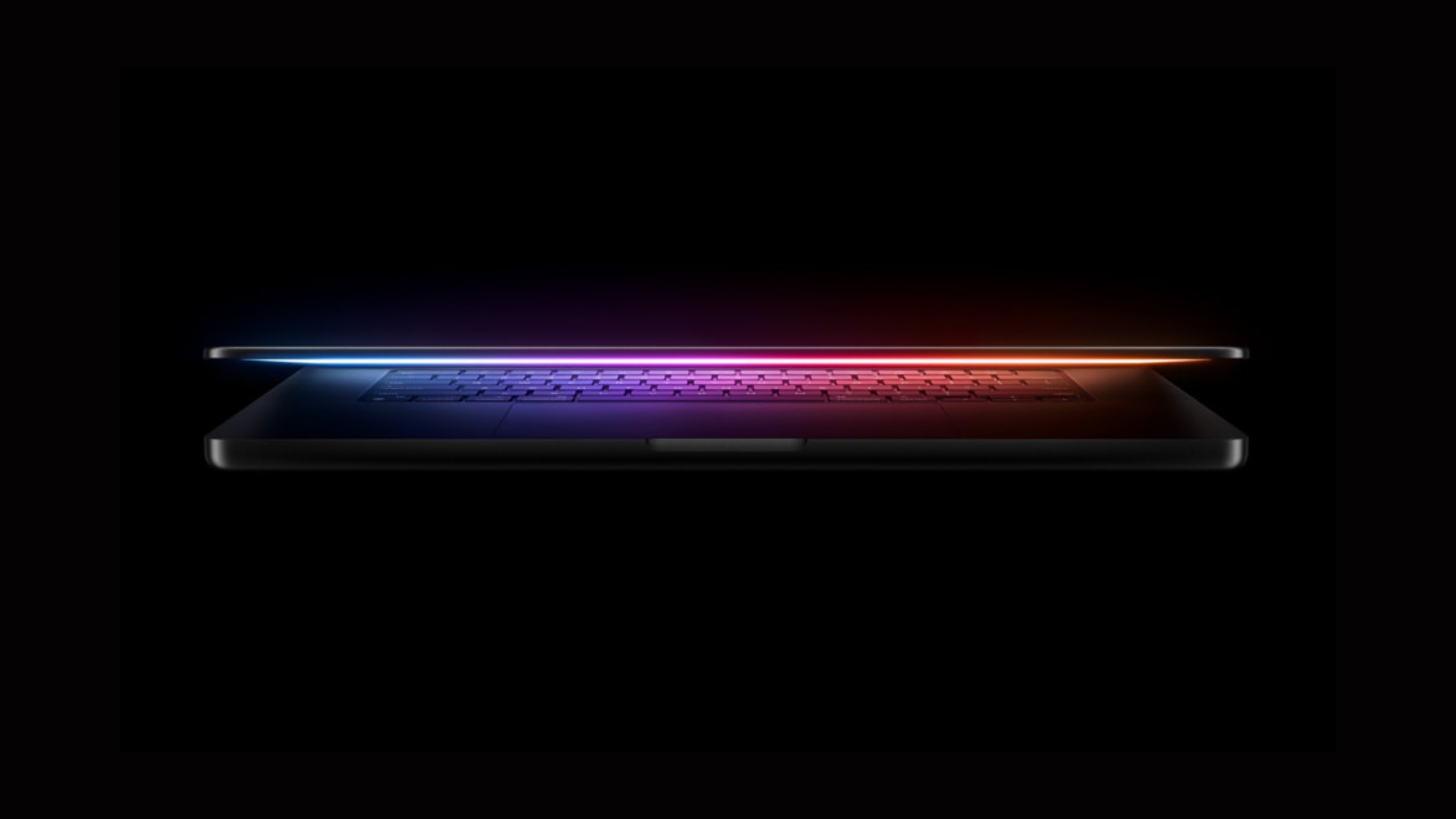
Apple’s MacBook Neo: Affordable Innovation with a Touch ID Trade-Off
Apple has recently unveiled the MacBook Neo, positioning it as the most budget-friendly addition to its MacBook lineup, with a starting price of $599. This new model boasts several impressive features, including a 13-inch Liquid Retina display, the powerful A18 Pro chip, a fanless design for silent operation, and an impressive battery life of up to 16 hours. However, a notable omission in the base 256GB model is the absence of Touch ID, a feature that many users have come to rely on for seamless authentication and enhanced security.
Understanding the Touch ID Omission
Touch ID has become an integral part of the macOS experience, offering users a quick and secure method to unlock their devices, authorize app installations, approve Apple Pay transactions, and access sensitive information. Its absence in the base model of the MacBook Neo raises questions about user convenience and security.
Apple’s decision to exclude Touch ID from the 256GB variant appears to be a strategic move to differentiate between the two available configurations:
– $599 Model: 256GB storage with a standard Magic Keyboard lacking Touch ID.
– $699 Model: 512GB storage featuring a Magic Keyboard integrated with Touch ID.
This pricing structure indicates that Touch ID is bundled exclusively with the higher storage option, and there is no provision to add this feature to the base model as a separate upgrade.
Implications for Daily Use
The absence of Touch ID in the base model means users will need to manually enter their passwords for various tasks, such as:
– Logging into the MacBook Neo.
– Unlocking password-protected applications.
– Authorizing Apple Pay transactions.
– Confirming changes in system settings.
This manual input can become cumbersome over time, especially for users accustomed to the convenience of fingerprint authentication.
Evaluating the Upgrade Option
For an additional $100, the upgraded MacBook Neo not only provides double the storage capacity but also reinstates the Touch ID feature. This combination enhances both the device’s functionality and user experience, making the higher-tier model a compelling choice for those who prioritize convenience and security.
Furthermore, Apple offers a $100 education discount, reducing the prices to $499 for the base model and $599 for the upgraded version. This discount makes the enhanced model more accessible to students and educators, aligning with Apple’s commitment to supporting the educational sector.
Additional Features and Availability
Beyond the Touch ID consideration, the MacBook Neo offers a range of features designed to cater to everyday computing needs:
– Design and Display: A sleek aluminum chassis housing a 13-inch Liquid Retina display with a resolution of 2408 × 1506 pixels, delivering vibrant visuals.
– Performance: Powered by the A18 Pro chip, the same processor found in the iPhone 16 Pro models, ensuring efficient performance for tasks like web browsing, document editing, and media consumption.
– Battery Life: Up to 16 hours of battery life, supporting extended use without frequent recharging.
– Connectivity: Equipped with two USB-C ports and a headphone jack. Notably, one USB-C port supports USB 3 speeds up to 10 Gb/s and DisplayPort for external monitors, while the other supports USB 2 speeds up to 480 Mb/s.
– Audio and Camera: Features dual speakers with Spatial Audio and Dolby Atmos support, a 1080p FaceTime HD camera, and dual microphones for clear audio during calls.
The MacBook Neo is available in four color options: Silver, Citrus, Blush, and Indigo. Pre-orders have commenced, with the official release date set for March 11.
Conclusion
The MacBook Neo stands out as a cost-effective entry into Apple’s laptop ecosystem, offering a blend of performance and portability. However, the exclusion of Touch ID in the base model is a significant consideration for potential buyers. The decision to invest an additional $100 for the upgraded model hinges on individual preferences regarding storage needs and the value placed on the convenience of fingerprint authentication.