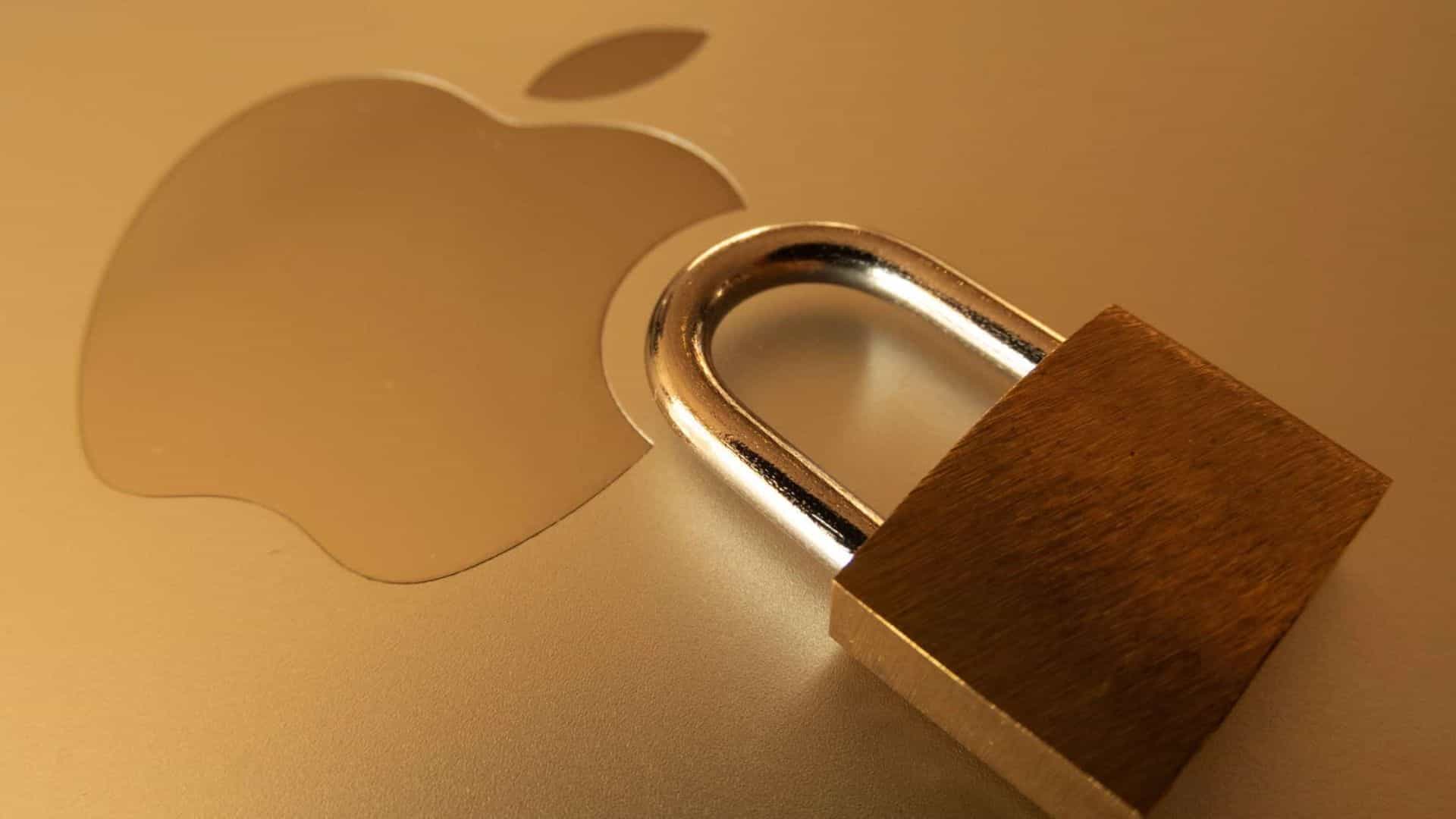
Apple Urges Immediate iOS Update to Counter Advanced Web Attacks
Apple has recently issued a critical advisory to iPhone users, emphasizing the necessity of updating their devices to the latest iOS versions. This urgent call to action comes in response to the discovery of two significant security vulnerabilities within WebKit, the engine that powers Safari and handles web content on iPhones. These flaws have been exploited in what Apple describes as extremely sophisticated targeted attacks, particularly affecting devices running iOS versions released prior to iOS 26.
Understanding the WebKit Vulnerabilities
WebKit serves as the backbone for rendering web content on iOS devices. The identified vulnerabilities could potentially allow malicious actors to execute arbitrary code on a device. This means that by simply visiting a compromised or malicious website, an attacker could gain control over certain aspects of the device without the user’s knowledge. Such exploits do not require the installation of any additional software, making them particularly insidious.
The National Vulnerability Database elaborates that these types of bugs enable arbitrary code execution. In layman’s terms, a meticulously crafted website can exploit these vulnerabilities to take control of parts of a phone if the software is outdated.
The Risk of Running Outdated iOS Versions
A significant number of iPhone users continue to operate their devices on older iOS versions. This practice inadvertently creates a fertile ground for targeted attacks. Delaying software updates not only leaves devices susceptible to known vulnerabilities but also increases the risk of exploitation by cybercriminals.
StatCounter’s recent data indicates that the adoption rate for iOS 26.2 was notably low in December. The firm also highlighted reporting issues that complicated the accurate assessment of real adoption numbers, as some newer versions appeared as older releases in Safari data.
Apple’s Response and Recommendations
In response to these security concerns, Apple has released iOS 26.2 for iPhone 11 and later models, and iOS 18.7.3 for devices such as the iPhone XS, XS Max, and XR. These updates, rolled out on December 12, 2025, include patches specifically designed to address the identified WebKit vulnerabilities.
Apple Support advises users to update their devices by navigating to Settings > General > Software Update. The company underscores that maintaining up-to-date software is one of the most effective measures to ensure device security.
While restarting an iPhone can temporarily mitigate certain risks, it is not a substitute for installing the necessary updates. Malwarebytes researcher Pieter Arntz explains that a restart can clear malware residing solely in memory, unless it has established persistence. He also cautions against the assumption that one is not a target, emphasizing that such complacency is unsafe.
The Broader Implications of Delayed Updates
The reluctance or delay in updating iOS devices can have far-reaching consequences. Cyber attackers often exploit known vulnerabilities in outdated software to gain unauthorized access to devices, leading to potential data breaches, financial loss, and privacy invasions.
Apple has not disclosed specific details regarding the targets or the number of devices affected by these sophisticated attacks. However, the overarching message is clear: updating to the latest iOS version is imperative. Web-based attacks do not require the installation of malicious apps, and postponing updates provides attackers with the opportunity to exploit existing vulnerabilities.
Steps to Ensure Your Device’s Security
1. Regularly Check for Updates: Make it a habit to check for software updates weekly. Apple frequently releases updates that address security vulnerabilities and improve overall device performance.
2. Enable Automatic Updates: To ensure you never miss an important update, enable automatic updates by going to Settings > General > Software Update > Automatic Updates, and toggle on the options for downloading and installing iOS updates.
3. Be Cautious with Web Content: Avoid clicking on suspicious links or visiting untrusted websites. Even with updated software, practicing safe browsing habits adds an extra layer of protection.
4. Use Strong, Unique Passwords: Ensure that your Apple ID and other accounts have strong, unique passwords. Consider using a reputable password manager to keep track of them.
5. Enable Two-Factor Authentication (2FA): Adding an extra layer of security to your accounts can prevent unauthorized access, even if your password is compromised.
6. Regular Backups: Regularly back up your device to iCloud or your computer. In the event of a security breach, having a recent backup ensures you don’t lose important data.
Conclusion
In an era where cyber threats are becoming increasingly sophisticated, staying vigilant and proactive is essential. Apple’s recent advisory serves as a stark reminder of the importance of keeping our devices updated. By promptly installing the latest iOS updates and adhering to best security practices, users can significantly reduce the risk of falling victim to malicious attacks. Remember, in the digital world, an ounce of prevention is worth a pound of cure.