Discover the Latest Enhancements in tvOS 26.4 for Apple TV
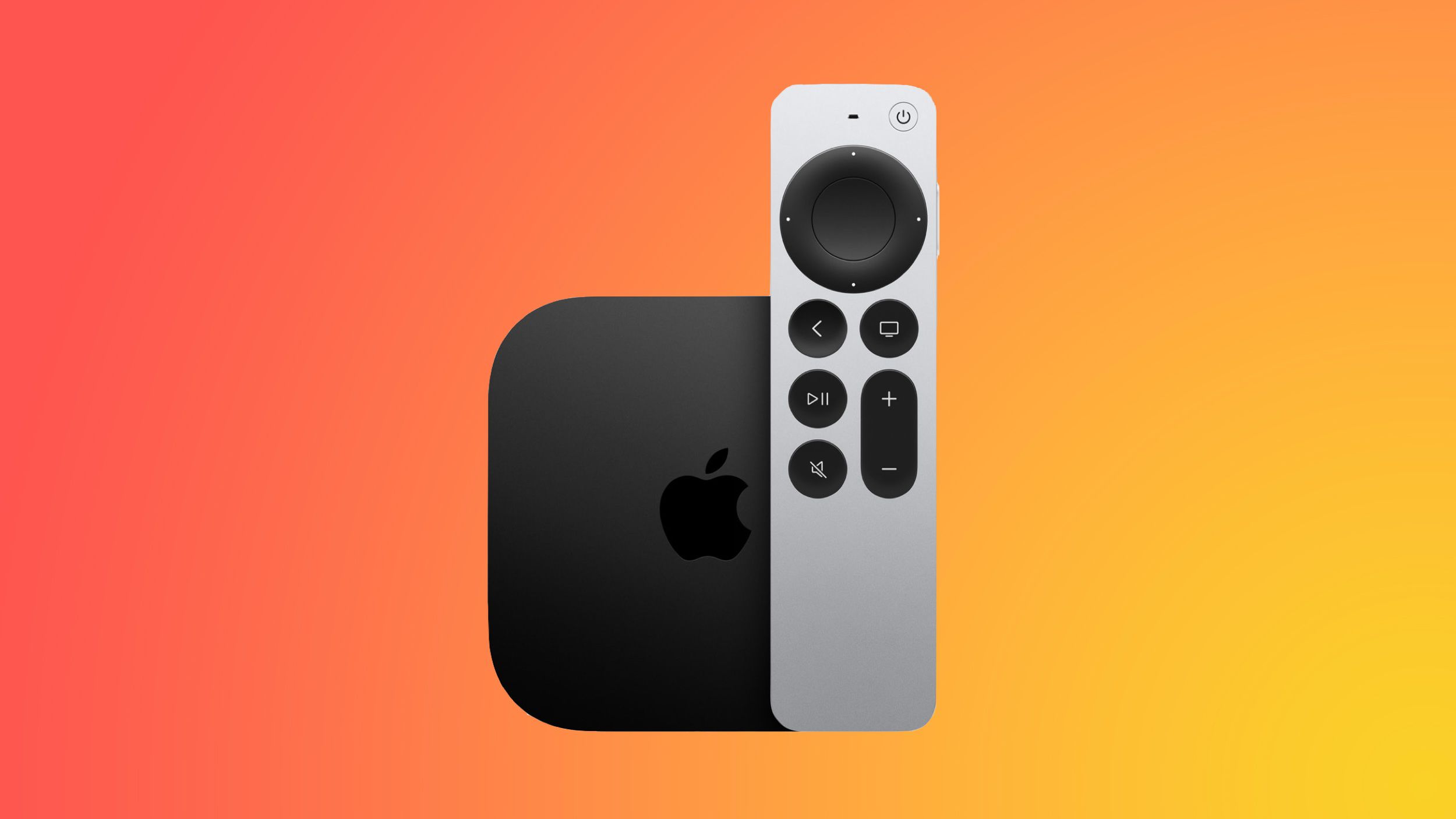
Apple has recently rolled out tvOS 26.4, introducing a suite of new features and improvements designed to elevate the Apple TV experience. This update is compatible with all Apple TV 4K and Apple TV HD models released since 2015. To install the update, navigate to the Settings app on your Apple TV, select System, then Software Updates, and choose Update Software.
Genius Browse: Personalized Content Discovery
A standout addition in tvOS 26.4 is the Genius Browse feature within the Apple TV app. This innovative content discovery tool offers personalized recommendations for TV shows and movies, curated across various suggested categories. These suggestions are tailored to individual viewing preferences and are updated regularly to keep content fresh and engaging. For instance, users might encounter categories like Bittersweet Family Dramas or Good for a Pick-Me-Up, making it easier to find content that suits their mood.
Continuous Audio Connection: Seamless Sound Transitions
Addressing previous audio playback issues, tvOS 26.4 introduces a Continuous Audio Connection setting. This feature ensures smooth audio transitions between programs with differing sound formats, particularly benefiting users with older audio receivers. By utilizing a Dolby MAT connection, Apple TV delivers glitch-free playback across various formats. To enable this setting, go to the Settings app, select Video and Audio, then Audio Format, and choose HDMI Output.
On-the-Fly Subtitle Styling
Enhancing accessibility and user convenience, tvOS 26.4 allows users to adjust subtitle and caption styles directly while watching content. This means you can modify the size, font, and color of subtitles without leaving your current viewing session. This feature is available in the Apple TV app and other applications that utilize Apple TV’s default video player.
Removal of iTunes Movies and TV Shows Apps
In a move towards streamlining content access, Apple has removed the dedicated iTunes Movies and iTunes TV Shows apps in tvOS 26.4. Previously, these apps directed users to the Apple TV app for purchases. Now, all movie and TV show purchases and rentals are consolidated within the Apple TV app, providing a unified and simplified user experience.
Enhanced Audio Format Settings
tvOS 26.4 brings updates to the Apple TV’s audio format settings. Notably, the Dolby Atmos option has been replaced with Spatial Audio, offering an immersive sound experience. Users can also choose to convert audio to Dolby Digital 5.1, select Stereo Only, or opt for Auto mode, depending on their audio preferences and equipment compatibility.
Integration with CarPlay Video Playback
Laying the groundwork for future integrations, tvOS 26.4 includes references to CarPlay video playback capabilities. This suggests that, in upcoming updates, users may be able to stream Apple TV content directly to their vehicle’s dashboard display when the car is stationary. This feature aims to enhance in-car entertainment options, allowing passengers to enjoy their favorite shows and movies during downtime.
Conclusion
The tvOS 26.4 update brings a host of enhancements that refine and enrich the Apple TV experience. From personalized content recommendations with Genius Browse to improved audio settings and streamlined app interfaces, these updates cater to a more user-friendly and immersive viewing experience. Users are encouraged to update their devices to take full advantage of these new features and improvements.