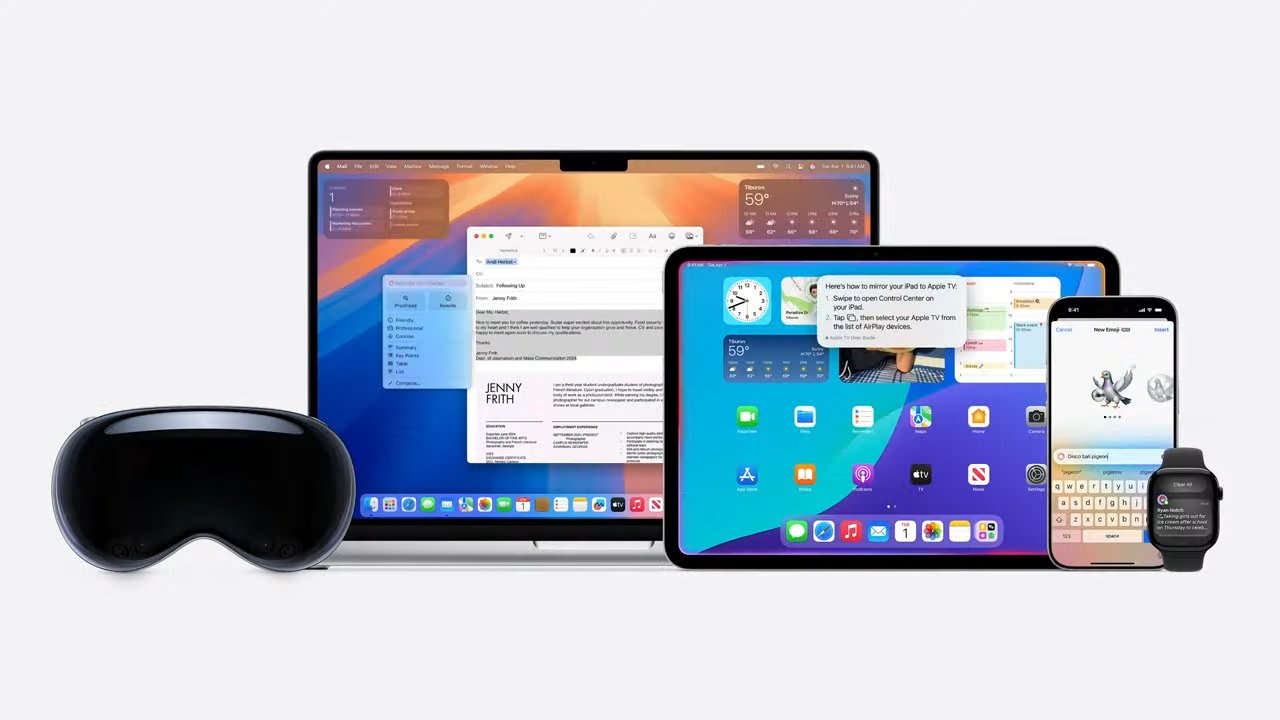
Apple Releases Third Developer Betas for iOS 26.3 and macOS Tahoe 26.3
Apple has released the third developer betas for iOS 26.3 and macOS Tahoe 26.3, marking a significant step toward the final public release expected in late January or early February 2026. These updates primarily focus on refining existing features, enhancing system stability, and addressing known issues.
iOS 26.3 Beta 3 Highlights:
– Enhanced Device Switching: A new Transfer to Android option in the Settings app simplifies the process of switching from an iPhone to an Android device, streamlining data migration.
– Notification Forwarding: Users can now forward notifications to third-party devices, such as non-Apple smartwatches, through a new Notification Forwarding section in Settings > Notifications.
– Background Security Improvements: Apple is testing a feature that provides additional security protections between software updates for Safari, WebKit, and other system libraries. Users can install these updates via the Privacy and Security section in the Settings app.
macOS Tahoe 26.3 Beta 3 Highlights:
– Background Security Improvements: Similar to iOS, macOS introduces background security updates to enhance system security between major updates.
– Performance Enhancements: This beta focuses on bug fixes and performance improvements, ensuring a smoother user experience.
Installation Instructions:
For Developers:
1. Backup Your Device: Ensure all important data is backed up.
2. Access System Settings: Open the System Settings app.
3. Navigate to Software Update: Go to General > Software Update.
4. Enable Beta Updates: Click the ‘i’ icon next to Beta Updates and select the appropriate beta version.
5. Install the Update: Follow the on-screen instructions to complete the installation.
For Public Beta Testers:
1. Enroll in the Beta Program: Sign up on Apple’s beta testing website.
2. Download the Beta Profile: Follow the instructions to download and install the beta profile on your device.
3. Install the Update: Go to Settings > General > Software Update and install the beta version.
Caution:
Beta software may contain bugs and is not recommended for installation on primary devices. Ensure all data is backed up before proceeding.