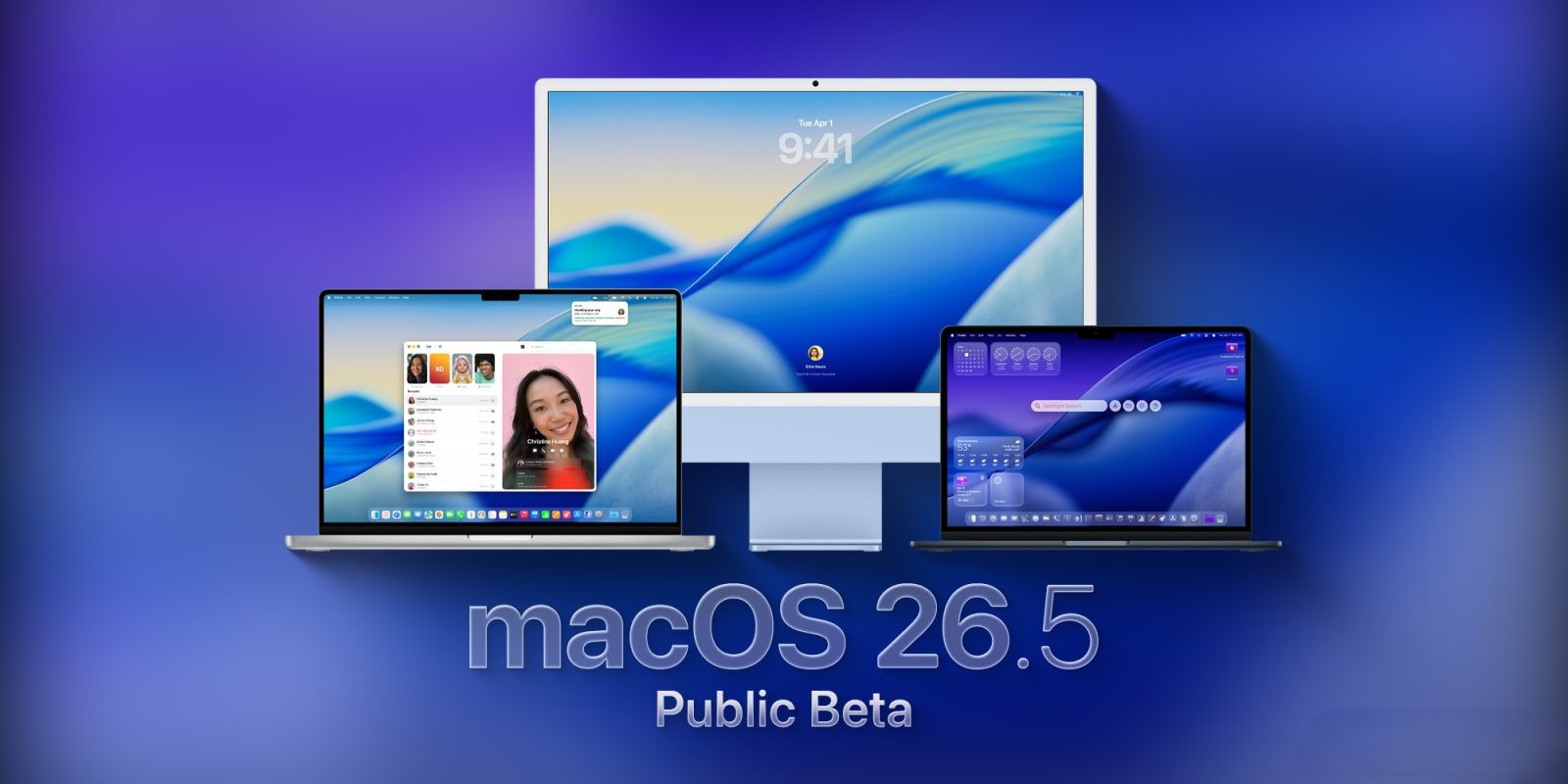
Apple Releases macOS 26.5 Public Beta 1: Installation Guide and What to Expect
Apple has officially released the first public beta of macOS 26.5, inviting users to explore the latest enhancements and refinements ahead of the full release. This update follows the initial developer beta and is primarily focused on improving system stability and performance.
Key Highlights of macOS 26.5:
– Focus on Stability: Unlike its predecessor, macOS 26.4, which introduced features like the Charge Limit function and the return of Safari’s compact tab view, macOS 26.5 emphasizes bug fixes and overall system improvements.
– Anticipation for Future Features: While this beta doesn’t showcase significant new features, it’s possible that subsequent updates may introduce additional functionalities as Apple prepares for the upcoming WWDC26 and the announcement of macOS 27.
How to Install macOS 26.5 Public Beta 1:
To experience the latest macOS beta, follow these steps:
1. Enroll in the Public Beta Program: Visit Apple’s official beta program website and sign up using your Apple ID.
2. Backup Your Mac: Before proceeding, ensure you have a complete backup of your system to prevent data loss.
3. Access System Settings: Open the System Settings application on your Mac.
4. Navigate to Software Update: Go to General > Software Update.
5. Select Beta Updates: Click the ‘i’ icon next to Beta Updates.
6. Choose the Public Beta: From the dropdown menu, select ‘macOS Tahoe 26 Public Beta.’
7. Confirm Selection: Click ‘Done’ to confirm your choice.
8. Install the Update: The beta update should now appear in the Software Update section. Click ‘Download and Install’ to begin the installation process.
Important Considerations:
– Beta Software Caution: Beta versions may contain bugs or issues that could affect system performance. It’s advisable to install beta software on a secondary device or partition.
– Feedback Contribution: As a beta tester, your feedback is invaluable. Use the Feedback Assistant app to report any issues or suggestions to Apple.
Looking Ahead:
As Apple continues to refine macOS 26.5, users can anticipate further enhancements and possibly new features in upcoming beta releases. Staying engaged with the beta program offers a unique opportunity to experience and influence the development of macOS.