Apple Sports App Now Supports 2026 FIFA World Cup: Stay Updated on Every Match
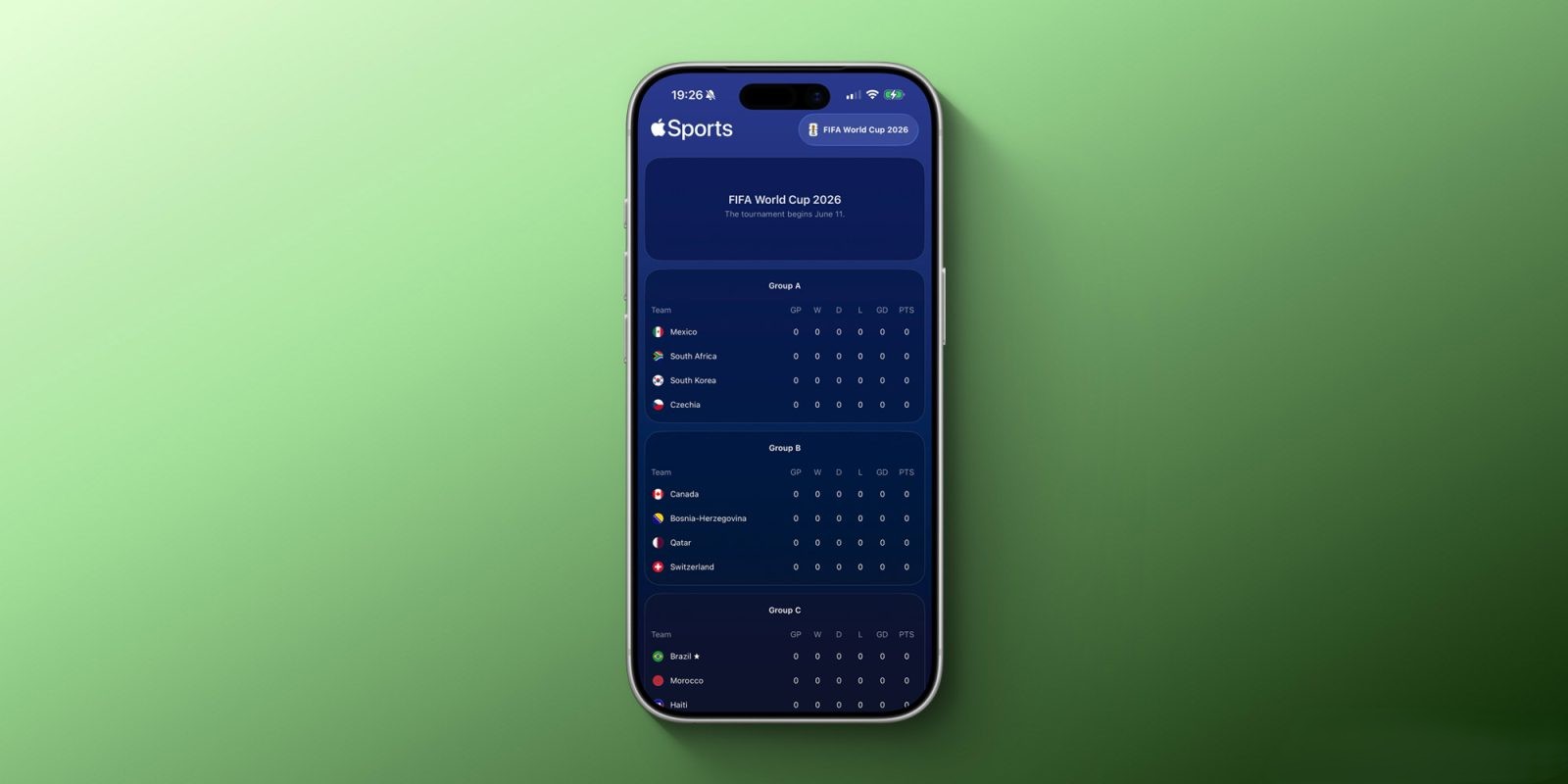
Apple has enhanced its Apple Sports app to include comprehensive support for the upcoming 2026 FIFA World Cup, set to commence on June 11 at MetLife Stadium in New Jersey. This update enables users to follow real-time scores, statistics, and match details directly from their devices.
How to Follow the 2026 FIFA World Cup on Apple Sports:
1. Accessing the Tournament:
– Open the Apple Sports app on your iPhone.
– Navigate to the Search interface.
– Type FIFA World Cup 2026 into the search bar.
– Tap the star icon next to the tournament name to add it to your My Leagues section.
2. Following Specific Teams:
– Within the app, go to the My Teams section.
– Search for and select your favorite national teams participating in the World Cup.
– Tap the star icon to add them to your personalized list.
3. Managing Preferences:
– To customize your My Leagues and My Teams selections, tap the Edit button located in the top-right corner of the app.
Real-Time Updates and Notifications:
Once the tournament begins, Apple Sports will provide Live Activities, delivering real-time information about ongoing matches directly to your Lock Screen and Dynamic Island. Users can track group stage standings, follow knockout rounds, and stay informed up to the final match on July 19.
Additional Features:
The Apple Sports app offers extensive coverage across various sports, including soccer, basketball, baseball, tennis, and racing. It supports multiple leagues and tournaments in regions such as the U.S., Mexico, Europe, and Brazil. With the inclusion of the 2026 FIFA World Cup, the app continues to expand its offerings, ensuring fans have access to comprehensive sports information.
Availability:
The Apple Sports app is available for free download on the App Store. Ensure your app is updated to the latest version to access the new World Cup features.