Apple Restores Beloved Multitasking Features in iPadOS 26.2
Apple’s iPadOS 26.2 update marks a significant return to user-friendly multitasking by reintroducing and enhancing the Split View and Slide Over features, addressing the concerns of many iPad enthusiasts.
The Evolution of iPad Multitasking
With the launch of iPadOS 26, Apple introduced a comprehensive windowing system, bringing the iPad experience closer to that of a Mac. This update allowed for overlapping, resizable app windows equipped with traffic light controls, offering users greater flexibility. However, this advancement came at the expense of the traditional Split View and Slide Over functionalities, which were removed to accommodate the new system. This shift left many users longing for the simplicity and efficiency of the previous multitasking methods. ([9to5mac.com](https://9to5mac.com/2025/06/09/psa-ipados-26-removes-split-view-and-slide-over-multitasking-features/?utm_source=openai))
User Feedback and Apple’s Response
The removal of these features sparked considerable feedback from the iPad community. Recognizing the value these tools provided, Apple took swift action. In iPadOS 26.1, the company reinstated Slide Over, albeit with a modified activation method that required users to utilize the traffic light controls to enter Slide Over mode. While this was a step in the right direction, it didn’t fully restore the intuitive drag-and-drop functionality that users had grown accustomed to. ([9to5mac.com](https://9to5mac.com/2025/11/17/slide-over-ipados-26-2-update-feature/?utm_source=openai))
iPadOS 26.2: A Return to Intuitive Multitasking
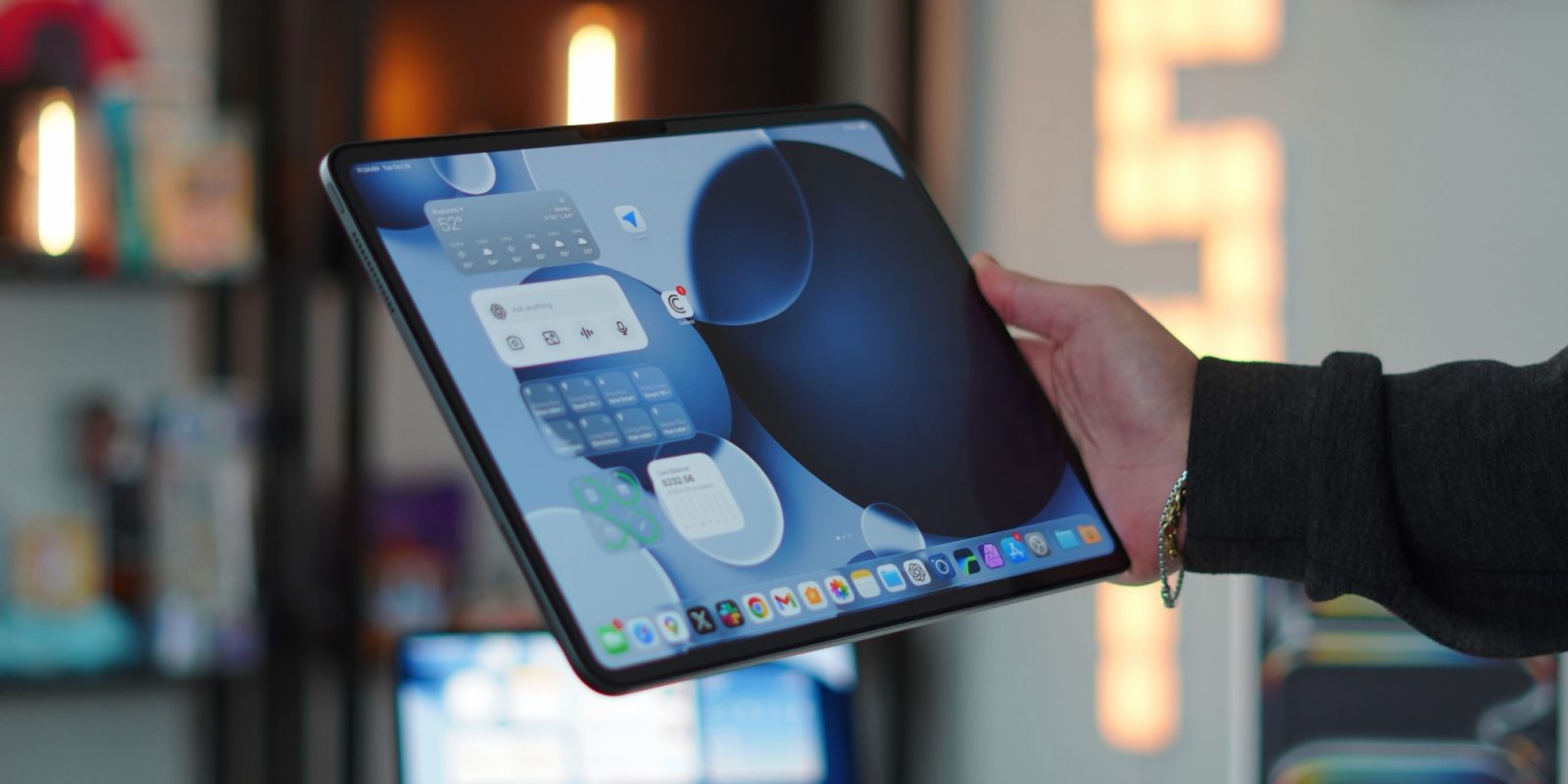
The release of iPadOS 26.2 brings further enhancements, reinstating the beloved drag-and-drop gestures for both Split View and Slide Over. Users can now effortlessly drag an app from the dock or Spotlight search and position it into Split View or Slide Over, with the interface dynamically adjusting to indicate the selected mode. This restoration closely mirrors the functionality found in iPadOS 18, providing a seamless and familiar multitasking experience. ([9to5mac.com](https://9to5mac.com/2025/11/17/slide-over-ipados-26-2-update-feature/?utm_source=openai))
Balancing Advanced Features with User-Friendly Design
Apple’s decision to reintroduce these features underscores the company’s commitment to balancing advanced capabilities with user-friendly design. By listening to user feedback and acting promptly, Apple has demonstrated its dedication to enhancing the iPad experience for both power users and those who prefer a more straightforward approach.
Looking Ahead
While the return of Split View and Slide Over is a significant improvement, some users have noted that the ability to stack multiple apps in Slide Over, a feature available in earlier versions, has not yet been reinstated. However, the rapid response to user feedback in recent updates suggests that Apple may continue to refine and expand these features in future releases. ([9to5mac.com](https://9to5mac.com/2025/11/18/ipados-26-2-is-the-latest-sign-of-an-exciting-new-trend-for-ipad/?utm_source=openai))
Conclusion
The iPadOS 26.2 update is a testament to Apple’s responsiveness to its user base, blending innovative advancements with the intuitive features that have long defined the iPad experience. By restoring and enhancing Split View and Slide Over, Apple has reaffirmed its commitment to providing a versatile and user-centric platform that caters to a diverse range of needs and preferences.