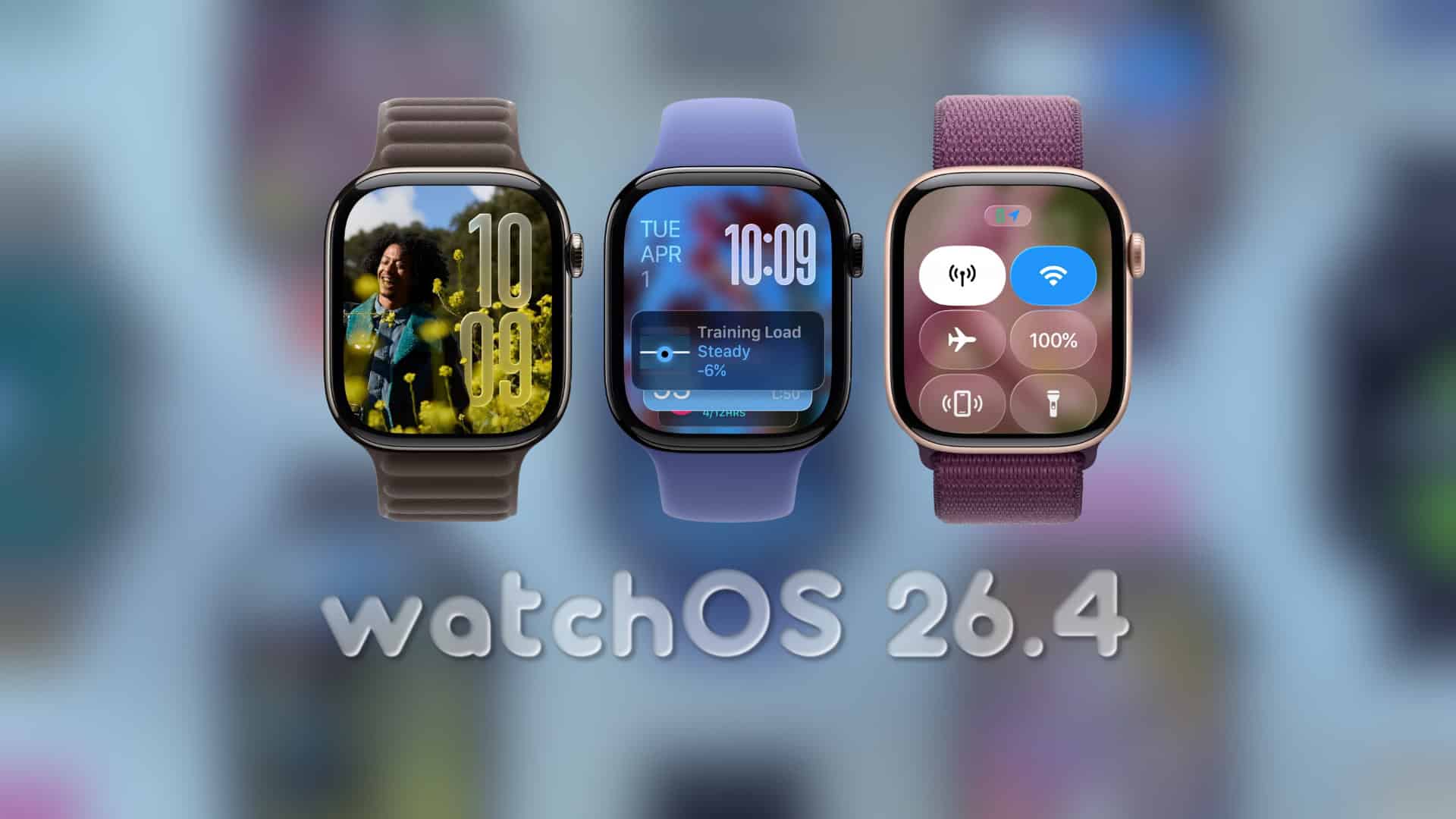
Apple Releases watchOS 26.4 Beta 2 to Developers
Apple has rolled out the second beta of watchOS 26.4 to developers, marking a significant step in the ongoing development of its Apple Watch operating system. This latest beta, identified by build number 23T5221e, follows the initial release by approximately a week, underscoring Apple’s commitment to refining and enhancing the user experience.
Key Highlights of watchOS 26.4 Beta 2:
– Developer-Centric Release: This beta is specifically designed for developers, providing them with the opportunity to test and adapt their applications to the forthcoming features and improvements.
– Focus on Stability and Performance: While no major user-facing features have been introduced in this build, the emphasis remains on addressing issues identified in the first beta and enhancing overall system performance.
Installation Guide for Developers:
To install watchOS 26.4 Beta 2, developers should follow these steps:
1. Backup Your iPhone: Ensure that your iPhone, which is paired with your Apple Watch, is backed up. This precaution safeguards your data during the update process.
2. Access the Watch App: Open the Watch app on your iPhone.
3. Navigate to Software Update: Tap on ‘General,’ then select ‘Software Update.’
4. Select Beta Updates: Choose ‘Beta Updates’ (or ‘Beta Updates / Developer Beta,’ depending on your interface).
5. Choose the Developer Beta Track: Select the ‘watchOS 26.4 Developer Beta’ option.
6. Initiate the Download and Installation: Return to the previous menu and tap ‘Download and Install.’
Important Considerations:
– Device Charging: Keep your Apple Watch on its charger and ensure it has at least a 50% charge during the update process.
– Proximity to iPhone: Maintain close proximity between your Apple Watch and iPhone, with Wi-Fi enabled, to facilitate a smooth installation.
Developer Recommendations:
Given that this beta is primarily aimed at developers, it is advisable to install it on a secondary device. This approach minimizes potential disruptions, as beta versions may contain bugs or performance issues that could affect daily usage.
Testing Focus Areas:
Developers are encouraged to concentrate on the following areas during their testing:
– Notifications: Verify the delivery and functionality of notifications.
– Complications: Ensure that watch face complications display accurate and timely information.
– Background Refresh: Test the efficiency and reliability of background app refresh processes.
– Workout Integrations: Assess the performance and accuracy of workout-related features and integrations.
– iPhone Connectivity: Examine the seamlessness of interactions between the Apple Watch and paired iPhone, especially for features that rely on this connectivity.
Feedback Mechanism:
Apple encourages developers to report any bugs or issues encountered during testing through the standard developer feedback channels. Timely reporting ensures that these concerns are addressed in subsequent updates, contributing to a more stable final release.
Conclusion:
The release of watchOS 26.4 Beta 2 signifies Apple’s ongoing efforts to refine the Apple Watch experience. By focusing on stability and performance improvements, this beta lays the groundwork for a robust and reliable update. Developers play a crucial role in this process, and their feedback is invaluable in shaping the final product.