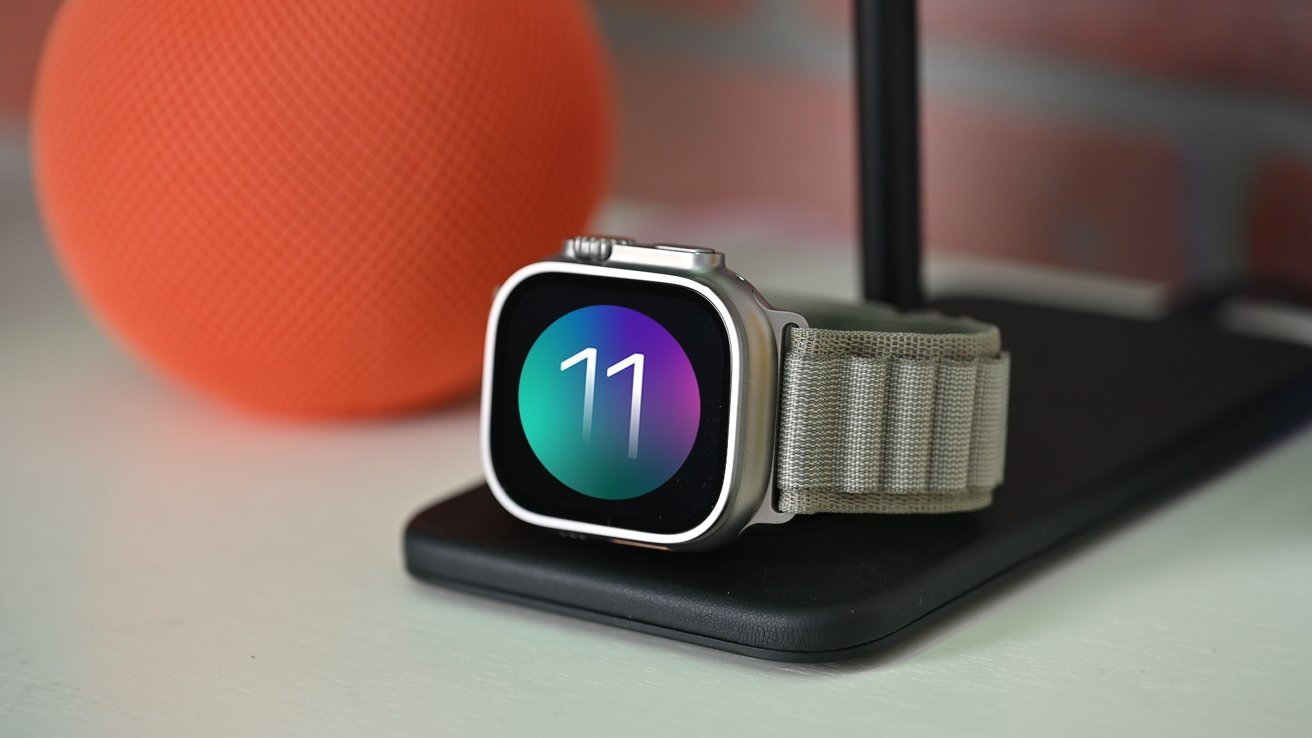
Apple Releases watchOS 11.6.2 to Address Emergency Call Issue in Australia
Apple has rolled out watchOS 11.6.2, a crucial update aimed at resolving a significant issue affecting Apple Watch users in Australia. This update specifically addresses a cellular network problem that hindered the ability to connect with emergency services within the country.
Background on the Issue
Prior to this update, certain Apple Watch models experienced difficulties when attempting to establish connections with emergency services in Australia. This posed a serious risk, as users rely on their devices for prompt assistance during emergencies. Recognizing the gravity of the situation, Apple prioritized the development and release of watchOS 11.6.2 to rectify this problem.
Eligibility and Compatibility
The watchOS 11.6.2 update is intended for Apple Watch users who have not yet upgraded to watchOS 26 or are unable to do so. Notably, this update is not required for newer models such as the Apple Watch Ultra 3 or Apple Watch Series 11, as these devices are designed to operate seamlessly with watchOS 26.
The update is compatible with the following Apple Watch models:
– Apple Watch Series 6
– Apple Watch Series 7
– Apple Watch Series 8
– Apple Watch Series 9
– Apple Watch Series 10
– Apple Watch SE 2
– Apple Watch Ultra 2
– Original Apple Watch Ultra
Importance of the Update
For Apple Watch users in Australia, installing watchOS 11.6.2 is highly recommended. The update ensures that the device can reliably connect to emergency services when needed, thereby enhancing user safety and peace of mind.
Steps to Update to watchOS 11.6.2
To install the update directly on your Apple Watch:
1. Ensure your Apple Watch is charged to at least 50% and connected to Wi-Fi.
2. Open the Settings app on your Apple Watch.
3. Tap on General.
4. Select Software Update.
5. If an update is available, tap Install.
6. Follow the on-screen instructions to complete the installation.
Alternatively, to update via your paired iPhone:
1. Ensure your Apple Watch is charged to at least 50% and connected to Wi-Fi.
2. Open the Apple Watch app on your iPhone.
3. Tap on General.
4. Select Software Update.
5. If an update is available, tap Download and Install.
6. Follow the on-screen instructions to complete the installation.
Additional Context
This update underscores Apple’s commitment to user safety and device reliability. By promptly addressing the emergency call connectivity issue, Apple ensures that its users have dependable access to critical services. Regular software updates like watchOS 11.6.2 not only introduce new features but also resolve existing issues, enhancing the overall user experience.
It’s also worth noting that Apple continues to expand and refine the health and safety features of the Apple Watch. For instance, the introduction of the Vitals app in watchOS 11 allows users to monitor key health metrics, providing insights into their well-being. Additionally, features like Training Load and customizable Activity Rings offer users more control over their fitness goals and progress.
For users in Australia, the timely release of watchOS 11.6.2 is a testament to Apple’s responsiveness to regional issues and its dedication to providing a seamless and secure user experience worldwide.