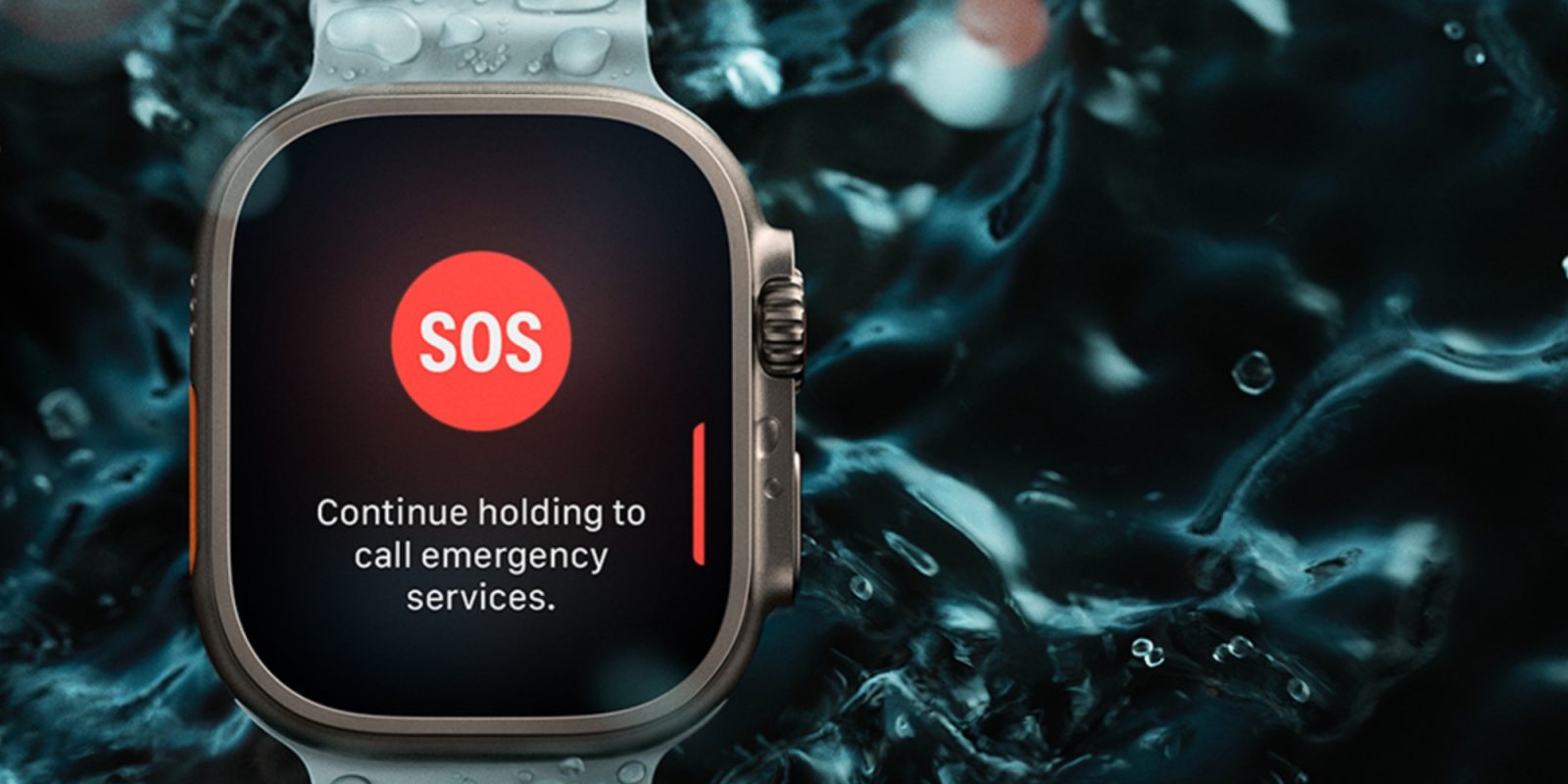
Article Title: Apple Releases watchOS 11.6.2 to Address Critical Emergency Call Issue in Australia
Apple has recently rolled out watchOS 11.6.2, a crucial update aimed at resolving a significant cellular connectivity issue affecting emergency calls in Australia. This update is specifically designed for Apple Watch models that have not yet transitioned to watchOS 26, including the Series 6 through Series 10, Apple Watch SE (2nd generation), and both versions of the Apple Watch Ultra.
Understanding the Issue
The primary concern addressed by watchOS 11.6.2 pertains to a malfunction in the cellular network that hindered the Apple Watch’s ability to connect with emergency services in Australia. This flaw posed a serious risk, as users relying on their devices for urgent assistance might have encountered failures during critical moments. Apple’s prompt response underscores the company’s commitment to user safety and device reliability.
Devices Eligible for the Update
The watchOS 11.6.2 update is available for the following Apple Watch models:
– Apple Watch Series 6
– Apple Watch Series 7
– Apple Watch Series 8
– Apple Watch Series 9
– Apple Watch Series 10
– Apple Watch SE (2nd generation)
– Apple Watch Ultra
– Apple Watch Ultra 2
It’s important to note that this update is intended for devices that have not yet been updated to watchOS 26 or later versions. Users who have already upgraded to watchOS 26 will not receive this update, as the issue has been addressed in that version.
Steps to Install watchOS 11.6.2
To ensure your Apple Watch is operating optimally and to benefit from the latest fixes, follow these steps to install the update:
1. Ensure Sufficient Battery and Connectivity: Make sure your Apple Watch has at least a 50% charge and is connected to Wi-Fi.
2. Access the Settings App: On your Apple Watch, open the Settings app.
3. Navigate to Software Update: Tap on ‘General,’ then select ‘Software Update.’
4. Initiate the Update: If watchOS 11.6.2 is available, tap ‘Install’ and follow the on-screen instructions to complete the process.
Alternatively, you can update via your paired iPhone:
1. Open the Apple Watch App: Launch the Apple Watch app on your iPhone.
2. Go to Software Update: Tap on ‘General,’ then select ‘Software Update.’
3. Download and Install: If the update is available, tap ‘Download and Install’ and follow the prompts.
Broader Implications and User Recommendations
While the primary focus of watchOS 11.6.2 is to rectify the emergency call connectivity issue in Australia, Apple has indicated that the update includes other important bug fixes. However, specific details about these additional fixes have not been disclosed. Given the critical nature of the addressed issue, it is strongly recommended that all eligible users install the update promptly to ensure their devices function reliably, especially in emergency situations.
Historical Context and Apple’s Commitment to Safety
This update is part of Apple’s ongoing efforts to maintain the safety and reliability of its devices. In the past, Apple has released similar updates to address urgent issues. For instance, in July 2025, Apple released watchOS 11.6, focusing on bug fixes and security improvements. Such actions reflect Apple’s proactive approach to identifying and resolving potential risks that could impact user safety.
Conclusion
The release of watchOS 11.6.2 highlights Apple’s dedication to promptly addressing critical issues that affect user safety. By installing this update, Apple Watch users, particularly those in Australia, can ensure their devices are equipped to handle emergency situations effectively. Staying current with software updates is essential for maintaining the optimal performance and reliability of your Apple Watch.