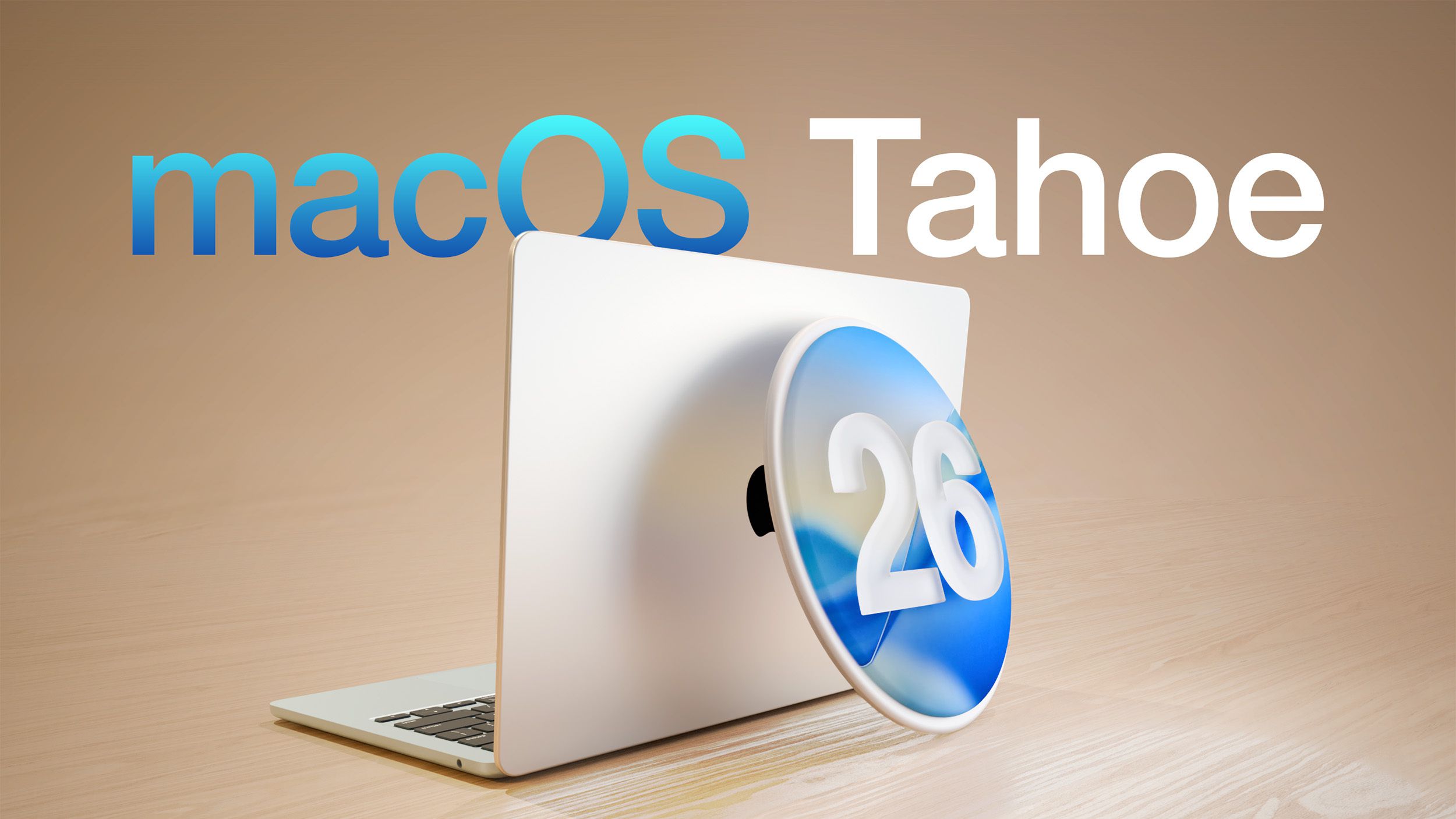
Apple Unveils Second Public Beta of macOS Tahoe 26.4 with Enhanced Features
Apple has recently released the second public beta of macOS Tahoe 26.4, introducing a suite of new features and improvements aimed at enhancing user experience and system performance. This update is part of Apple’s ongoing commitment to refining its operating system and providing users with cutting-edge functionalities.
Key Features in macOS Tahoe 26.4 Public Beta 2:
1. Safari’s Compact Tab Layout Returns:
Responding to user feedback, Apple has reinstated the Compact tab layout in Safari. This design offers a streamlined browsing experience by consolidating tabs and the address bar into a single, cohesive interface. Users who preferred this layout in earlier versions of macOS Tahoe can now enjoy its return, enhancing both aesthetics and functionality.
2. Introduction of Charge Limit Feature:
A significant addition in this beta is the Charge Limit feature, allowing Mac users to set a maximum battery charge level between 80% and 100%. This feature is particularly beneficial for users who keep their Macs plugged in for extended periods, as limiting the charge can prolong battery lifespan by reducing wear from constant full charges.
3. Rosetta 2 Deprecation Warnings:
Apple is taking steps to phase out Rosetta 2, the translation layer that enables Intel-based applications to run on Apple silicon Macs. Starting with macOS Tahoe 26.4, users will receive notifications when launching apps that rely on Rosetta 2, informing them of the impending end of support. This proactive approach encourages developers and users to transition to native Apple silicon applications ahead of the complete phase-out planned after macOS 27.
4. Final Support for Intel-Based Macs:
macOS Tahoe 26.4 marks the last version of macOS that will support Intel-based Macs. Apple is focusing on optimizing the operating system for its Apple silicon architecture, signaling a complete shift away from Intel hardware in future macOS releases. Users with Intel-based Macs are advised to consider this transition in their future upgrade plans.
How to Access the Public Beta:
Public beta testers can download macOS Tahoe 26.4 by navigating to the Software Update section within the System Settings app. To participate in the beta program, users must sign up on Apple’s beta testing website. It’s important to note that beta software may contain bugs or issues, so it’s recommended to install it on a secondary device or ensure that critical data is backed up before installation.
Looking Ahead:
Apple is expected to continue refining macOS Tahoe 26.4 through subsequent beta releases, potentially introducing additional features and improvements. The final public release is anticipated in the spring, following thorough testing and feedback from both developers and public beta testers.