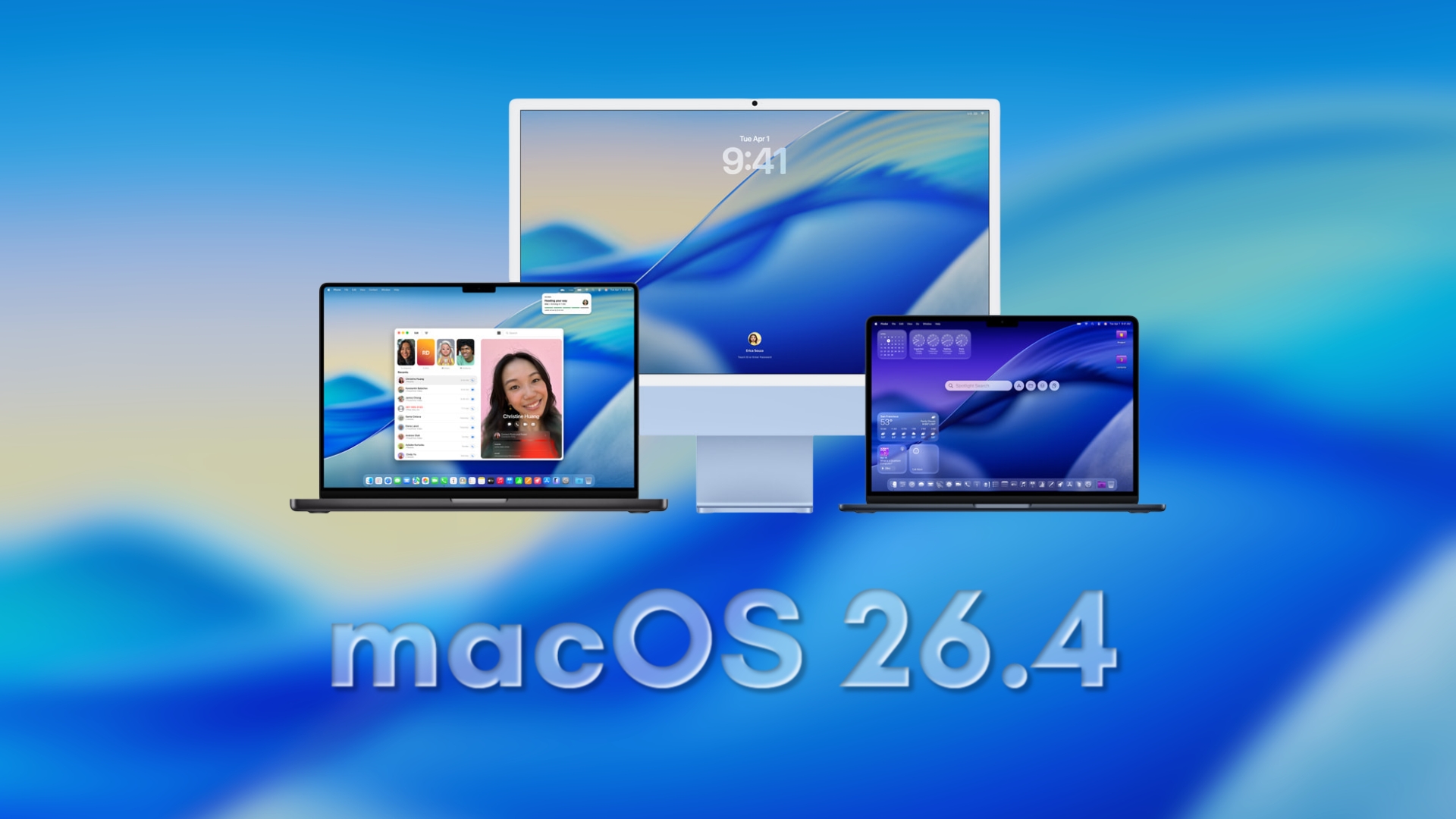
Apple has released the first beta of macOS 26.4, marking the beginning of a new testing phase shortly after the public debut of macOS 26.3. This initial beta is now accessible to developers, offering a glimpse into forthcoming enhancements and features.
Installation Guide for macOS 26.4 Beta 1
Before proceeding with the installation, it’s crucial to back up your Mac to prevent potential data loss. Beta versions can sometimes introduce unforeseen issues, including application incompatibilities and system instability.
To install macOS 26.4 beta 1:
1. Open System Settings.
2. Navigate to General.
3. Select Software Update.
4. Click on Beta Updates and choose macOS Developer Beta.
5. Download and install the beta version.
Please note that a developer account is required to access and install developer beta versions.
Anticipated Features and Enhancements
While Apple has not released comprehensive public release notes for macOS 26.4 beta 1, several anticipated features and improvements are generating interest:
– Siri and Apple Intelligence Enhancements: The update is expected to introduce advancements in Siri’s functionality, potentially incorporating more personalized and intelligent responses. These enhancements aim to provide a more seamless and intuitive user experience.
– New Emoji Characters: Users can look forward to a fresh set of emoji, including representations like a trombone, treasure chest, orca, landslide, and Bigfoot. These additions will enrich the expressive capabilities available in messaging and communication apps.
– Rosetta 2 Notifications: A significant change in macOS 26.4 is the introduction of notifications alerting users that support for Rosetta 2 will conclude after macOS 27. Rosetta 2 enables Intel-based applications to run on Apple Silicon Macs. This notification serves as a prompt for users to transition to native applications compatible with Apple Silicon.
Developer and Public Beta Access
Currently, macOS 26.4 beta 1 is available exclusively to registered developers. Apple typically releases public beta versions shortly after the developer betas, allowing a broader audience to test and provide feedback on upcoming features. Users interested in participating in the public beta program should monitor Apple’s official channels for announcements regarding availability.
Conclusion
The release of macOS 26.4 beta 1 signifies Apple’s ongoing commitment to enhancing the macOS experience. With anticipated improvements in Siri, the introduction of new emoji, and important notifications regarding future support changes, this update is poised to offer valuable enhancements to users. As always, it’s advisable to approach beta installations with caution, ensuring that all data is backed up and being prepared for potential issues inherent in pre-release software.