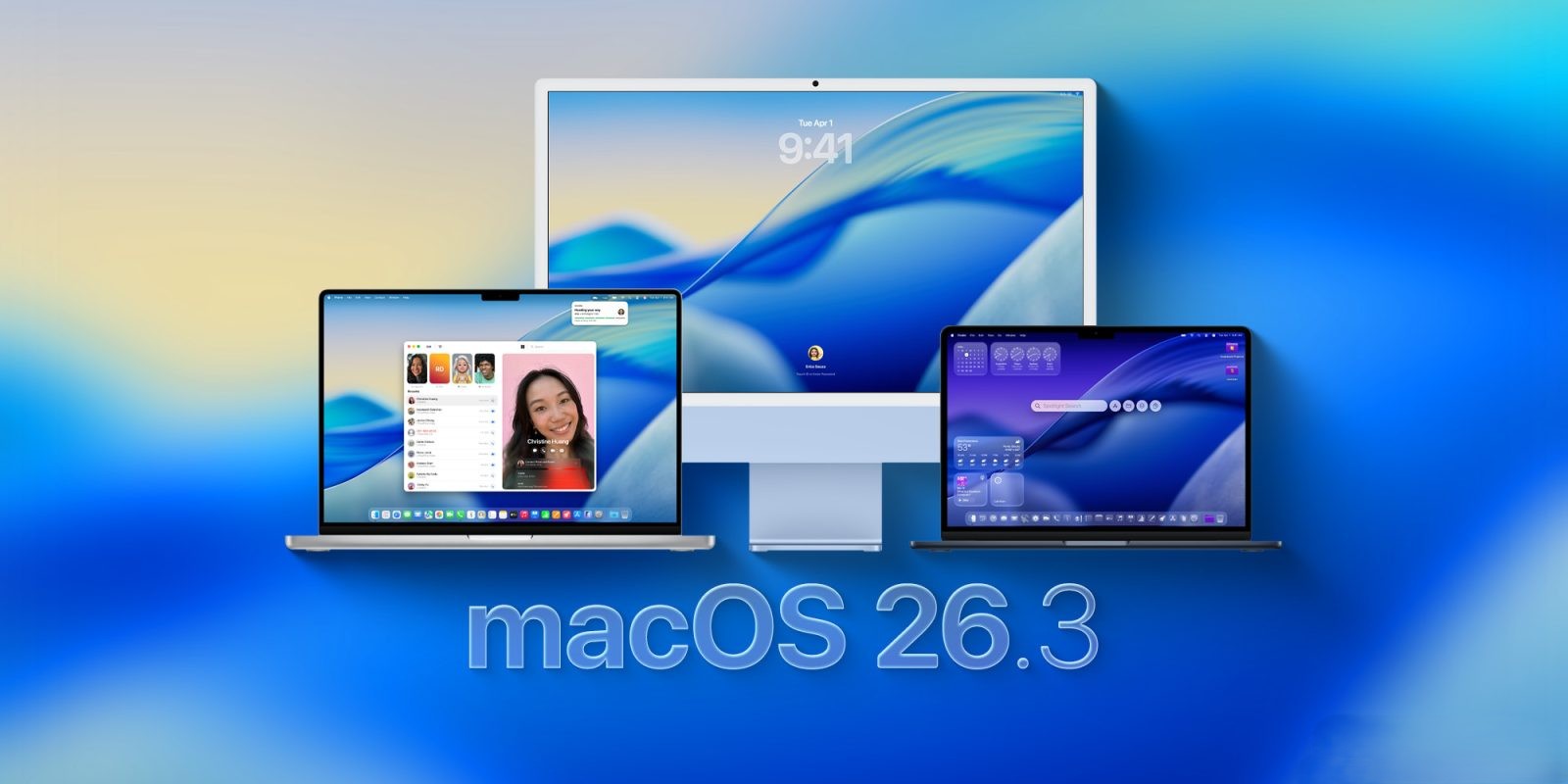
Apple Unveils macOS 26.3: Key Updates and Developer Enhancements
Apple has officially released macOS 26.3, marking the latest update in its operating system lineup for compatible Mac devices. This release follows the recent rollout of the Release Candidate (RC) version and focuses primarily on internal enhancements and developer-centric features.
Under-the-Hood Improvements
While macOS 26.3 may not introduce a plethora of user-facing features, it brings several significant under-the-hood changes aimed at improving system performance and stability. The build number for this update is 25D125.
References to Upcoming Apple Silicon Chips
A notable discovery within macOS 26.3 is the inclusion of references to unreleased Apple Silicon chips, specifically the M5 Max and M5 Ultra. These references suggest that Apple is preparing for future hardware updates, likely targeting the next generation of MacBook Pro models. Interestingly, there is an absence of mention of an M5 Pro chip in the internal code, leading to speculation that the M5 Pro and M5 Max could be identical, differing only in configuration or performance tuning.
Advancements in Developer Tools
Accompanying the macOS 26.3 update is the anticipated release of Xcode 26.3. This version of Xcode introduces support for agentic coding, integrating tools such as OpenAI’s Codex and Anthropic’s Code agent. These additions are designed to streamline the development process, offering developers advanced capabilities for code generation and assistance.
Security and Bug Fixes
As with most updates, macOS 26.3 includes important bug fixes and security updates. While specific details are not extensively outlined, users are encouraged to update their systems to ensure they benefit from the latest protections and system optimizations.
Installation and Compatibility
To install macOS 26.3, users should navigate to the System Settings, select ‘General,’ and then ‘Software Update.’ The update is available for all Macs compatible with macOS 26. Users are advised to back up their data before proceeding with the installation to prevent any potential data loss.
Conclusion
Although macOS 26.3 may not introduce groundbreaking new features, it lays the groundwork for future hardware advancements and provides developers with enhanced tools to improve their workflows. Keeping systems updated ensures optimal performance, security, and access to the latest features as they become available.