Apple Unveils iPadOS 26.4 Beta 2 to Public Testers
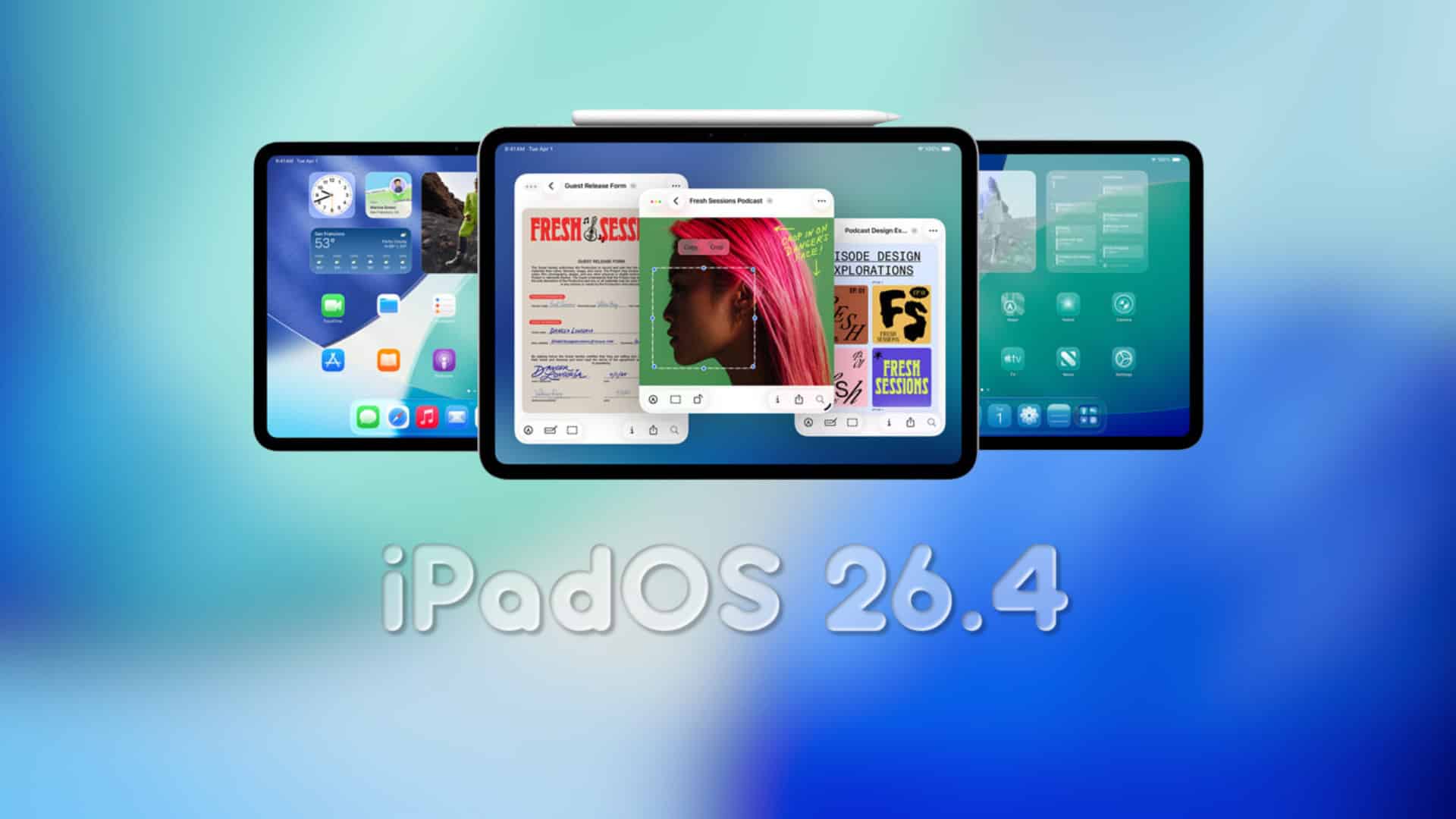
Apple has advanced its iPadOS 26.4 beta cycle by releasing the second public beta, offering users an early glimpse into the forthcoming spring update. This release follows closely on the heels of the developer beta, underscoring Apple’s commitment to refining the iPad experience.
Key Features and Enhancements in iPadOS 26.4:
1. Apple Music Revamp: The latest beta introduces a refreshed interface in Apple Music, featuring an AI-driven playlist generator, integrated concert details, and enhanced playlist management tools.
2. Safari’s Compact Tab Bar Returns: Responding to user feedback, Apple has reinstated the compact tab bar option in Safari, providing a streamlined browsing experience.
3. Revitalized Wallpaper Gallery: Users can now explore a redesigned wallpaper gallery, offering a broader selection of backgrounds to personalize their devices.
4. ‘Urgent’ Smart List in Reminders: A new smart list labeled ‘Urgent’ has been added to the Reminders app, allowing users to prioritize time-sensitive tasks effectively.
5. Ambient Music Widget: The Home Screen now features an Ambient Music widget, enabling quick access to soothing tunes directly from the main interface.
6. Enhanced Podcasts Experience: The Podcasts app has been upgraded with improved video functionalities, enriching the overall user experience.
7. Freeform’s Creator Studio Tools: Freeform introduces new tools within the Creator Studio, empowering users with advanced creative capabilities.
How to Update to iPadOS 26.4 Beta 2:
To install the latest beta on your iPad:
1. Backup Your Device: Ensure all important data is backed up via iCloud or a computer to prevent potential data loss.
2. Access Settings: Open the ‘Settings’ app on your iPad.
3. Navigate to General: Tap on ‘General’ to access system settings.
4. Select Software Update: Choose ‘Software Update’ to check for available updates.
5. Enable Beta Updates: Tap on ‘Beta Updates’ and select ‘iPadOS Public Beta’ (or ‘Developer Beta’ if applicable).
6. Download and Install: Return to the previous menu and tap ‘Download and Install’ to initiate the update process.
Note: If the ‘Beta Updates’ option is not visible, ensure you’re signed in with the Apple ID associated with the beta program, then revisit the Software Update section.
Notable Changes in Beta 2:
While Beta 2 primarily focuses on refining existing features, several noteworthy adjustments have been identified:
– Expanded RCS Encryption Testing: Apple has broadened the testing scope for end-to-end encryption in RCS messaging, aiming to enhance the security of cross-platform communications.
– Interface Refinements: Subtle UI tweaks have been implemented, including increased transparency in certain Home Screen editing interfaces, contributing to a more cohesive visual experience.
– New Accessibility Option: A ‘Reduce Highlighting Effects’ toggle has been added under ‘Display and Text Size’ in Accessibility settings, offering users more control over visual elements.
– Improved Build Number Visibility: Users can now easily view the build number during updates by tapping on the software name, enhancing transparency during the update process.
Emoji Update: Although initial code suggested the introduction of new emojis in the 26.4 cycle, they have yet to appear in this beta release.
User Feedback and Participation:
Apple encourages users who have installed iPadOS 26.4 Beta 2 to share their experiences, particularly regarding iPad-specific changes, potential bugs, or battery performance improvements. Engaging with the community provides valuable insights that contribute to the refinement of the final release.
Conclusion:
The release of iPadOS 26.4 Beta 2 signifies Apple’s dedication to enhancing the iPad user experience through thoughtful feature additions and meticulous refinements. As the beta cycle progresses, users can anticipate further improvements leading up to the official spring release.