Discover Your Apple Music Replay 2026 Playlist on iPhone
Apple Music’s Replay feature offers a personalized retrospective of your listening habits, compiling your top songs, artists, and total listening time throughout the year. With the release of iOS 26, accessing your Replay 2026 playlist has become more seamless, as it’s now integrated directly into the Music app. This integration eliminates the need to visit external websites, allowing you to view your stats, monthly highlights, and add your Replay playlist to your library effortlessly.
Accessing Apple Music Replay 2026 Within the Music App
To explore your 2026 Replay playlist and statistics:
1. Open the Music App: Launch the Apple Music app on your iPhone.
2. Navigate to the Home Tab: Tap on the ‘Home’ tab located at the bottom of the screen.
3. Scroll to Replay Section: Scroll down until you find the section titled Replay: Your Top Music.
4. View Monthly or Yearly Stats:
– For detailed monthly statistics, select Your [Month] Replay is here.
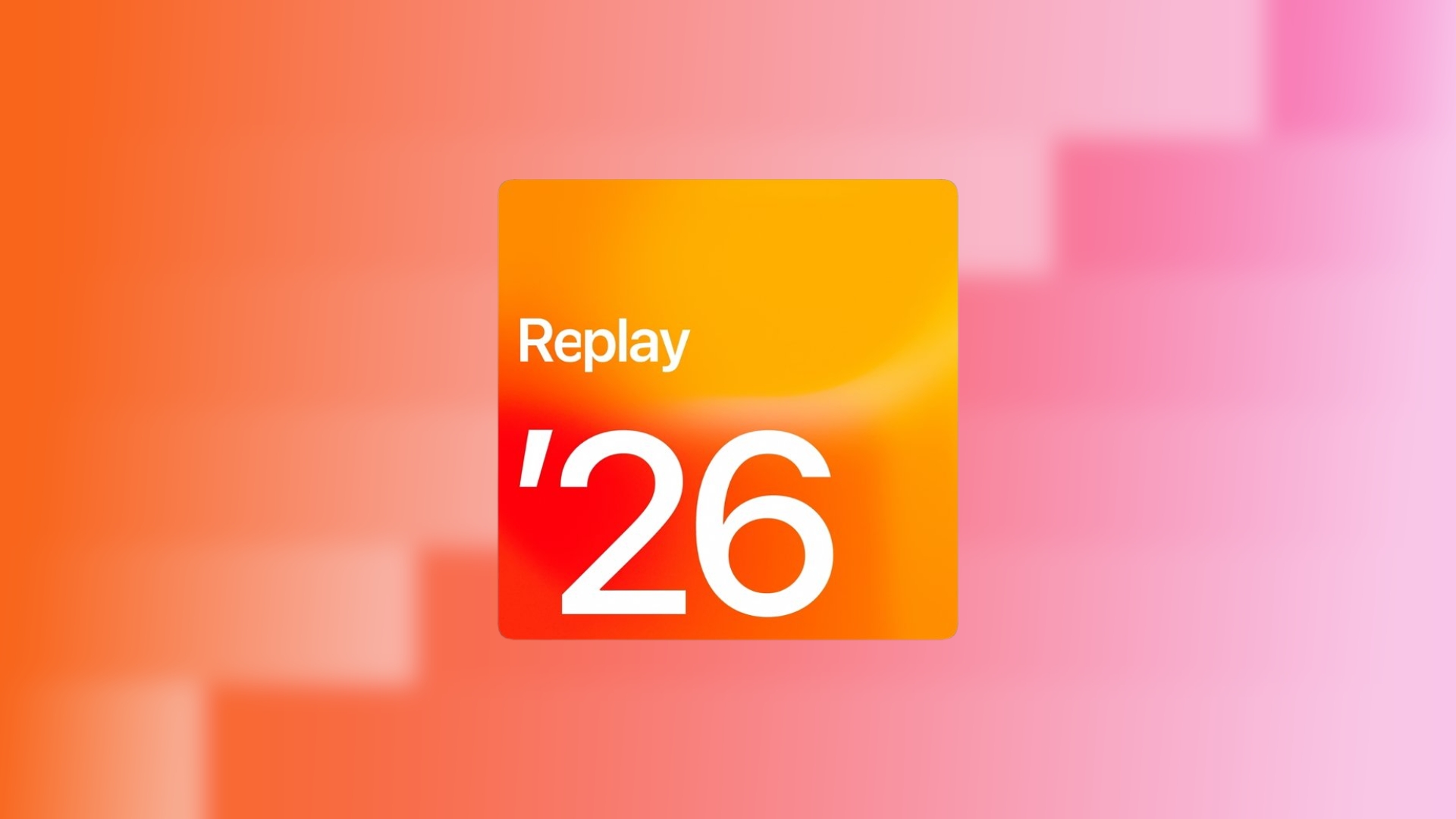
– To access your comprehensive 2026 playlist, tap on Replay ’26.
Adding the Replay Playlist to Your Library
To ensure your Replay playlist remains updated throughout the year:
1. Open Replay ’26: Within the Replay section, tap on Replay ’26.
2. Add to Library: Tap the ‘+’ button located in the top right corner.
By adding the playlist to your library, it will automatically update every week, reflecting your evolving listening habits.
Accessing Apple Music Replay via the Web
For those who prefer using a web browser:
1. Visit the Replay Website: Open your browser and navigate to [Apple Music Replay](https://replay.music.apple.com).
2. Sign In: Log in with your Apple ID associated with your Apple Music subscription.
3. Select 2026 Replay: Click on 2026 Replay to view your statistics and playlist.
The web version offers a focused layout for browsing milestones and updates regularly, with the playlist refreshing every Sunday.
Sharing Your Apple Music Replay Stats
Apple Music allows you to share your Replay visuals directly from the Music app:
1. Open Replay Stats: Navigate to any Replay statistic, such as Top Artists or Top Songs.
2. Tap the Share Icon: This is represented by a square with an upward arrow.
3. Choose Sharing Option: Decide whether to share the full report or a specific section.
4. Share or Save: You can save the image or share it through your preferred app.
This feature creates clean, ready-made images without the need for third-party tools.
Tips for Maximizing Your Apple Music Replay Experience
– Regular Listening: Engage with Apple Music consistently to ensure comprehensive Replay statistics.
– Early Addition: Add the Replay playlist to your library early in the year to track your evolving music preferences.
– Consistent Apple ID: Avoid switching Apple IDs, as Replay tracks data per account.
– Keep iOS Updated: Ensure your device is running the latest iOS version to access the newest Replay features.
– Monthly Check-Ins: Review monthly Replay cards to monitor your listening trends before the year’s end.
Frequently Asked Questions
– Is Apple Music Replay available all year?
– Yes, Replay updates weekly and is accessible from January through December.
– Why don’t I see Replay ’26 yet?
– You may need more listening history or to add Replay playlists to your library first.
– Does Replay count offline listening?
– Yes, offline plays are counted once your device syncs online.
– How many songs are in the Replay playlist?
– The yearly Replay playlist includes your top 100 most-played songs.
– Can I see Replay from past years?
– Yes, Apple Music generates a Replay playlist for each year you were subscribed.
Summary
Apple Music Replay 2026 offers a dynamic and personalized overview of your music journey throughout the year. With its integration into the Music app in iOS 26, accessing and sharing your top tracks and artists has never been more convenient. By following the steps outlined above, you can effortlessly engage with your Replay playlist, ensuring you stay connected to your musical preferences as they evolve.