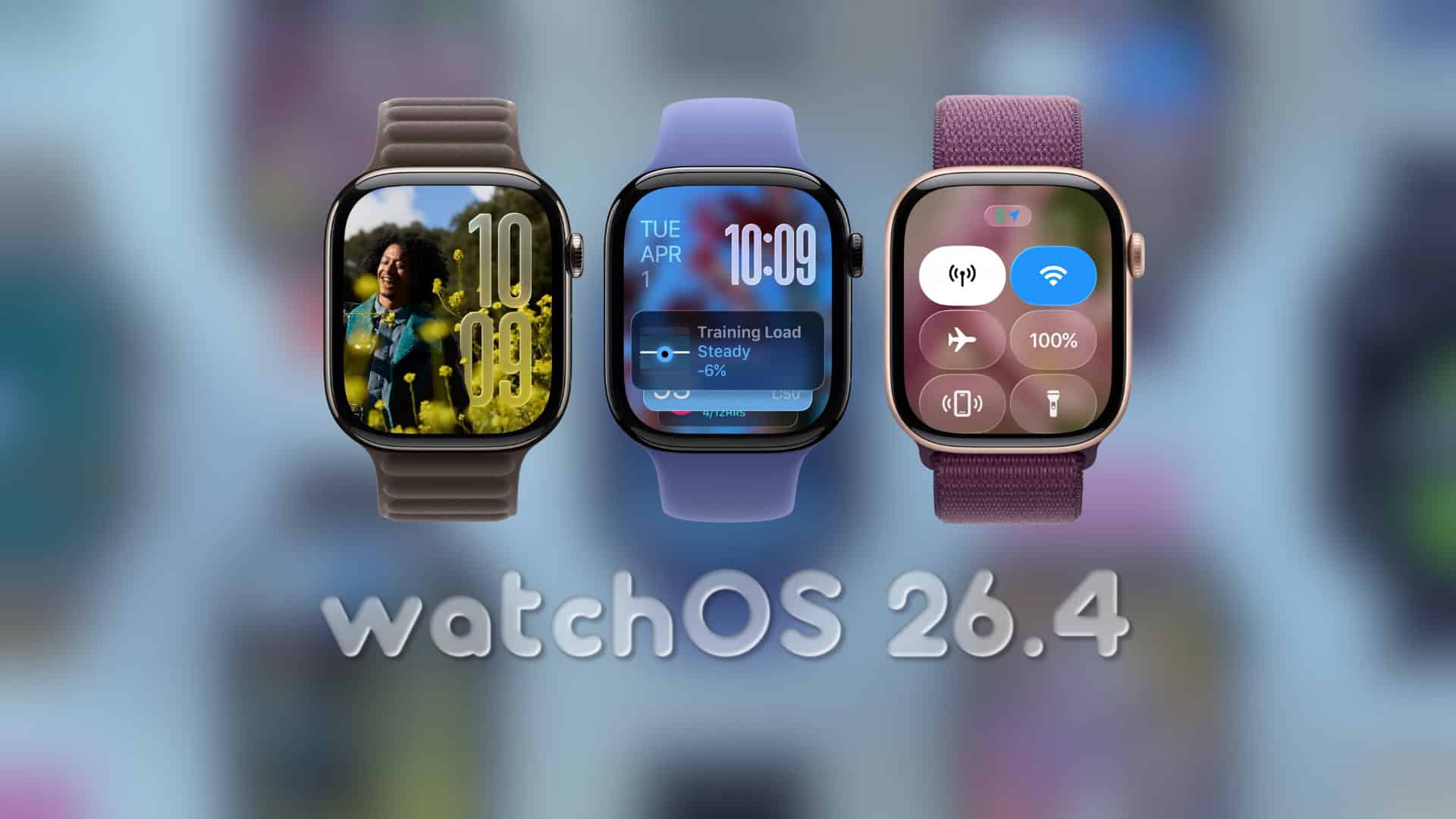
Apple Unveils watchOS 26.4 Public Beta 2: Enhancements and How to Update
Apple has recently released the second public beta of watchOS 26.4, marking a significant step in the ongoing development of its smartwatch operating system. This update arrives shortly after the second developer beta, indicating a swift progression in the testing phase.
Understanding the Update
The latest build, identified as 23T5221e, is now accessible to all participants in Apple’s public beta program. For those already operating on public beta 1, this update should appear as a standard over-the-air update, ensuring a seamless transition to the new version.
Key Features and Improvements
While this release primarily focuses on refining system stability and enhancing user interface elements, it introduces a noteworthy feature: the Average Bedtime metric within the sleep tracking functionality. This new metric provides users with insights into their sleep patterns, with data seamlessly syncing to the Health app for comprehensive health monitoring.
In addition to this feature, users may notice subtle improvements in system animations and user interface tuning, contributing to a more polished and responsive experience.
Steps to Update to watchOS 26.4 Public Beta 2
To ensure a successful update, follow these steps:
1. Charge Your Apple Watch: Ensure your device is charged to at least 50% and remains on its charger throughout the update process.
2. Prepare Your iPhone: Keep your paired iPhone nearby, connected to Wi-Fi, to facilitate the update.
3. Access the Watch App: On your iPhone, open the Watch app to manage your Apple Watch settings.
4. Navigate to Software Update: Within the app, go to General > Software Update.
5. Enable Beta Updates: If you haven’t already, turn on Beta Updates to access the latest beta versions.
6. Download and Install: Proceed to download and install watchOS 26.4 Public Beta 2. Be aware that beta installations may take longer than standard updates, as the system requires additional time to prepare and install the new software.
Considerations Before Updating
Before proceeding with the update, it’s important to consider the following:
– Backup Important Data: Ensure that any critical data is backed up to prevent potential loss during the update process.
– Understand Beta Software Risks: Beta versions may contain bugs or issues that could affect device performance. It’s advisable to install beta software on secondary devices if possible.
– Monitor Device Performance: After updating, observe your device’s performance and report any issues to Apple to assist in the refinement of the final release.
Community Engagement
Apple encourages users to share their experiences with the new beta. If you notice any changes or improvements after installing watchOS 26.4 Public Beta 2, consider sharing your insights with the community. Your feedback is invaluable in shaping the final version of the software.
Conclusion
The release of watchOS 26.4 Public Beta 2 underscores Apple’s commitment to enhancing the Apple Watch experience through continuous development and user feedback. By participating in the public beta program, users have the opportunity to explore new features ahead of the official release and contribute to the evolution of the platform.