Apple Releases macOS Tahoe 26.4 Public Beta 3 with New Features and Enhancements
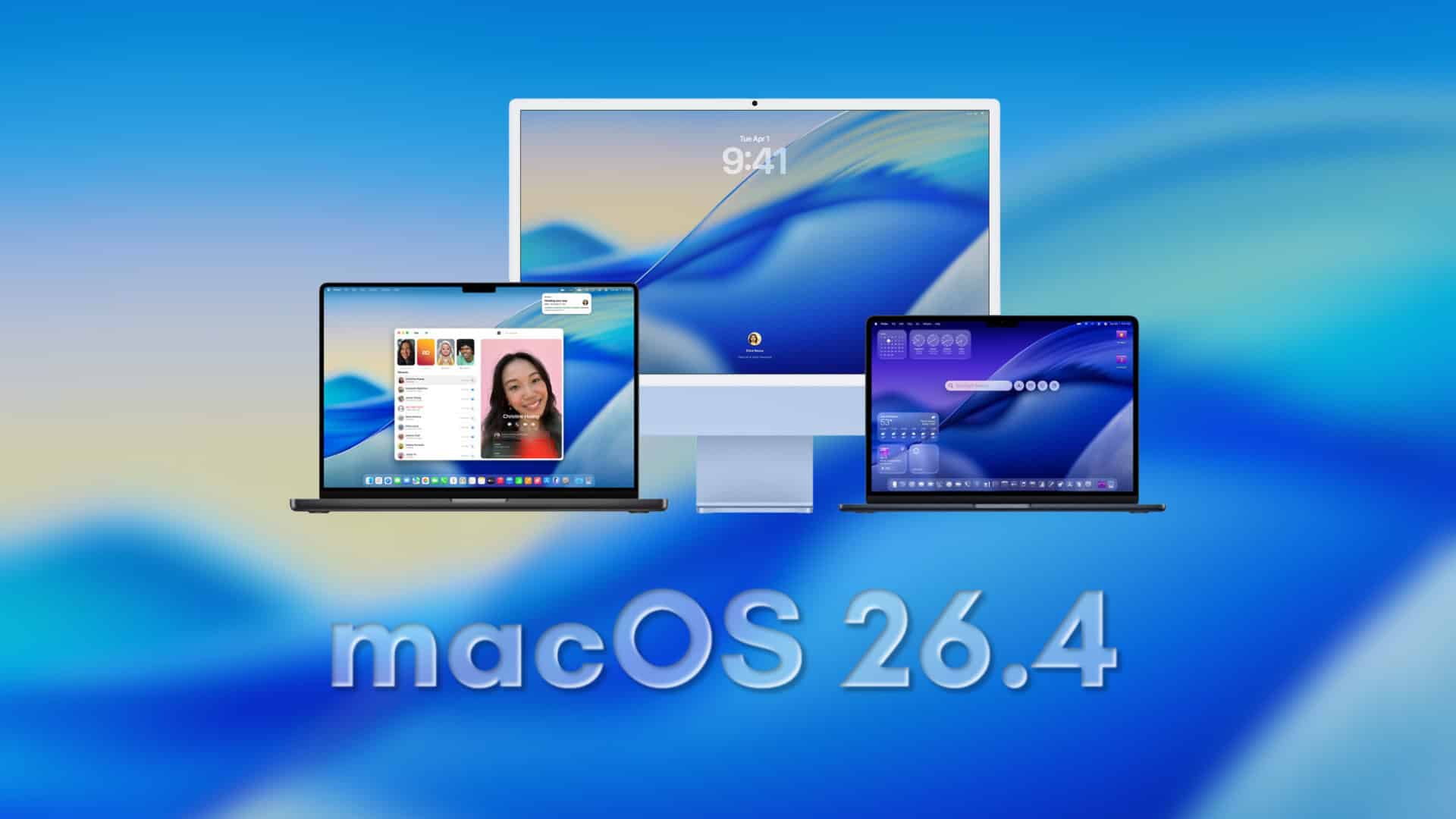
Apple has unveiled the third public beta of macOS Tahoe 26.4, offering users enrolled in the public beta program an early look at upcoming features and improvements. This release, identified by build number 25E5223i, aligns with the current developer beta, ensuring consistency across testing platforms.
Key Features and Enhancements:
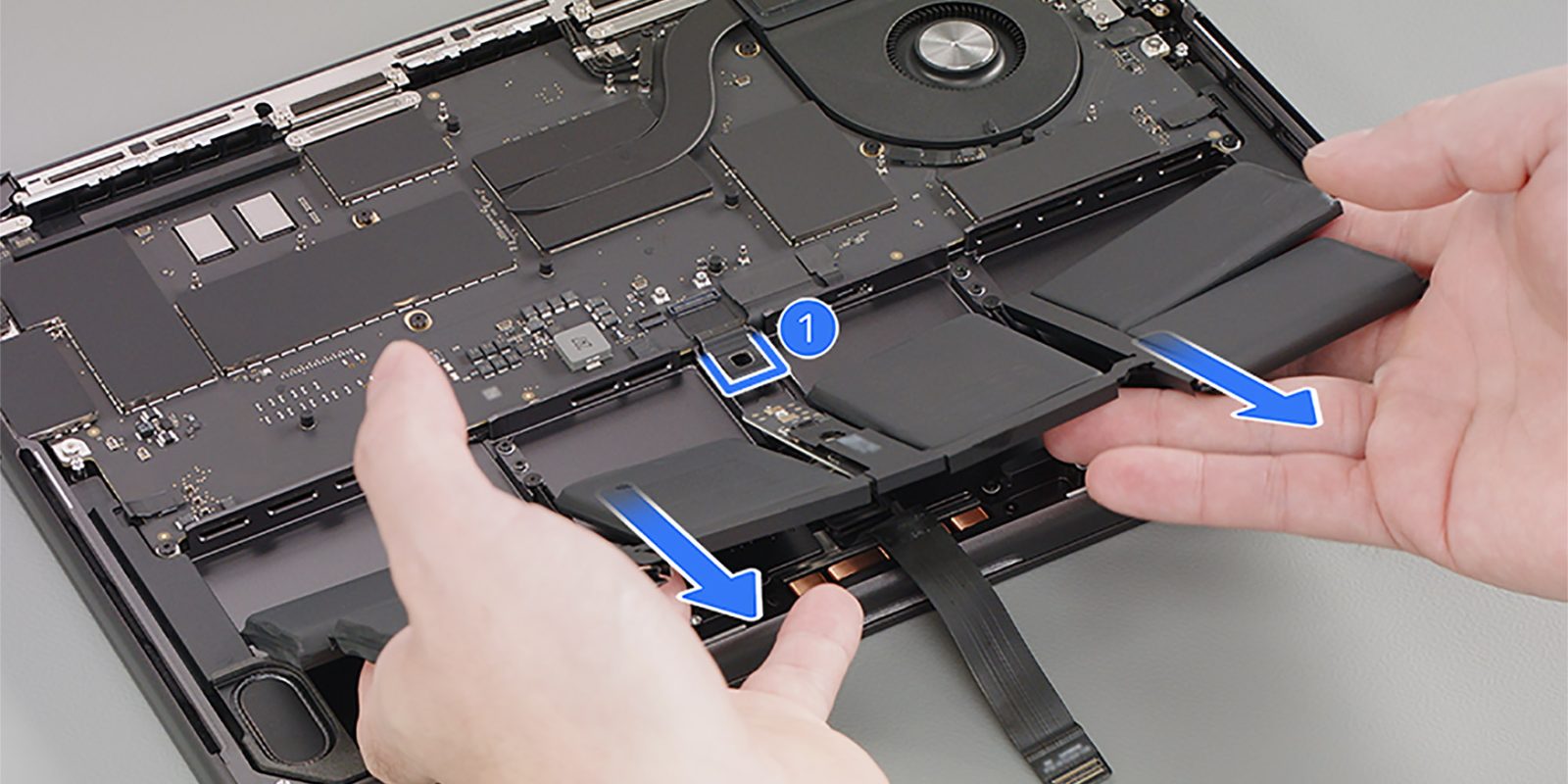
1. Battery Charge Limitation: A notable addition in this beta is the ability to set a maximum charge level for MacBook batteries, ranging from 80% to 100%. This feature is particularly beneficial for users who keep their MacBooks plugged in for extended periods, as it helps in prolonging battery health by reducing the time the battery spends at full charge.
2. Safari Compact Tab Bar Option: Responding to user feedback, Apple has reinstated the compact tab bar layout in Safari. This option allows users to choose a more streamlined tab appearance, catering to those who preferred the previous design.
3. Rosetta 2 Deprecation Warnings: For users operating Apple silicon Macs, the system now issues warnings when launching applications that rely on Rosetta 2. This is in line with Apple’s plan to phase out Rosetta support after macOS 27, encouraging developers and users to transition away from Intel-dependent applications.
4. Window Resize Pointer Adjustment: Addressing a longstanding user interface issue, this beta corrects the window resize pointer to align accurately with rounded window corners, enhancing the overall user experience.
Installation Instructions:
To install macOS Tahoe 26.4 Public Beta 3:
1. Open System Settings on your Mac.
2. Navigate to General > Software Update.
3. Click the information button next to Beta Updates and select the macOS Tahoe Public Beta track if you haven’t already.
4. Download and install the update when it appears.
Important Considerations:
While beta versions provide early access to new features, they may also contain bugs and other issues that could affect daily workflows. It’s advisable to back up your system before installation and avoid using beta software on primary devices used for critical tasks.
Community Feedback:
Users are encouraged to share their experiences and report any additional changes or issues encountered in this beta release. Community feedback is invaluable in refining the software before its official release.