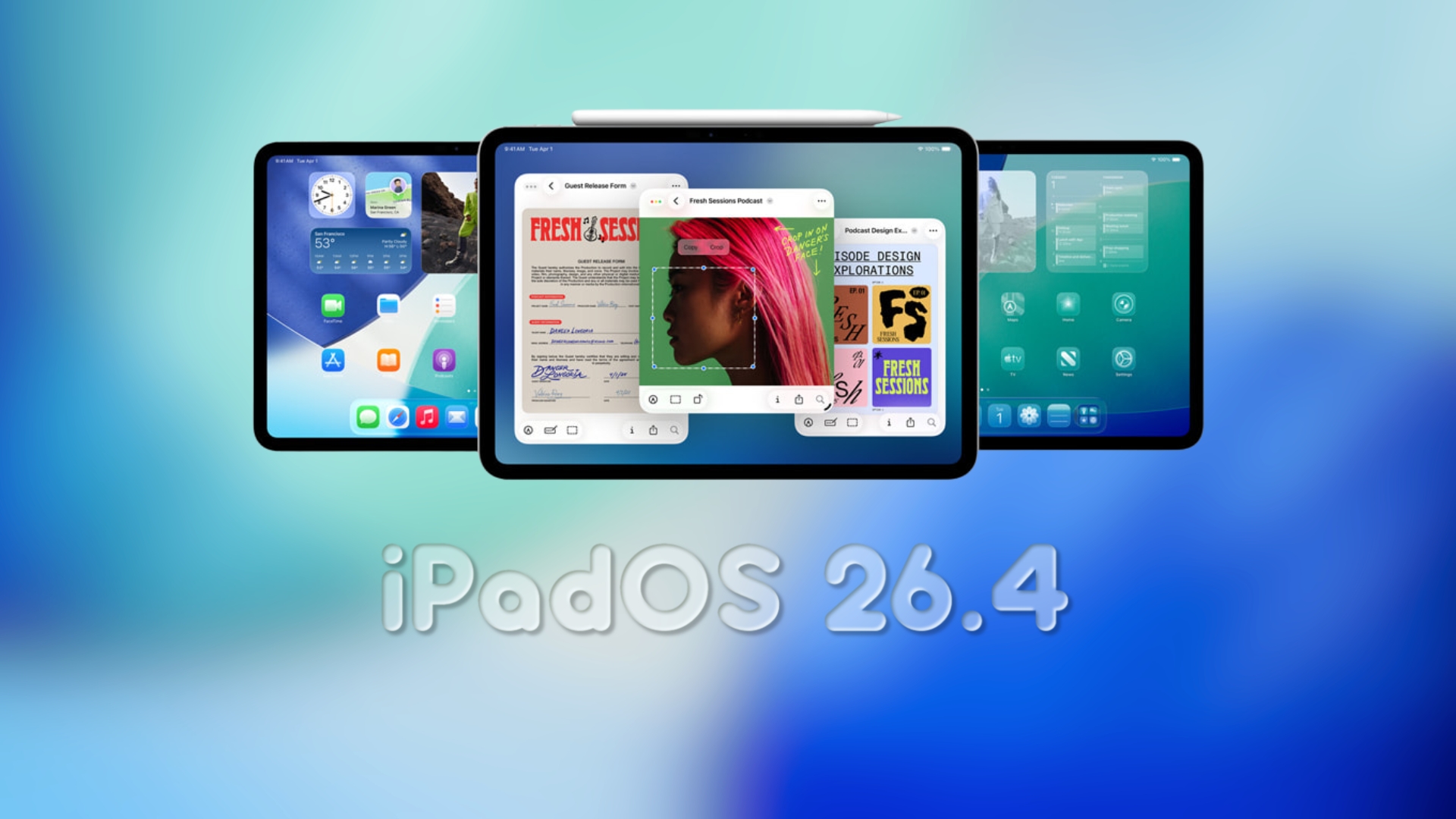
Apple Unveils iPadOS 26.4 Public Beta with Exciting New Features
Apple has officially released the first public beta of iPadOS 26.4, following closely on the heels of the developer beta introduced just a day prior. This latest iteration brings a host of enhancements and new functionalities, offering users a more refined and feature-rich experience compared to the previous 26.3 update.
Key Features and Updates in iPadOS 26.4 Public Beta:
1. Safari’s Compact Tab Bar Returns:
Users can now opt for a compact tab bar in Safari, allowing for a more streamlined browsing experience that maximizes on-screen content.
2. Apple Music Enhancements:
– Full-Screen Album and Playlist Views: Enjoy a more immersive visual experience with larger artwork displays for albums and playlists.
– Playlist Playground: Generate custom playlists by simply entering a text prompt that reflects a mood, theme, or time period, and let Apple Music curate the perfect list for you.
3. Apple Podcasts Introduces Video Streaming:
The Podcasts app now supports native video podcast streaming, allowing users to watch video episodes directly within the app without needing to switch to other platforms.
4. Revamped Wallpaper Gallery:
The wallpaper selection interface has been redesigned for a more modern and organized browsing experience, making it easier to personalize your device.
5. Reminders App Adds ‘Urgent’ Smart List:
A new ‘Urgent’ smart list automatically categorizes time-sensitive tasks, helping users prioritize and manage critical items more effectively.
6. New Ambient Music Widget:
A fresh widget has been introduced, providing quick access to ambient music controls directly from the home screen.
7. Freeform App Prepares for Creator Studio Features:
The Freeform app lays the groundwork for upcoming Creator Studio functionalities, hinting at more robust creative tools in future updates.
Notable Absence of Siri Enhancements:
Despite anticipation, this beta does not include the new Siri capabilities associated with Apple Intelligence. Reports suggest that these enhancements have been delayed and are expected to be introduced in subsequent updates.
How to Install iPadOS 26.4 Public Beta:
Before proceeding, ensure you back up your iPad to safeguard your data. To install the beta:
1. Visit Apple’s public beta website and enroll your device.
2. On your iPad, navigate to Settings > General > Software Update.
3. Select iPadOS 26.4 Public Beta and follow the on-screen instructions to download and install.
Conclusion:
The iPadOS 26.4 public beta introduces a variety of enhancements across multiple apps and system functionalities, aiming to improve user experience and productivity. While the absence of anticipated Siri updates may be disappointing to some, the array of new features offers plenty to explore and enjoy.