Apple Unveils iOS 26.4 Public Beta 2: Enhanced Features and Refinements
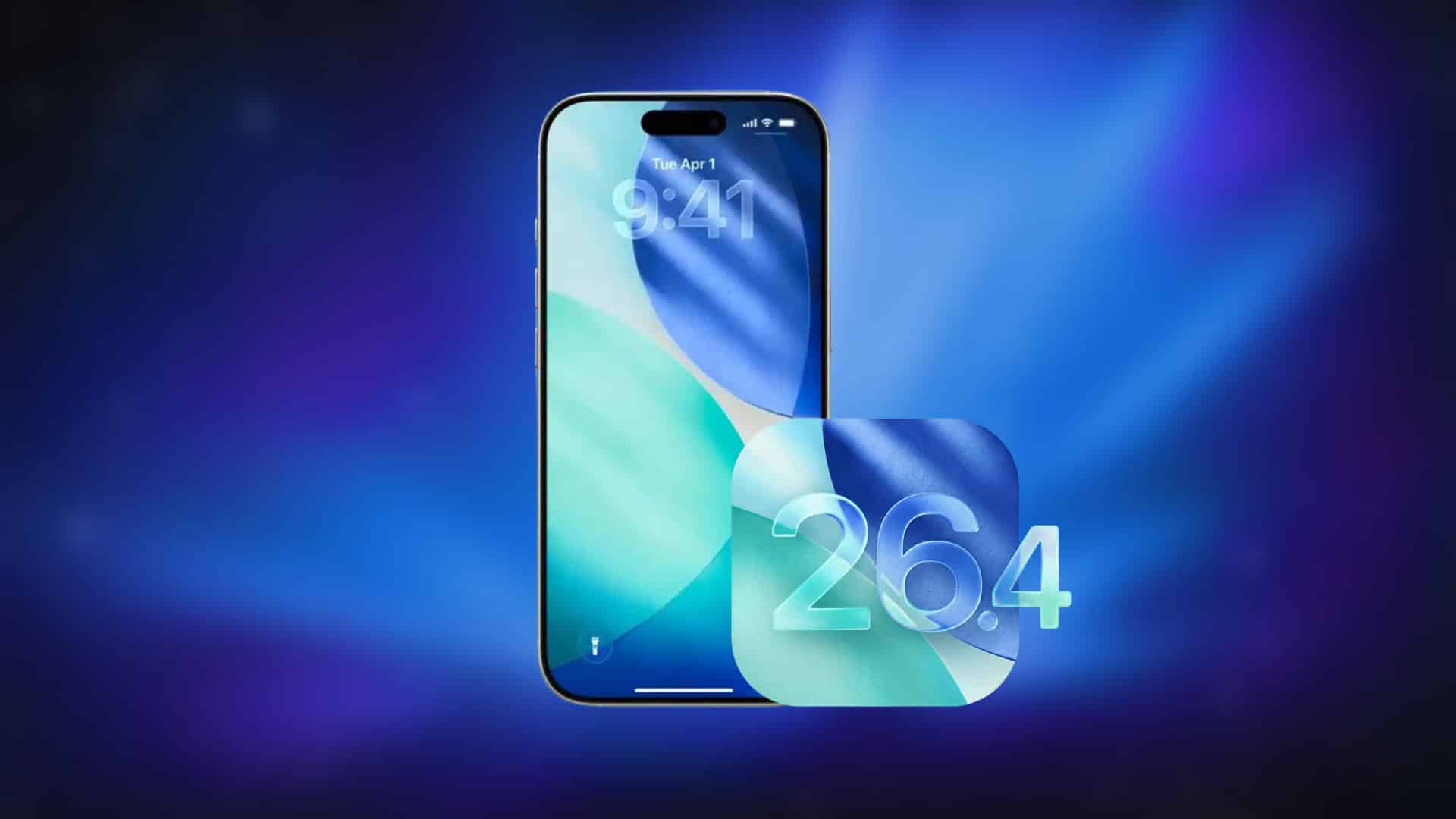
Apple has released the second public beta of iOS 26.4, marking a significant step in the ongoing development of its mobile operating system. This update, identified by build number 23E5218e, introduces a series of enhancements and refinements aimed at improving user experience and system performance.
Key Updates in iOS 26.4 Public Beta 2:
1. Expanded RCS Encryption Testing:
Building upon previous efforts, this beta broadens the scope of end-to-end encryption testing for Rich Communication Services (RCS) messaging. The expansion includes more cross-platform scenarios, enhancing the security of messages exchanged between iPhone and Android users. Users can enable this feature by navigating to Settings > Messages > RCS Messaging and ensuring the End to End Encryption (Beta) toggle is activated. Encrypted conversations are indicated by a lock icon within the chat thread.
2. Games App Interface Enhancements:
The Games app receives notable interface improvements, focusing on navigation and search functionalities. These adjustments aim to provide a more intuitive and seamless user experience, allowing gamers to access and manage their game libraries with greater ease.
3. Refined Account and Profile Management:
Apple has implemented subtle yet impactful changes to account and profile management across its suite of applications. Users will notice minor layout adjustments on Apple Account pages, facilitating easier navigation and management of account settings. Additionally, the process for removing contact posters and avatars has been streamlined, offering a more user-friendly approach to personalizing contacts.
Additional Features and Improvements:
– Apple Music Upgrades:
The Apple Music app introduces Playlist Playground, an innovative feature that leverages Apple Intelligence to create playlists based on user-generated text prompts. Users can input moods, activities, or genres, and the app will generate a corresponding playlist, which can be further refined and customized. This feature is accessible within the Library tab by selecting the new playlist option. Additionally, Apple Music now offers a concert discovery section, providing information on nearby tour dates for artists in the user’s library. Album and playlist pages have also been redesigned to showcase full-screen artwork, enhancing the visual browsing experience.
– Wallpaper Gallery Redesign:
The Wallpaper Gallery has been overhauled with a cleaner layout and clearer category separations. This redesign improves navigation and responsiveness, allowing users to browse and select wallpapers more efficiently.
– Reminders App Enhancements:
A new Urgent Smart List has been added to the Reminders app, automatically compiling tasks marked as urgent. This feature enhances task prioritization by setting automatic alarms for time-sensitive reminders, ensuring critical tasks are not overlooked.
– New Home Screen Widget:
A new Apple Music widget has been introduced for the Home Screen, providing quick access to ambient music playlists. This addition allows users to start playback directly from the Home Screen without opening the full app, streamlining the listening experience.
– Stolen Device Protection:
The Stolen Device Protection feature is now enabled by default. This security measure requires biometric authentication when the device is away from trusted locations and enforces a time delay before completing certain sensitive actions. A second biometric authentication is required for critical changes, significantly enhancing device security in theft scenarios.
– App Store Layout Adjustments:
The App Store has undergone layout changes, including the repositioning of the Search bar to the top of the Search tab and its integration into the bottom navigation bar. These adjustments aim to streamline navigation and improve visual consistency across the platform.
– Contacts and System Visual Updates:
Contact pages now feature liquid glass-style buttons with improved contrast and readability, enhancing visual clarity. Additional refinements have been made to wallpaper selection and the Freeform app icon, reflecting ongoing interface polishing throughout the system.
– Personal Intelligence and Battery Controls:
The Settings app now references personalized intelligence within the Apple Intelligence beta section, indicating deeper system-level personalization. New actions related to battery management have been introduced, allowing users to access controls for setting battery charge limits, including a Set Battery Limit Charge action. This offers more direct control over long-term battery health management.
How to Update to iOS 26.4 Public Beta 2:
To install the latest beta:
1. Open the Settings app.
2. Navigate to General > Software Update.
3. Tap on Beta Updates.
4. Select iOS 26 Public Beta.
5. Return to the previous menu and tap Download and Install.
Important Considerations:
Before proceeding with the update, it is advisable to back up your device. Beta versions may contain bugs or issues that could affect system stability and app performance. Users should be aware of potential risks and ensure they have a recent backup to restore from if necessary.
Conclusion:
The release of iOS 26.4 Public Beta 2 underscores Apple’s commitment to enhancing user experience through continuous refinement and the introduction of innovative features. From expanded RCS encryption to Apple Music enhancements and improved device security, this update offers a range of improvements designed to enrich the iOS ecosystem. As with all beta releases, user feedback is invaluable in identifying issues and guiding further development.