iOS 26.3: Essential Security Enhancements and New Features You Need to Know
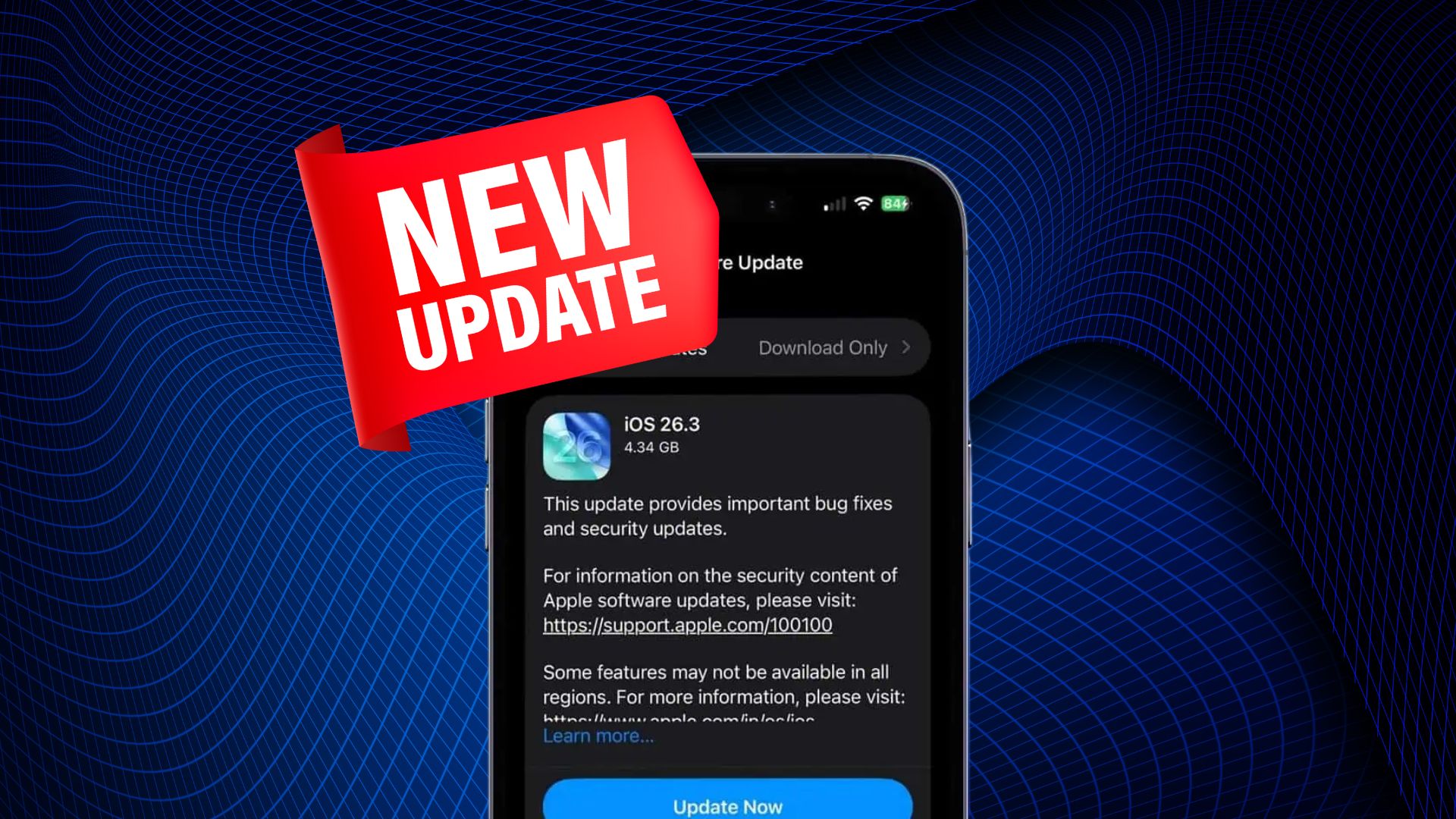
Apple has released iOS 26.3, a significant update focusing on security improvements and user experience enhancements. This update is crucial for all compatible iPhone users to ensure device security and access to new functionalities.
Key Features of iOS 26.3:
1. Comprehensive Security Patches:
iOS 26.3 addresses over 35 security vulnerabilities, including a critical flaw in the Dynamic Link Editor (dyld) that could allow unauthorized code execution. This vulnerability has been exploited in sophisticated attacks targeting specific individuals. By updating to iOS 26.3, users can protect their devices from potential threats. ([macworld.com](https://www.macworld.com/article/3058798/update-now-ios-26-3-contains-dozens-of-critical-security-fixes.html?utm_source=openai))
2. Enhanced Data Transfer to Android Devices:
A new Transfer to Android feature simplifies the process of moving data from an iPhone to an Android device. By placing both devices near each other, users can transfer apps, photos, messages, and more, streamlining the transition between platforms. ([tomsguide.com](https://www.tomsguide.com/phones/iphones/ios-26-3-is-here-this-change-streamlines-switching-from-iphone-to-android?utm_source=openai))
3. Improved Personalization Options:
The update introduces a dedicated section for Weather wallpapers with three preset options, allowing users to customize their home and lock screens further. These subtle enhancements contribute to a more personalized user experience. ([tomsguide.com](https://www.tomsguide.com/phones/iphones/ios-26-3-is-here-this-change-streamlines-switching-from-iphone-to-android?utm_source=openai))
4. Location Privacy Controls for Newer Devices:
For iPhones equipped with Apple’s latest cellular modems, iOS 26.3 adds a toggle to limit precise location sharing over cellular networks. This feature provides users with greater control over their location data, enhancing privacy.
5. Accessory Improvements in the European Union:
In compliance with the Digital Markets Act (DMA) of the European Union, iOS 26.3 introduces enhancements that facilitate the pairing of third-party devices, such as headphones and smartwatches, with iPhones. This improvement aims to provide a seamless experience similar to that of Apple’s AirPods, promoting interoperability between different brands. ([cincodias.elpais.com](https://cincodias.elpais.com/smartlife/smartphones/2025-12-23/ios-263-emparejamiento-tipo-airpods-terceros-europa.html?utm_source=openai))
Considerations Before Updating:
While iOS 26.3 offers significant security and functionality improvements, users should be aware of potential issues:
– Continuity Feature Disruptions:
Users of the latest iPhone and iPad Pro models have reported that certain Continuity features, such as iPhone Mirroring and AirPlay mirroring to Apple TV 4K, are not functioning correctly in iOS 26.3. Apple is aware of these issues and is expected to release fixes in future updates. ([macrumors.com](https://www.macrumors.com/2026/01/28/continuity-features-broken-ios-26-3-beta/?utm_source=openai))
– Autocorrect and Keyboard Functionality:
Some users have experienced issues with autocorrect and keyboard responsiveness since the release of iOS 26. These problems include aggressive and incorrect autocorrections, sluggish response times, and changes to normal words after typing. As of iOS 26.3, these issues have not been fully resolved. ([techradar.com](https://www.techradar.com/phones/ios/youre-not-bad-at-typing-ios-26s-autocorrect-is-broken-and-theres-still-no-fix-in-ios-26-2?utm_source=openai))
How to Update:
To install iOS 26.3, navigate to Settings > General > Software Update on your iPhone. Ensure your device is connected to Wi-Fi and has sufficient battery life or is plugged into a power source during the update process.
Conclusion:
Updating to iOS 26.3 is highly recommended due to the critical security patches and new features it offers. While some users may encounter minor issues, the benefits of enhanced security and functionality outweigh these concerns. Staying current with software updates is essential for maintaining device security and performance.