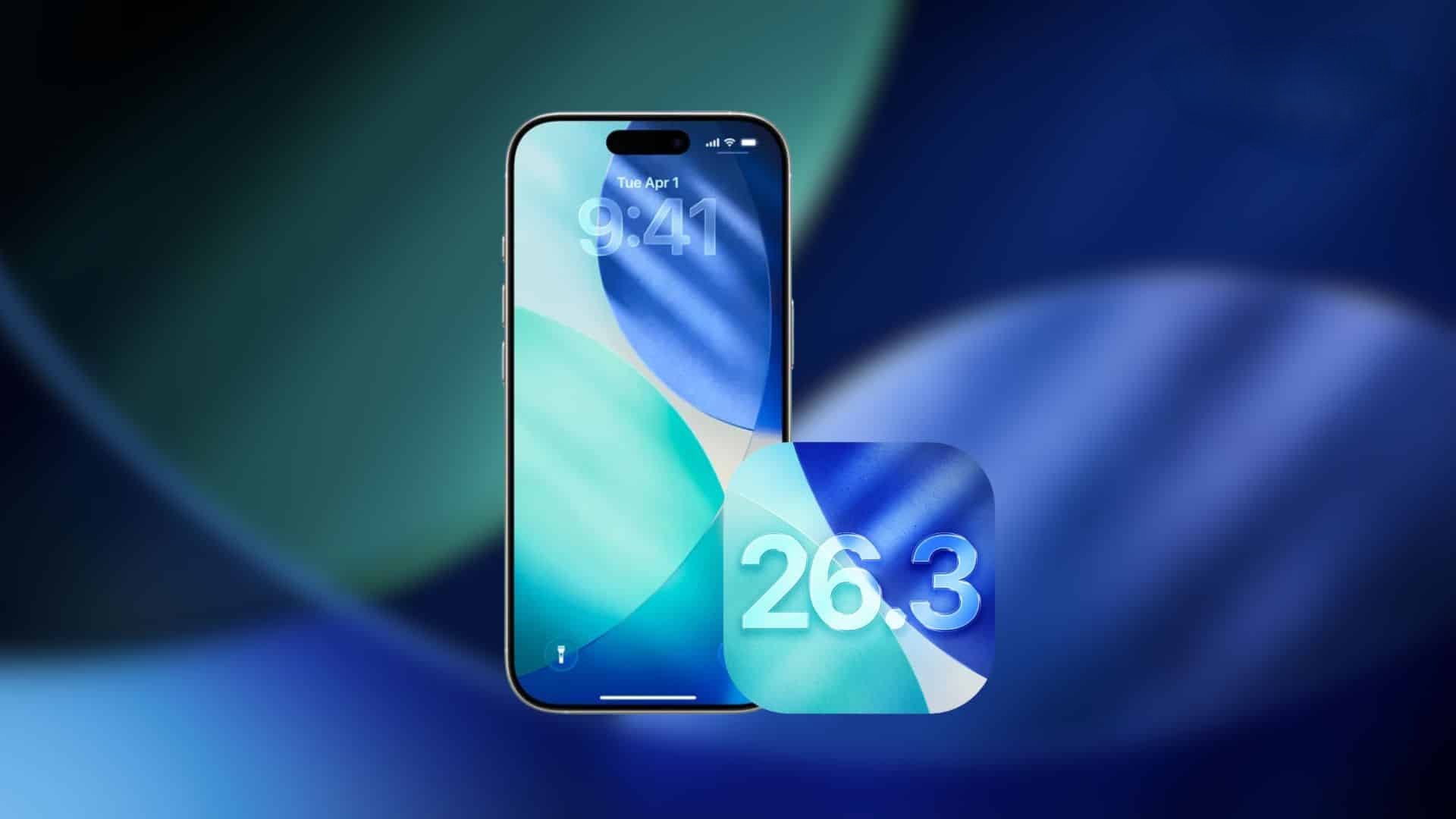
Apple Releases iOS 26.3 with 37 Security Fixes and Critical Patch
Apple has recently rolled out iOS 26.3, a significant update focusing primarily on enhancing device security. This release addresses 37 security vulnerabilities, marking it as one of the most security-centric updates in recent times.
Comprehensive Security Enhancements
The iOS 26.3 update is part of a broader suite of updates across Apple’s ecosystem, including iOS 18.7.5, macOS Tahoe 26.3, macOS Sequoia 15.7.4, macOS Sonoma 14.8.4, tvOS 26.3, watchOS 26.3, and visionOS 26.3. Each of these updates comes with its own set of security improvements, but iOS 26.3 stands out due to the sheer number of issues it resolves.
Addressing a Critical Vulnerability
A notable aspect of this update is the patching of a flaw in ‘dyld,’ the dynamic linker responsible for loading apps on the system. Apple has acknowledged reports indicating that this vulnerability may have been exploited in highly sophisticated attacks targeting specific individuals on versions of iOS prior to iOS 26. The flaw allowed attackers with memory write capabilities to execute arbitrary code, posing significant risks to system integrity and user data.
Detailed Security Fixes
The 37 security fixes in iOS 26.3 encompass a wide range of components, including:
– WebKit: Enhancements to prevent malicious web content from executing unauthorized code.
– Kernel: Improvements to prevent applications from accessing restricted memory.
– CoreMedia: Fixes to address vulnerabilities that could lead to unexpected application termination or arbitrary code execution.
– ImageIO: Patches to prevent processing of maliciously crafted images that could lead to arbitrary code execution.
These updates collectively fortify the operating system against potential threats, ensuring a more secure user experience.
Additional Features and Improvements
While the primary focus of iOS 26.3 is on security, the update also introduces several refinements:
– Enhanced Android Transfer Tools: A new feature facilitates smoother data transfer from iPhone to Android devices. By placing the devices near each other, users can now seamlessly move contacts, photos, messages, notes, passwords, and more.
– Wallpaper and Personalization Tweaks: Users can now enjoy new wallpapers and lock screen presets, allowing for greater customization of their devices.
– Location Privacy Controls: On newer devices, iOS 26.3 offers improved location privacy controls, giving users more transparency and control over how their location data is used.
– Accessory Improvements in the EU: For users in the European Union, the update brings enhancements to accessory compatibility and functionality, ensuring a more seamless experience with third-party devices.
Importance of Timely Updates
Apple emphasizes the importance of keeping devices updated to the latest software versions. Timely updates not only provide users with the latest features but also protect against potential security threats. Users are encouraged to update their devices promptly to benefit from these critical security patches and improvements.
How to Update
To update to iOS 26.3:
1. Open the Settings app on your device.
2. Navigate to General.
3. Tap on Software Update.
4. If iOS 26.3 is available, tap Download and Install.
5. Follow the on-screen instructions to complete the update process.
Conclusion
The release of iOS 26.3 underscores Apple’s commitment to user security and privacy. By addressing a significant number of vulnerabilities and introducing useful features, this update enhances the overall user experience. Users are strongly advised to install the update promptly to ensure their devices remain secure and up-to-date.