Apple’s iOS 26.4 Update: Over 35 Critical Security Fixes and Exciting New Features
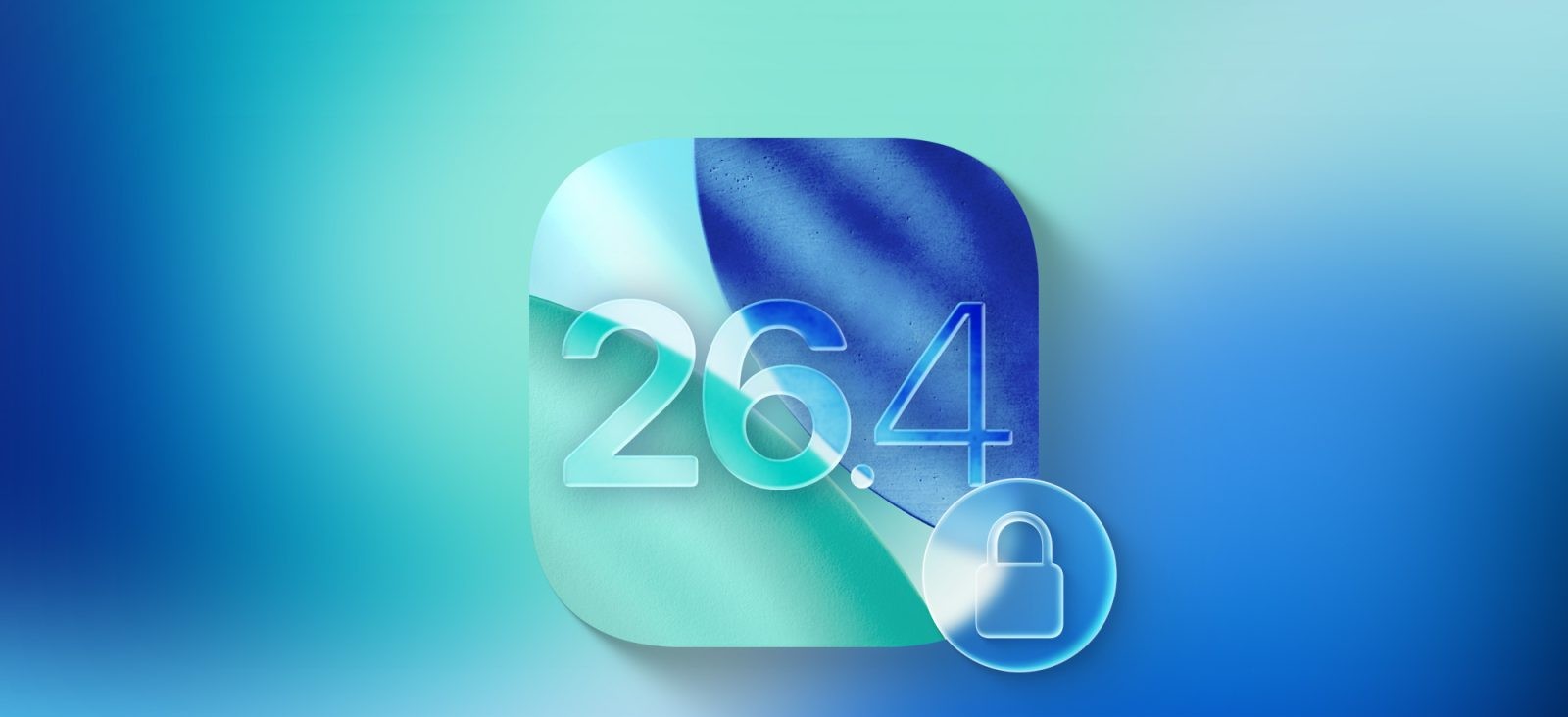
Apple has officially released iOS 26.4, a significant update that not only introduces new features but also addresses over 35 critical security vulnerabilities on the iPhone. This comprehensive update underscores Apple’s commitment to user security and device performance.
Key Security Enhancements in iOS 26.4
The iOS 26.4 update is a robust response to various security challenges, implementing fixes across multiple components of the operating system. While Apple has not disclosed the specifics of each vulnerability to prevent exploitation, the breadth of the update indicates a thorough approach to fortifying device security.
Notable Features and Improvements
Beyond security enhancements, iOS 26.4 introduces several new features and refinements:
– New Emoji Additions: Users can now express themselves with eight brand-new emoji, enriching the messaging experience.
– Apple Music Enhancements: The update brings a redesigned interface for albums and playlists, along with the AI-powered Playlist Playground feature, offering a more personalized music experience.
– Health App Updates: The Health app now includes expanded sleep tracking metrics and integrates Blood Oxygen readings into the Vitals graph, providing users with a more comprehensive view of their health data.
– Stolen Device Protection Activation: A significant security feature, Stolen Device Protection, is now enabled by default. This feature requires biometric authentication for critical actions and introduces a security delay for sensitive changes, enhancing device security in case of theft.
Importance of Updating to iOS 26.4
Given the extensive security fixes and feature enhancements, it is highly recommended that all iPhone users update to iOS 26.4 promptly. Keeping the device updated ensures protection against known vulnerabilities and access to the latest features and improvements.
How to Update
To install iOS 26.4:
1. Open the Settings app on your iPhone.
2. Navigate to General > Software Update.
3. If iOS 26.4 is available, tap Download and Install.
4. Follow the on-screen instructions to complete the installation.
Conclusion
The release of iOS 26.4 highlights Apple’s ongoing dedication to user security and device functionality. By addressing over 35 security issues and introducing valuable new features, this update is a testament to the importance of regular software updates. Users are encouraged to update their devices to ensure optimal performance and security.