Discover the Latest Enhancements in iOS 26.3: A Comprehensive Guide
Apple’s iOS 26.3 update introduces a suite of features aimed at enhancing user experience, privacy, and device interoperability. This guide delves into the key additions and improvements you can expect upon updating your iPhone.
1. Seamless Data Transfer to Android Devices
Transitioning from an iPhone to an Android device is now more straightforward with the Transfer to Android feature. This built-in option allows users to wirelessly migrate essential data by placing the iPhone near an Android phone and initiating the transfer through the settings menu.
Data Transfer Capabilities:
– Supported: Photos, videos, messages, notes, select apps with related data, and phone number handoff.
– Not Supported: Health data, Bluetooth pairing history, locked notes, and other protected items.
Access Path:
– Navigate to Settings > General > Transfer or Reset iPhone > Transfer to Android.
2. Enhanced Privacy with Limit Precise Location
iOS 26.3 introduces a privacy toggle named Limit Precise Location, designed to reduce the granularity of location data shared with cellular networks. This means carriers receive a broader location estimate, such as a neighborhood, rather than an exact street address, while emergency services retain precise location access.
Key Details:
– Supported Devices: iPhone models equipped with Apple’s newer modem stack, including iPhone Air, iPhone 16e, and cellular models of the M5 iPad Pro.
– Carrier Support: Varies by country; not universally available.
Access Path:
– Navigate to Settings > Cellular > Cellular Data Options > Limit Precise Location.
3. Notification Forwarding to Third-Party Wearables in the EU
In compliance with European Union interoperability regulations, iOS 26.3 introduces Notification Forwarding, enabling iPhone notifications to appear on select third-party wearables, extending beyond the Apple Watch ecosystem.
Key Details:
– Functionality: Only one accessory can receive forwarded notifications at a time. Enabling this feature will pause notifications on the Apple Watch.
– Region Specific: Available exclusively within the European Union.
Access Path:
– Navigate to Settings > Notifications > Notification Forwarding.
4. Expanded Support for Third-Party Accessories in the EU
Beyond notification forwarding, iOS 26.3 enhances support for third-party accessories within the EU, focusing on:
– Proximity Pairing: Simplified pairing processes for third-party earbuds and accessories, akin to the AirPods experience.
– NFC Access: Broader Near Field Communication (NFC) capabilities for third-party apps, extending beyond the traditional Wallet application.
– High-Bandwidth Peer-to-Peer Wi-Fi: Improved device-to-device connections, facilitating faster data transfers and more reliable communication between devices.
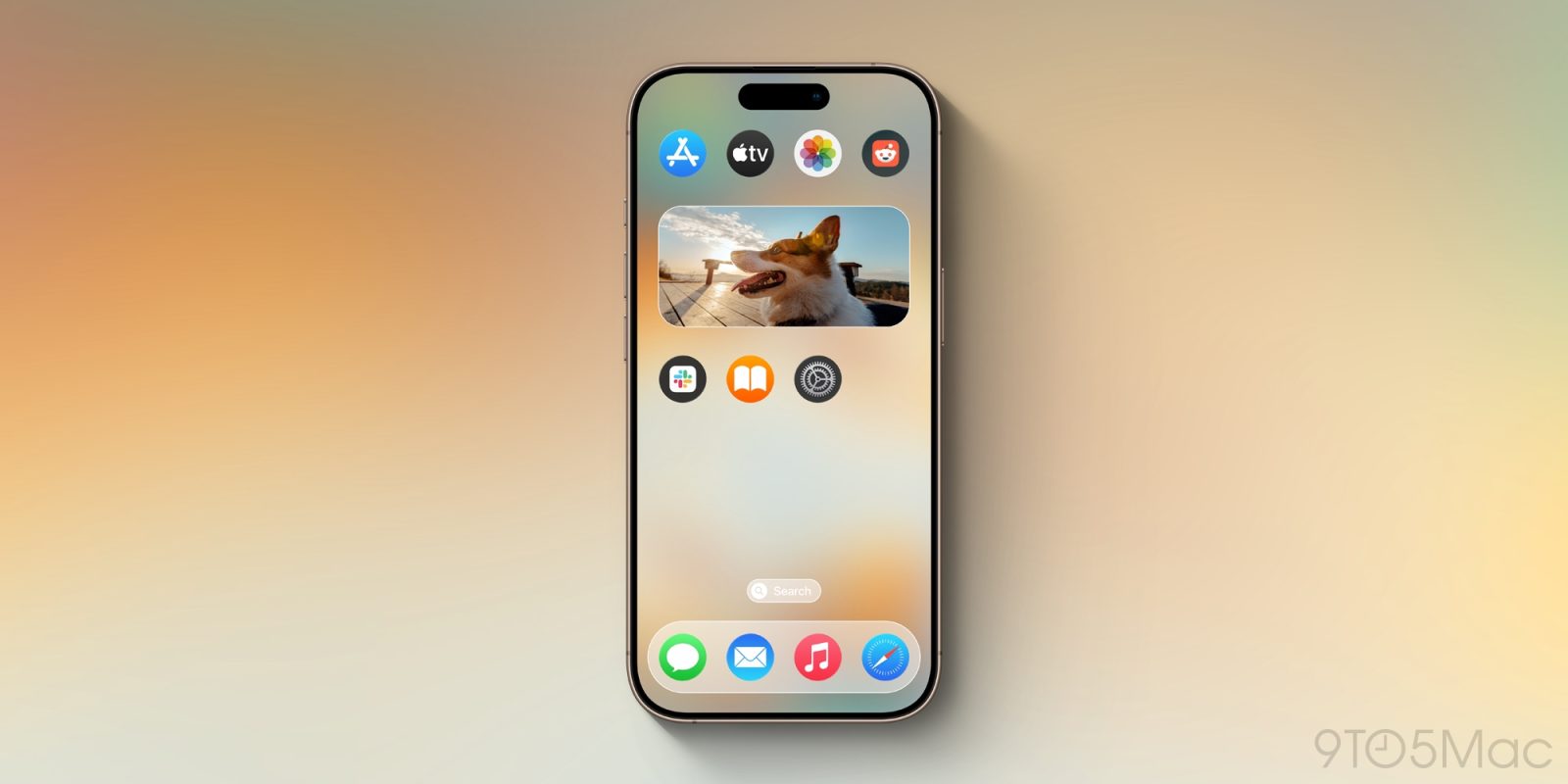
5. Revamped Wallpaper Gallery with New Weather Options
The update brings aesthetic enhancements to the wallpaper gallery:
– Reorganization: Weather and Astronomy categories are now distinct sections within the wallpaper picker.
– Dynamic Weather Wallpapers: Introduction of live weather elements that reflect real-time conditions, offering a more immersive visual experience.
– Black Unity Wallpaper: Anticipated release of a new wallpaper celebrating Black Unity, aligning with Apple’s commitment to diversity and inclusion.
6. Laying the Groundwork for Encrypted RCS Messaging
iOS 26.3 appears to set the stage for carriers to support end-to-end encrypted Rich Communication Services (RCS) messaging. While this feature is more about backend infrastructure at this stage, it signals Apple’s commitment to enhancing messaging security and interoperability with other platforms.
Known Beta Issue to Monitor
Users participating in the iOS 26.3 beta should be aware of a specific issue affecting newer devices:
– Affected Features: Continuity functionalities such as iPhone Mirroring, AirPlay mirroring to Apple TV 4K, wireless Continuity Camera, and Sidecar on the M5 iPad Pro may experience disruptions.
– Recommendation: If these features are integral to your daily use, consider postponing the beta installation until a more stable release is available.
Conclusion
iOS 26.3 focuses on enhancing user privacy, facilitating smoother transitions between devices, and expanding support for third-party accessories, particularly within the European Union. While some features are region-specific or dependent on hardware capabilities, the update collectively aims to provide a more seamless and secure user experience. As always, ensure your device is backed up before proceeding with the update to safeguard your data.