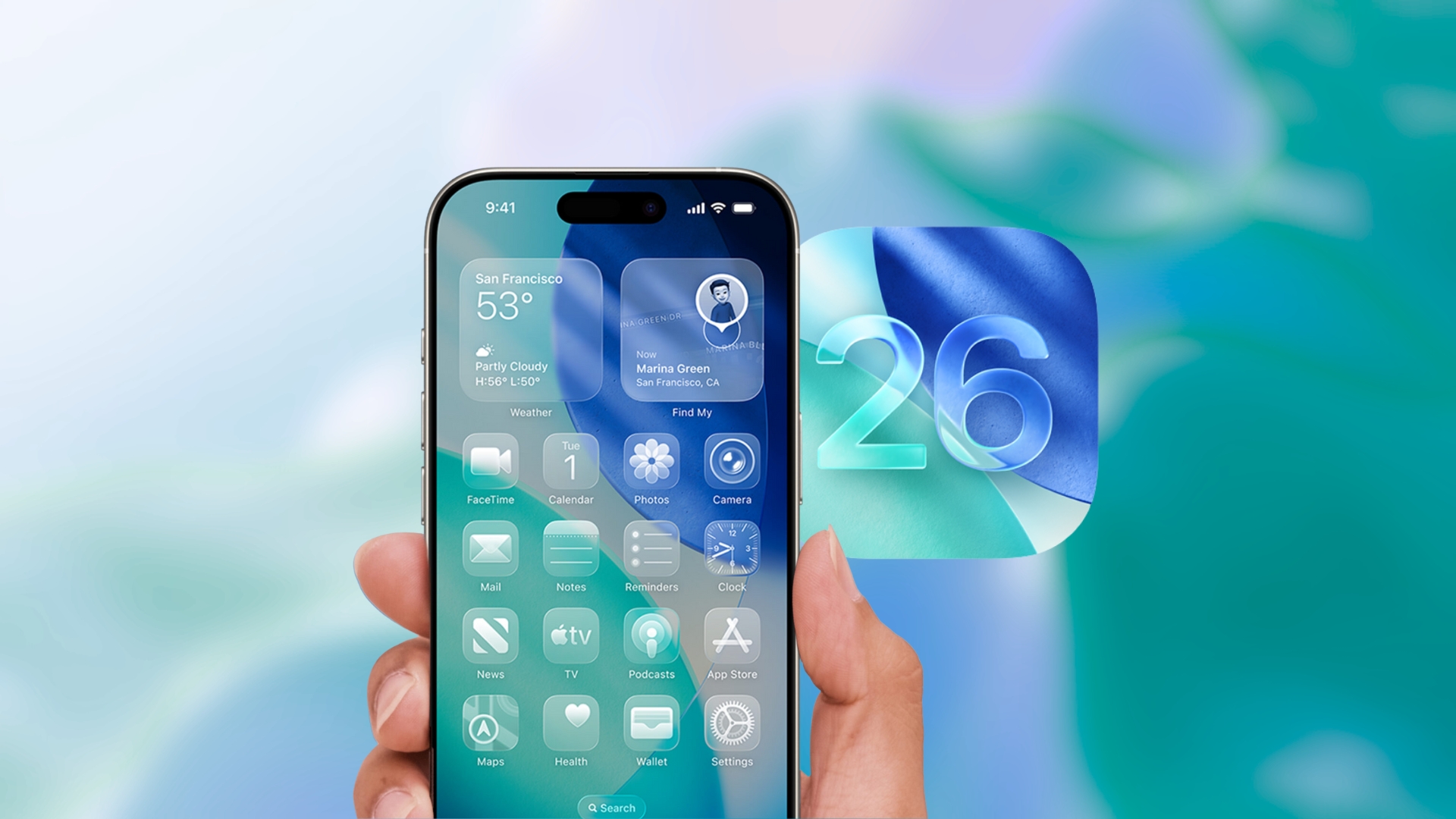
Apple has been progressively enhancing iOS 26, introducing a series of updates that refine the iPhone experience. The recent releases of iOS 26.1 and iOS 26.2 have brought about significant improvements in design, customization, interaction, and security. These updates aim to provide a more polished and user-friendly system. Here are seven notable features that have been added to your iPhone:
1. Enhanced Control Over Liquid Glass Design
The Liquid Glass interface, a standout feature in iOS 26, introduces translucent layers and fluid visual effects throughout the system. With the updates in iOS 26.1 and iOS 26.2, users now have greater control over this design:
– Transparency Toggle: Adjust the background blur to your preference.
– Clear and Tinted Modes: Choose between modes to enhance text readability.
– Lock Screen Clock Slider: Customize the appearance of the Lock Screen clock.
These options allow users to balance visual aesthetics with clarity, especially when using detailed wallpapers or bright backgrounds.
2. Offline Lyrics in Apple Music
Apple Music now supports offline lyrics for downloaded songs. Once a track is saved on your device, its lyrics remain accessible even without an internet connection:
– Synchronized Lyrics: Lyrics stay in sync with the song during playback.
– Automatic Functionality: The feature works seamlessly for supported tracks without additional settings.
This update is particularly useful when traveling or in areas with limited network access.
3. Alarm Integration in Reminders
The Reminders app has been upgraded in iOS 26.2 to include alarm-style alerts, making it harder to overlook important tasks:
– Urgent Option: Enable this when creating a reminder to set an alarm sound.
– Lock Screen Alerts: Snooze or dismiss the alert directly from the Lock Screen.
This enhancement ensures that time-sensitive tasks receive the attention they deserve.
4. Strengthened AirDrop Security
AirDrop security has been bolstered in iOS 26.2, especially when sharing files with individuals not in your contacts:
– Verification Codes: Confirm the identity of the receiving device.
– Mutual Approval: Both sender and receiver must approve the transfer.
– Trusted Contacts Management: Manage trusted AirDrop contacts within Settings.
These measures enhance the security of file transfers and protect user data.
5. Refined Sleep Tracking
When paired with a compatible Apple Watch, iOS 26.2 offers improved sleep tracking features:
– Expanded Score Ranges: Provides more accurate sleep assessments.
– Comprehensive Analysis: Factors in duration, consistency, and interruptions.
– Health App Integration: View results directly within the Health app.
These refinements help users gain a better understanding of their sleep patterns and overall health.
6. Advanced Podcast Features
The Podcasts app has been enhanced to improve the listening experience:
– Automatic Chapter Creation: For supported episodes, chapters are generated automatically.
– Clickable Links: Access links mentioned during episodes directly.
– Referenced Podcasts: Easily discover related content within episode details.
These tools make navigating and enjoying podcasts more intuitive and engaging.
7. Improved Accessibility and Alerts
iOS 26.2 introduces significant accessibility and alert enhancements:
– Screen Flash Alerts: Provides visual cues for notifications.
– Enhanced Emergency Alerts: Includes richer location information and clearer layouts.
These updates support users in noisy environments and during urgent situations, ensuring important alerts are noticed.
Additional Update: iOS 26.2.1
Apple also released iOS 26.2.1, a minor update that adds support for the second-generation AirTag and includes various bug fixes. Some users have reported stability and battery issues after installing this version, though experiences vary. It’s important to note that downgrading is not possible once iOS 26.2.1 is installed.
How to Update Your iPhone
To access these features:
1. Open Settings: Navigate to the Settings app on your iPhone.
2. Go to General: Tap on ‘General.’
3. Select Software Update: Choose ‘Software Update’ to check for available updates.
4. Download and Install: If iOS 26.1 or iOS 26.2 is available, tap ‘Download and Install.’
It’s recommended to back up your device before proceeding with the update to ensure your data is protected.
In Summary
Apple’s continuous updates to iOS 26 focus on refining the user experience through enhanced design controls, improved app functionalities, and strengthened security measures. By updating to the latest version, users can take advantage of these thoughtful enhancements that subtly yet significantly improve daily interactions with their iPhone.