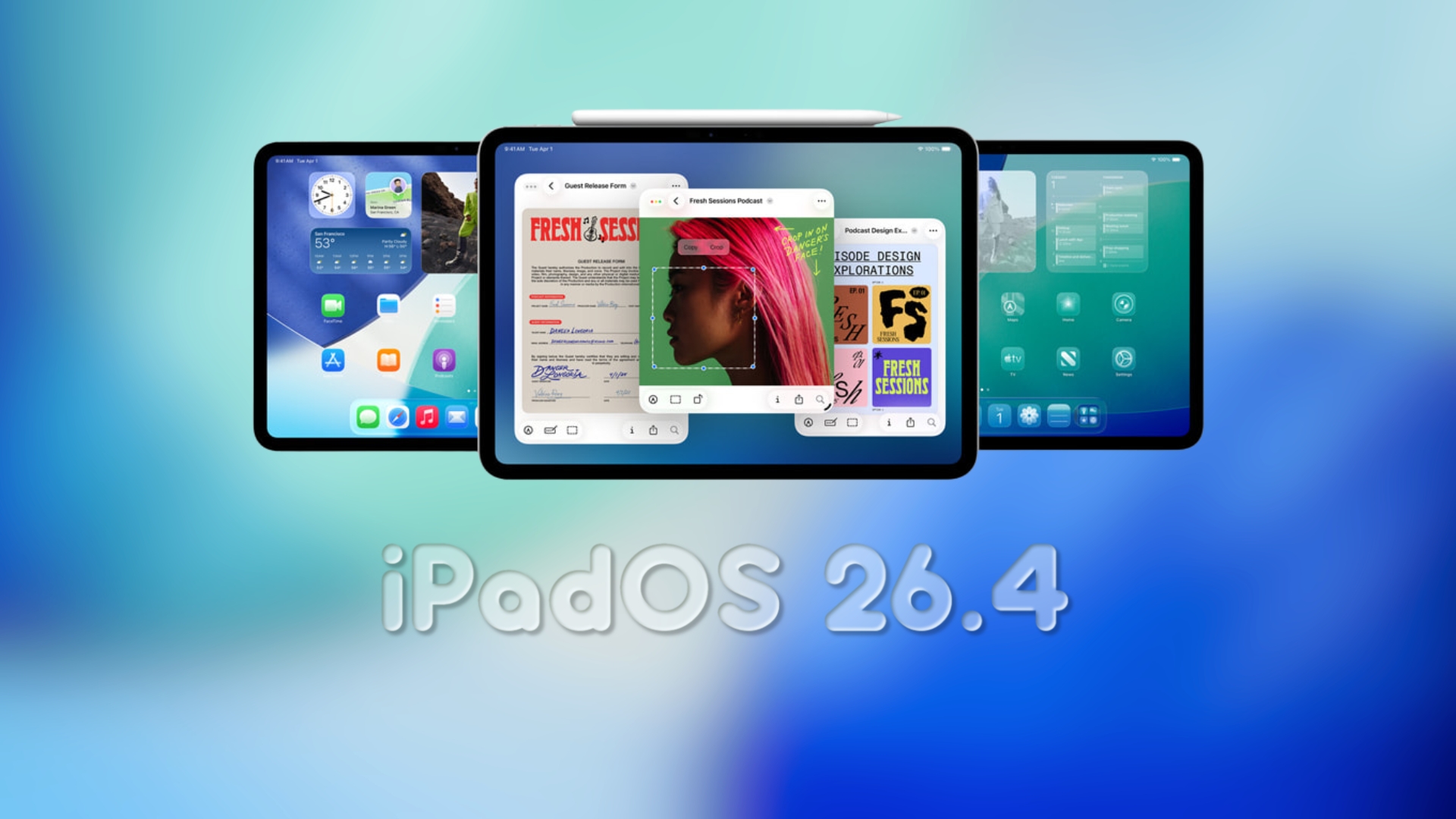
Apple Unveils iPadOS 26.4 Beta 1: A Glimpse into Upcoming Features
Apple has recently released the first developer beta of iPadOS 26.4, marking the beginning of a new testing phase shortly after the public rollout of iPadOS 26.3. This initial beta is primarily aimed at developers, allowing them to assess app compatibility, explore new APIs, and identify system changes ahead of the public beta release.
Key Features and Enhancements in iPadOS 26.4 Beta 1:
1. Safari’s Compact Tab Bar Returns:
A notable change in this beta is the reintroduction of the compact tab bar in Safari. This feature, which was removed in earlier versions, offers a streamlined browsing experience by consolidating tabs into a more space-efficient layout. Users can activate this option by navigating to the Safari section within the Settings app. ([apfelpatient.de](https://www.apfelpatient.de/en/news/macos-26-4-ipados-26-4-with-safari-update?utm_source=openai))
2. Stolen Device Protection Enabled by Default:
Apple has enhanced device security by enabling the Stolen Device Protection feature by default. This security measure requires biometric authentication for accessing certain sensitive features when the device is away from trusted locations, adding an extra layer of protection against unauthorized access. ([macrumors.com](https://www.macrumors.com/guide/ios-26-4-beta-features/?utm_source=openai))
3. End-to-End Encryption for RCS Messages:
In collaboration with the GSM Association, Apple is testing end-to-end encryption for Rich Communication Services (RCS) messages. This advancement aims to secure cross-platform messaging between iPhone and Android users, ensuring that messages remain private and protected from interception. ([macrumors.com](https://www.macrumors.com/guide/ios-26-4-beta-features/?utm_source=openai))
4. Unified Apple Account Design:
The beta introduces a unified Apple Account hub across various apps, including the App Store and Apple Music. This redesign consolidates user settings and purchase histories into a single, cohesive interface, simplifying account management and enhancing user experience. ([macrumors.com](https://www.macrumors.com/guide/ios-26-4-beta-features/?utm_source=openai))
5. Enhanced Apple Music Experience:
Apple Music receives several updates in this beta:
– Full-Screen Artwork: Albums and playlists now feature immersive full-screen artwork, enriching the visual appeal of the music library.
– Concert Discovery: Users can find nearby concerts and tour dates for artists in their library, integrating live music experiences seamlessly.
– Playlist Playground: A new AI-driven feature allows users to create playlists based on text descriptions or selected prompts, offering a personalized music curation experience. ([9to5mac.com](https://9to5mac.com/2026/02/16/ios-26-4-beta-1-heres-everything-new/?utm_source=openai))
6. Redesigned Wallpaper Gallery:
The Wallpaper Gallery has been overhauled to provide a cleaner, more responsive interface. Categories are now distinctly separated, making it easier for users to browse and select wallpapers that suit their preferences. ([9to5mac.com](https://9to5mac.com/2026/02/16/ios-26-4-beta-1-heres-everything-new/?utm_source=openai))
7. Reminders App Enhancements:
A new Smart List for tasks marked as Urgent has been added to the Reminders app. This feature builds upon the existing Urgent setting, ensuring that critical tasks are highlighted and accompanied by timely alarms. ([9to5mac.com](https://9to5mac.com/2026/02/16/ios-26-4-beta-1-heres-everything-new/?utm_source=openai))
8. New Home Screen Widget:
A Home Screen widget has been introduced, providing quick access to ambient music playlists in Apple Music. This addition allows users to enjoy their favorite tunes with minimal navigation. ([9to5mac.com](https://9to5mac.com/2026/02/16/ios-26-4-beta-1-heres-everything-new/?utm_source=openai))
9. App Store Navigation Improvements:
The App Store has undergone navigation enhancements:
– Search Bar Placement: The search bar has been relocated to the top of the search tab for more intuitive access.
– Integrated Navigation Bar: The search tab is now part of the bottom navigation bar, streamlining the user interface. ([macrumors.com](https://www.macrumors.com/guide/ios-26-4-beta-features/?utm_source=openai))
10. Shortcuts and Safari Updates:
New Shortcuts actions have been added, including setting the iPhone’s charge limit and managing locations in the Weather app. Additionally, the compact tab bar option has been reinstated in Safari, offering users more control over their browsing experience. ([9to5mac.com](https://9to5mac.com/2026/02/16/ios-26-4-beta-1-heres-everything-new/?utm_source=openai))
Installation and Considerations:
Developers can install iPadOS 26.4 beta 1 by navigating to Settings > General > Software Update > Beta Updates and selecting iPadOS 26 Developer Beta. It’s crucial to back up the device before installation, as beta versions may contain bugs or stability issues. Users should be aware that some anticipated features, such as the revamped Siri, are not present in this beta and may be introduced in future updates. ([macworld.com](https://www.macworld.com/article/3062548/ios-26-4-beta-features-install-release.html?utm_source=openai))
Conclusion:
iPadOS 26.4 beta 1 introduces a range of enhancements aimed at improving user experience, security, and functionality. While primarily intended for developers to test and adapt their applications, these updates provide a glimpse into the future direction of iPadOS. Users can look forward to a more refined and feature-rich operating system as Apple continues to iterate and enhance its software offerings.