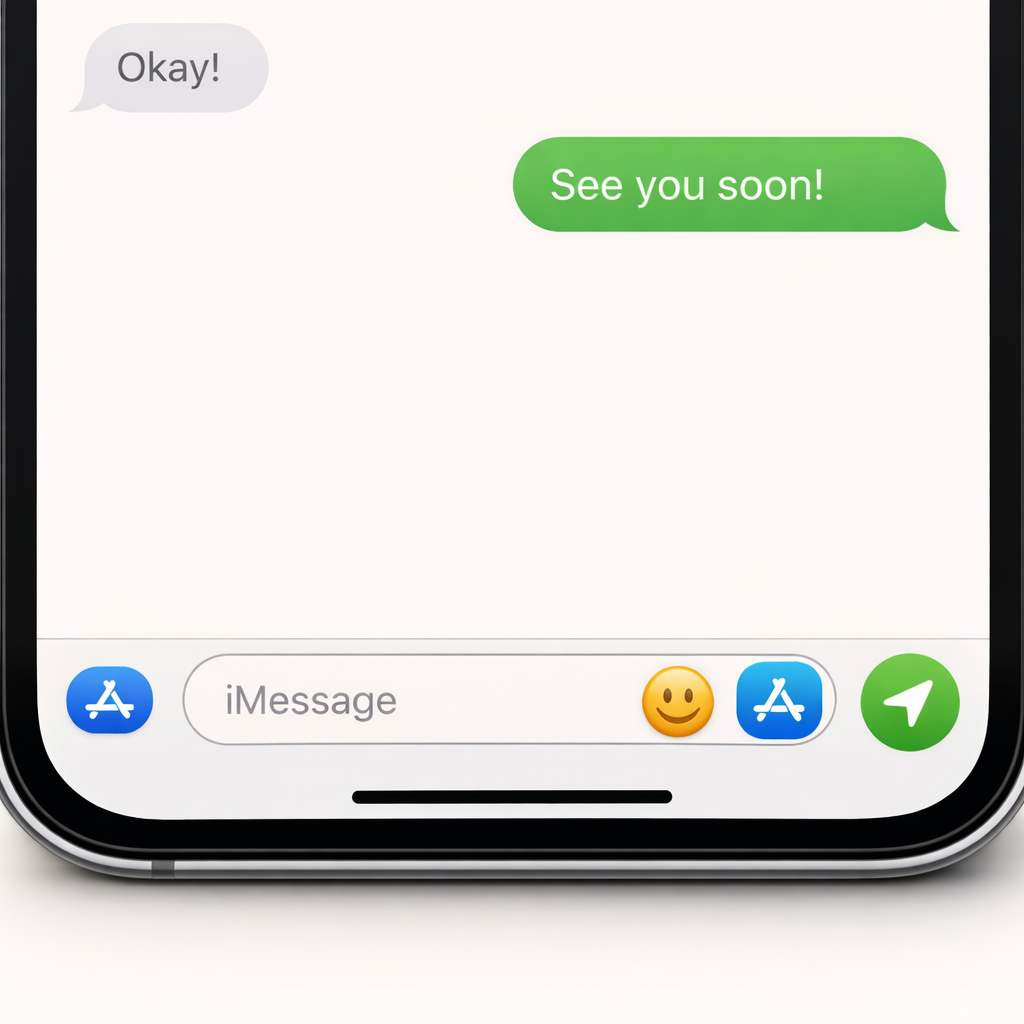
One of the long-requested tweaks in iOS 27 quietly improves everyday messaging: you can now disable or repurpose the annoying audio button in the Messages app. For those tired of accidentally tapping the mic icon when typing, this update makes sending audio messages much less in the way.
What’s changed
In the latest iOS 27 release, Apple added a new toggle under Settings → Apps → Messages called “Show in Text Field.” Prior to this change, the audio button was always stuck beside the text input field and often triggered by mistake. With iOS 27, you now have three options:
- None – removes the audio button altogether; perfect if you never send voice messages.
- Record Audio – locks the button to always trigger audio recording.
- Start Dictation – makes the button invoke dictation instead of audio recording.
Even after disabling the audio button, sending voice messages isn’t gone—it’s just moved. You can still access sent audio clips by tapping the + icon in iMessage apps and selecting “Audio.”
Why it matters
The presence of the audio button long frustrated users who didn’t use it and found it too easy to hit by mistake—especially with simple tasks like texting. The new setting reflects broader improvements in iOS 27 that focus on giving users more control over minor but annoying UI behavior. Alongside fixes for bugs and features in apps like Calendar and Mail, this tweak shows Apple is listening to smaller yet frequent complaints.
As someone who almost never uses voice messages, I switched this off the moment I noticed iOS 27 had added the setting. It’s one of those features you don’t know you need—until you realize you won’t accidentally send an audio message again.
What to watch for: It’ll be interesting to see if iOS visibility improvements continue down this path—whether in Messages or other apps. Keep an eye on user feedback, especially whether Apple lets this type of UI customization expand to things like attachment buttons, emoji GIF icons, or other chatbox elements.