iOS 27 may have been launched with the spotlight on Siri AI and Apple Intelligence, but there’s a surprising number of non-AI improvements that are making day-to-day use much better. Here are standout features beyond machine learning that iPhone users should know about.
Widgets, Home Screen & Lock Screen Adjustments
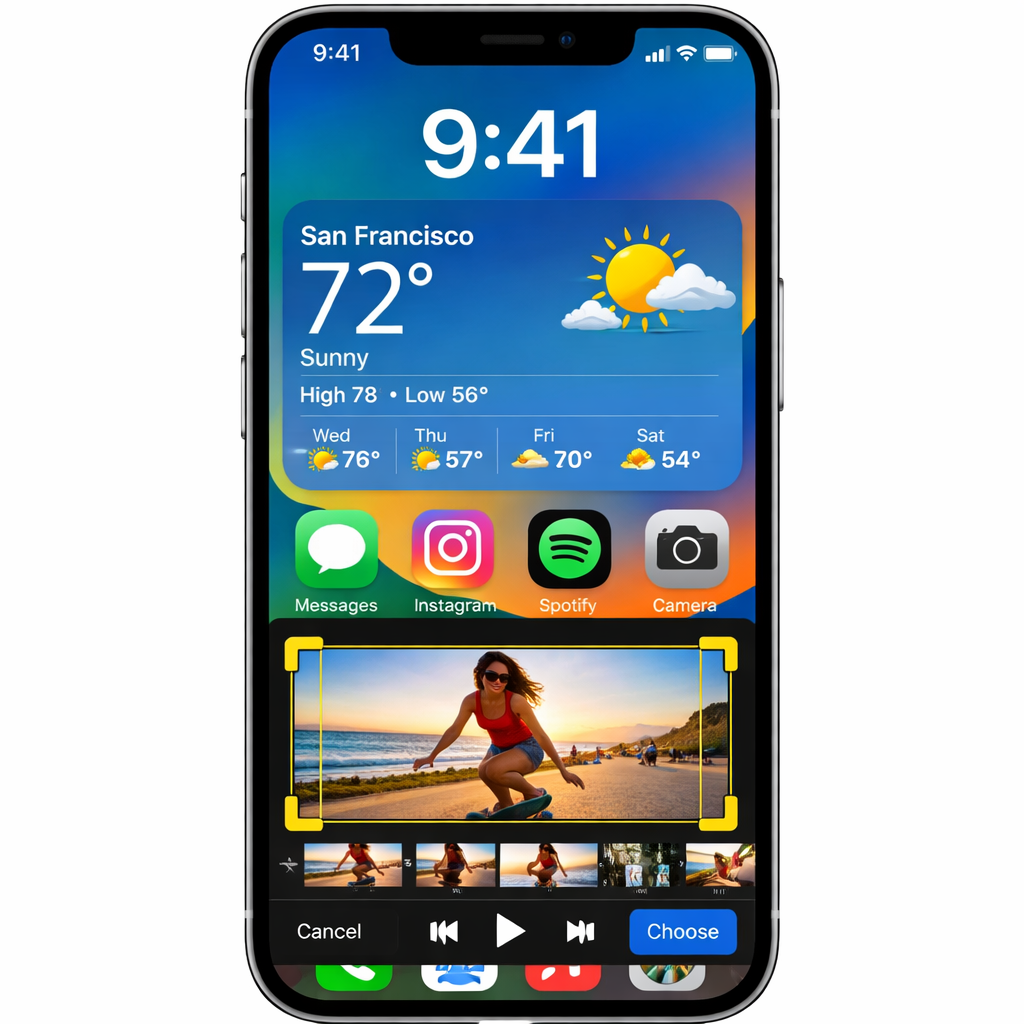
Apple has introduced an extra-large widget size that lets apps like Music, Photos, Weather, and Calendar take up far more real estate on the Home Screen. It’s part of a broader push to make the iPhone interface feel more customizable and more engaging at a glance. On the Lock Screen, there’s now a tweak to let you slide the clock up into the top widget row so it’s less obstructive to your wallpaper — a subtle, but welcome, change.
Media, Photos & Music Enhancements
The Music app gets new transition styles for AutoMix, elevating the listening experience from the smoother fades introduced in iOS 26 to more polished and immersive flow between tracks. In Photos, shared iCloud Albums now support full-resolution sharing, meaning you can send both pictures and videos without the compression that used to strip detail. Also new: the capability to extract and save a specific frame from any video you take — no more screenshot hacks.
More Control, Better Navigation
Alarms now have their own independent volume setting tucked into Sounds & Haptics, so your wake-ups won’t be governed by whatever your ringtone happens to be. The Clock app’s timers and alarms feel more customizable than ever. Apple Pay’s checkout flow also gets streamlined, making switching payment cards easier during fast transactions.
Usability Upgrades & App Design Improvements
Landscape mode expands to more native apps — examples include Music, Reminders, and Weather — which benefits anyone who uses iPhone in docked, tabletop, or CarPlay scenarios. In the Find My app, the redesign now surfaces more precise location details without extra taps, and sharing your position with friends and family has become more flexible.
Efficiency in Interaction
Pasting just got easier: when you copy something on iOS 27, a new shortcut auto-appears above the keyboard in the next text field you focus on — whether it’s a link, photo, or piece of text. Also fresh in CarPlay is an audio scrubber that lets you skip through content—songs and podcasts—directly from your car’s display. And if you prefer fewer Lock Screen elements, you can now swipe away the “Now Playing” widget to keep things tidy.
These updates aren’t flashy AI stunts, but each lifts the everyday usability of the iPhone—in how you listen, view, navigate, and share. They may look small in isolation, but together they polish off long-standing friction points.
Why it matters: As Apple leans heavily into generative tech and predictive features, these non-AI tweaks show that software finesse still counts. They streamline everyday routines, improve visual consistency, and restore user choice. Moving forward, what’s worth watching is how Apple balances big-ticket AI with polish in the basics — because often, what feels new fastest is what you notice most in your pocket.