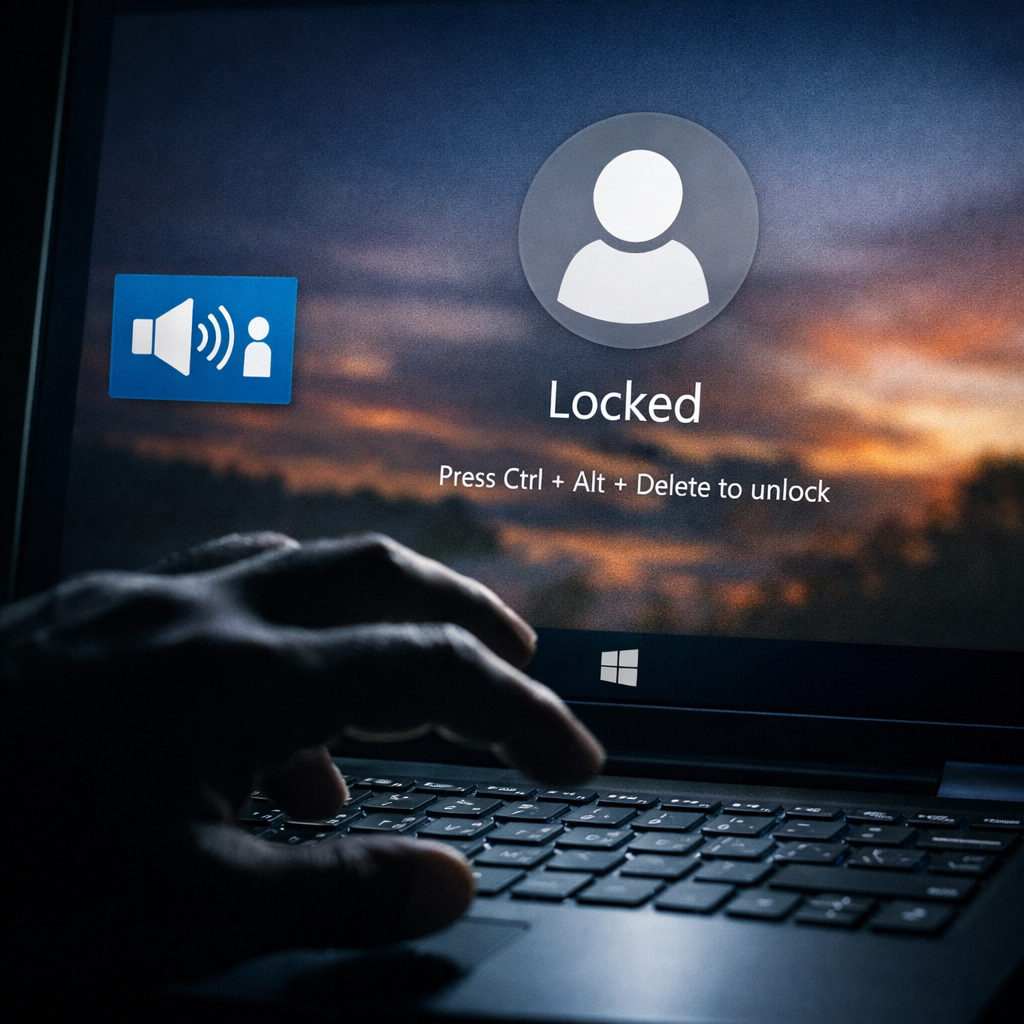
Windows users should be aware of a newly disclosed zero-day vulnerability dubbed FastUnlock. It lets someone with physical access to a locked PC launch programs without ever signing in. The catch: the attacker only gains a limited account, not full administrative control. Still, it bypasses the lock screen and undermines security measures users typically rely on.
How FastUnlock Works
The exploit was detailed by a security researcher using the names MSNightmare / Nightmare Eclipse. Endpoint security vendor ThreatLocker verified that the technique works. It depends on having a Microsoft account visible on the lock screen, and it uses Windows’ built-in Narrator (the screen reader) to glide past the lock barrier.
Importantly, it doesn’t require breaking disk encryption like BitLocker directly. Many PCs are set up so the TPM unlocks the drive when the machine boots, meaning the disk becomes readable before the lock screen appears. That means FastUnlock takes place at the lock screen step — not at the encryption layer. However, it does not recover the encryption key or bypass disk encryption.
ThreatLocker’s experiment showed an attacker could run an application under a non-admin account called “WSIAccount.” Because it isn’t an administrator account, the attacker has limited privileges even after running a program.
What Makes Machines Vulnerable
Not every Windows system is at risk. Three conditions must be met: one, someone has physical access to the device; two, the Microsoft account needs to be accessible via lock screen recovery options; three, Narrator must be usable to navigate from the lock screen. If any of these are missing, the exploit can’t run. To date, there’s no official Microsoft security advisory or patch.
Mitigations You Can Implement Now
Until Microsoft issues a fix, users and organizations should focus on physical controls and startup protection:
- Limit physical access. Don’t leave machines unattended in public or shared spaces.
- Use a startup PIN with BitLocker so the drive stays locked until manually unlocked.
- Shut down or hibernate devices rather than letting them rest at the lock screen when outside trusted control.
- A locked screen alone isn’t sufficient defense.
Microsoft’s guidance echoes these steps, especially using a startup PIN and ensuring devices are powered off if there’s any risk of them falling into the wrong hands.
FastUnlock doesn’t appear to be used in real-world attacks yet. It’s newly disclosed and unpatched. Microsoft has not released a list of affected Windows versions. If your machine matches the vulnerable criteria, assume it could be at risk until official word arrives.
Why this matters: physical-access attacks are often overlooked, yet threaten the layer many think is safe. A locked screen is a baseline, not a guarantee. FastUnlock highlights how built-in features like the screen reader, intended to aid accessibility, can become vectors when paired with features like login recovery. What to watch for next: Microsoft’s advisory and patch timeline, clarity on exactly which Windows builds are affected, and whether attackers begin exploiting this in the wild.