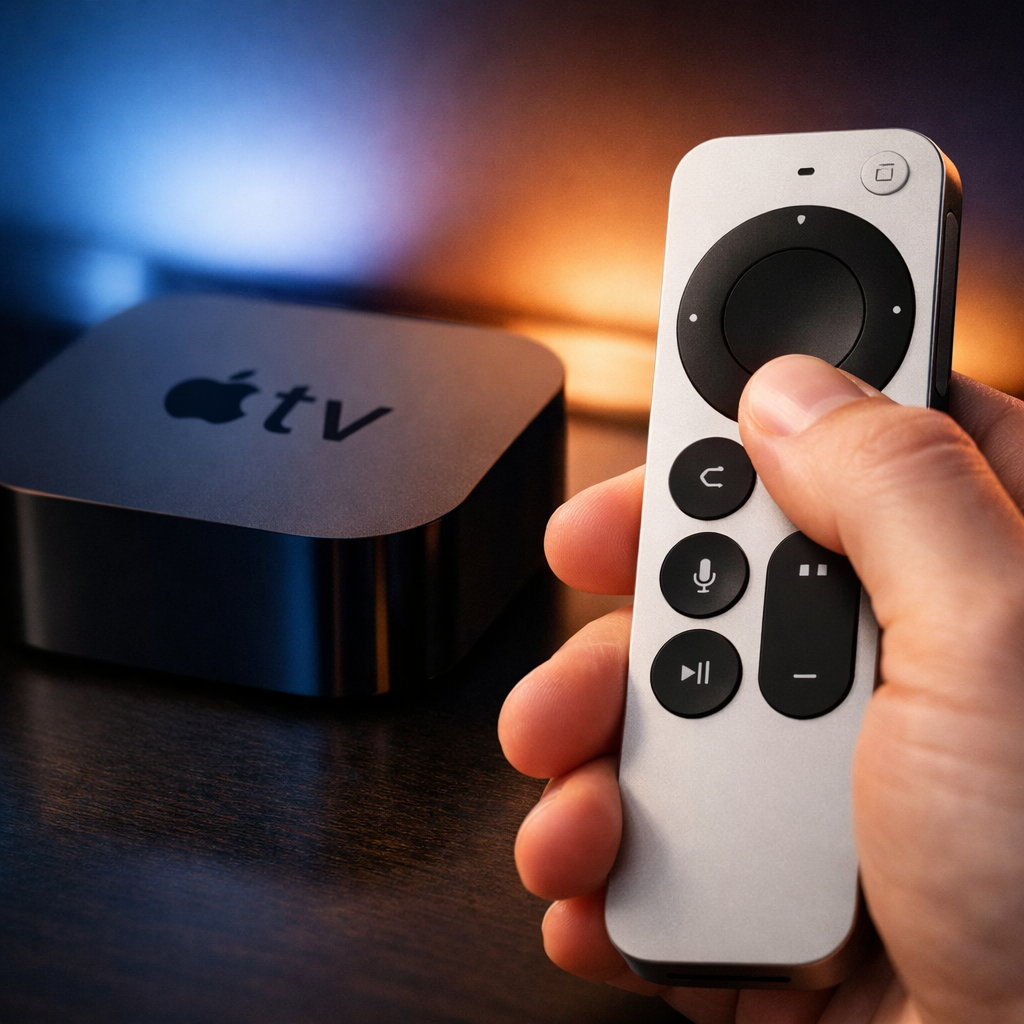
Apple has released a firmware upgrade—version 0001.0061.0000.0000—for the fourth-generation Siri Remote, replacing the older 0001.0057.0000.0000 version. The update applies automatically when the remote is charged and within range of an Apple TV.
How to Verify the Update
You can check whether your Siri Remote is running the new firmware by navigating on Apple TV to Settings → Remotes and Devices → Remote. If the number displayed reads 0001.0061.0000.0000, it’s up to date.
No Manual Install or Notes Provided
There’s no user-initiated installation method for this firmware; the device must be plugged in and connected to the Apple TV to receive the update automatically over time. Apple has not released change logs or detailed release notes, so specific improvements—bug fixes, performance tweaks, new features—haven’t been publicly documented yet.
This firmware refresh marks Apple’s continued support for its latest Siri Remote model. While there are no visible changes that users can yet identify, automatic firmware updates are standard practice for accessories in the Apple TV ecosystem—ensuring stability, compatibility, and the groundwork for future features.
Why it matters: Even when updates are invisible, they affect things like battery calibration, communication with Apple TV, and overall responsiveness. Because Apple hasn’t shared details, it’s worth keeping an eye on community discussions and user feedback over the next few days to see if any new behaviors emerge—such as improved speed, longer battery life, or reduced connection issues. Also, this underscores how much Apple is letting firmware do the heavy lifting to enhance hardware without forcing manual intervention or announcements where once there would have been.