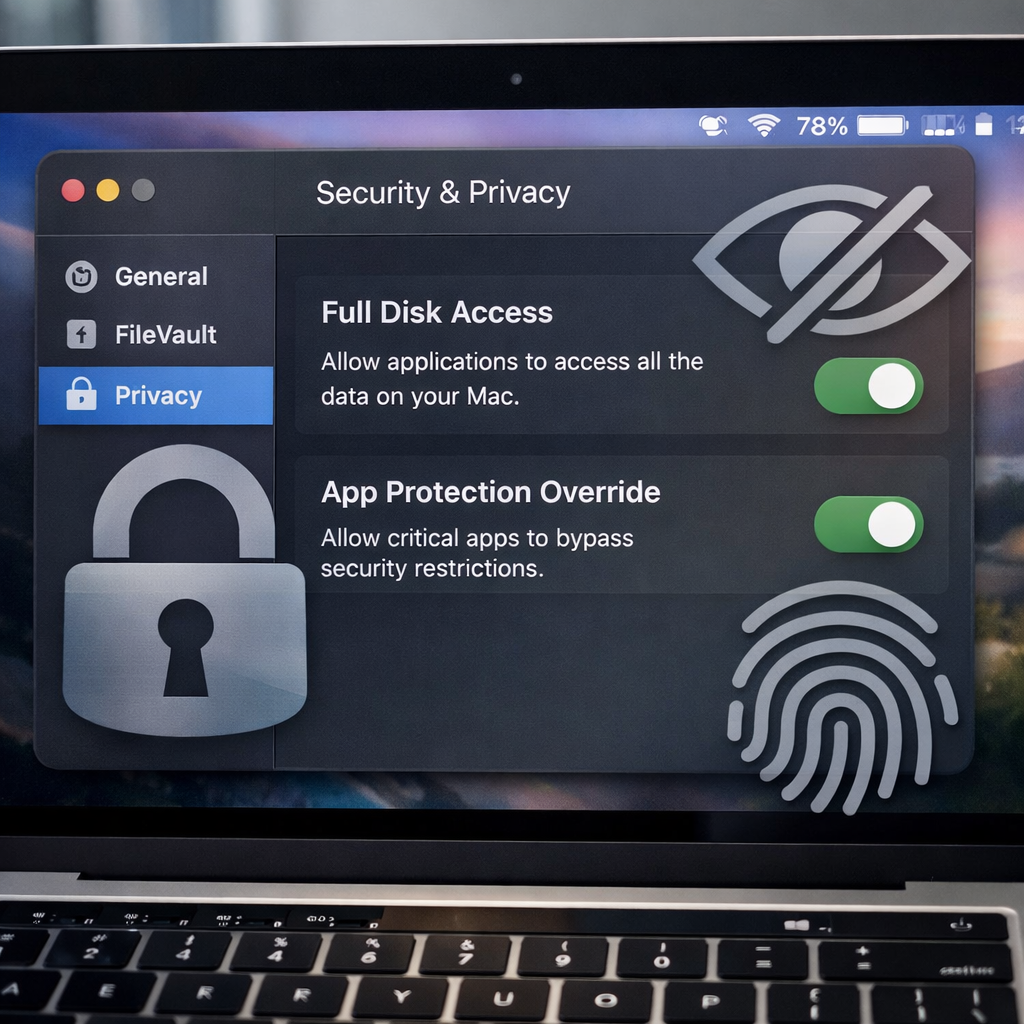
Apple’s upcoming macOS 27.3 beta introduces significant privacy enhancements designed to give users more control over what apps can do on their Macs—particularly when it comes to Full Disk Access and automation tools.
What’s shifting in permissions
In macOS 27.2, there was a broad toggle in System Settings called “Device Control and Data Access,” which allowed apps with high levels of privilege to perform invasive actions—such as accessing emails, contacts, photos; monitoring typing; tracking web usage; and even recording screens. The update in 27.3 splits this into two distinct categories: Accessibility, meant for assistive technologies using a separate entitlement process; and System and App Protection Override, reserved for apps that need to bypass certain macOS protections to interact with or automate other apps.
Under the new System and App Protection Override, users can now define precisely which apps an automation tool can access—say, granting control over Mail but not Messages—rather than giving carte blanche access. There’s also a new option for prompt-based permission, forcing the app to ask every time it needs access instead of being granted permanent rights. To improve visibility, the update adds a menu bar indicator that tells users when an app is controlling another app under this override mode.
Full Disk Access gets both stricter review and more granularity
The Full Disk Access setting isn’t being removed. What’s changing is how it’s granted. Users will now see a clearer explanation of what protections they’re overriding and what types of personal data could be exposed. There’s also an option to grant access to specific folders instead of the entire disk—allowing tighter control over what an app can see.
Important: apps that already have Full Disk Access will keep it under the same privileges, so existing workflows won’t break. The update is about changing how future access is requested and granted.
What this means for developers
Apple’s APIs themselves aren’t being revamped with this release, but developer behavior will need to adjust. Apps should be built with the assumption that users may grant limited instead of full access. To help, developers of backup tools and assistive-technology apps can apply for special entitlements that allow new installations to retain past behaviors. Apple has flagged popular apps relying on these permissions and is working to ensure they remain compatible post-update.
In short, macOS 27.3 marks a shift toward more transparent, granular control for high-privilege apps. It aims to balance user protection and developer flexibility.
Analytical Note: In an era where AI agents can act more independently, the risk associated with Full Disk Access and automation tools bypassing protections has become increasingly pronounced. These changes aren’t just cosmetic—they reflect a deeper move toward limiting “blast-radius” privileges in favor of purpose-limited access. For users, it means greater visibility and safer defaults; for developers, it means adapting workflows and trust models. What to watch next: how third-party apps adapt to limited permissions and how the user experience evolves once this goes live.