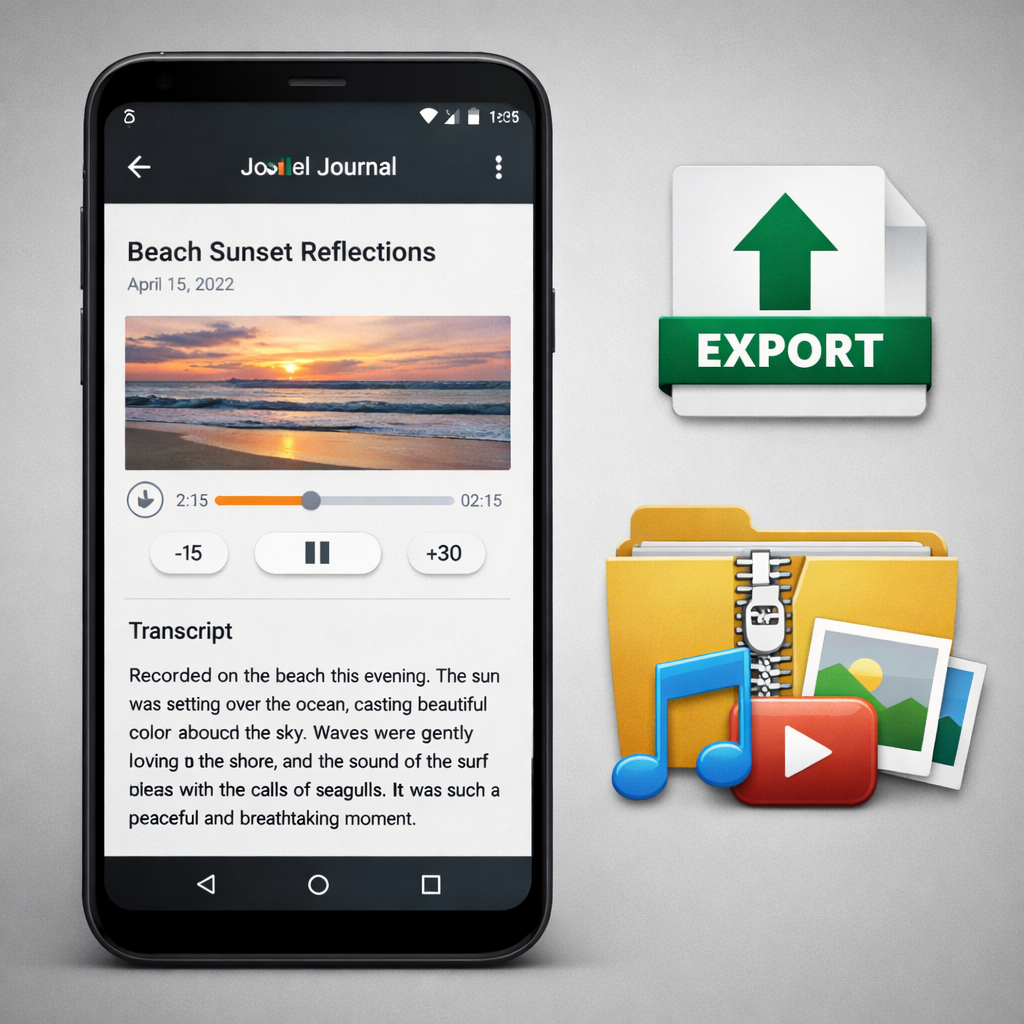
Google has begun rolling out a substantial update to Pixel Journal that brings integration with Pixel Recorder and the ability to export journal entries. This update, version 2026.10.27.x of Journal and version 4.2.20261001.x of Recorder, is being distributed through Google Play. Users will need to open both apps and force-stop them after updating to activate new features.
Once updated, the “Add item” menu in Pixel Journal entries includes two new options: “Record new audio,” which launches Recorder directly into a fresh recording session, and “Add existing recording,” which presents past recordings from Recorder. When audio is included, the journal entry displays an inline audio player alongside the transcript—though users can choose to hide the transcript.
This addition joins existing options like taking a photo or video, adding photos, connecting to Health Connect, and including location or map information.
Exporting Your Journal Offline
Alongside audio integration, a new export feature lets users back up their Pixel Journal content. In settings, there is now an “Export your journal” option that produces a ZIP file containing all entries and media. Text entries are saved as HTML. This makes it possible to view journal content offline across devices or platforms.
The rollout is still underway; Google is gradually pushing the update via the Play Store. The new audio additions depend on Recorder also being updated, and not all users may see the Recorder enhancements immediately.
Why This Matters
Journal apps have long benefited from voice and audio additions—whether for capturing ideas quickly or preserving details without typing. The addition of transcripted audio in Pixel Journal joins similar features across the greatest journaling tools. The export option also addresses a growing demand for data ownership and portability, enabling users to retain their content in standard formats outside of Google’s ecosystem.
What this means: Users now get a tighter link between writing and speaking, making Pixel Journal a stronger option for multimedia notes and reflections. The ability to export entries enhances trust and flexibility—ensuring you’re not locked in to a single device or service. Going forward, watchers will want to see if audio search or smart organization may be added, or how these export functions play out across backup and syncing workflows.