Plex continues to dominate home media servers, but its official apps on tvOS, iOS, and macOS are showing their age. Users are reporting issues—like broken 4K Dolby Vision support—that crews behind the beta apps failed to resolve. If you’re frustrated with sluggish UIs, confusing navigation, or limitations due to licensing, there are several third-party Plex clients that offer slicker performance, better flexibility, and often more features. Here are top alternatives that might elevate your viewing experience.
Why Look Beyond the Official Plex App?
The core appeal of Plex remains intact: access to all your media stored on your home server. But users are encountering problems like content-format incompatibilities—a notable case in October when 4K Dolby Vision files (profile 8.1 MKV) wouldn’t load on the official apps, though HDR10 content worked fine. Those kinds of bugs can fundamentally break the experience for certain users.
Beyond stability, there’s performance. Plex’s official clients have become feature-rich—but that comes with slower interfaces and complexity. Third-party apps often strip away the unnecessary, putting content front and center. They may also give access to features locked behind Plex’s paywall or integrate multiple media servers like Plex, Jellyfin, and Emby in one app.
Top Plex Alternatives to Try
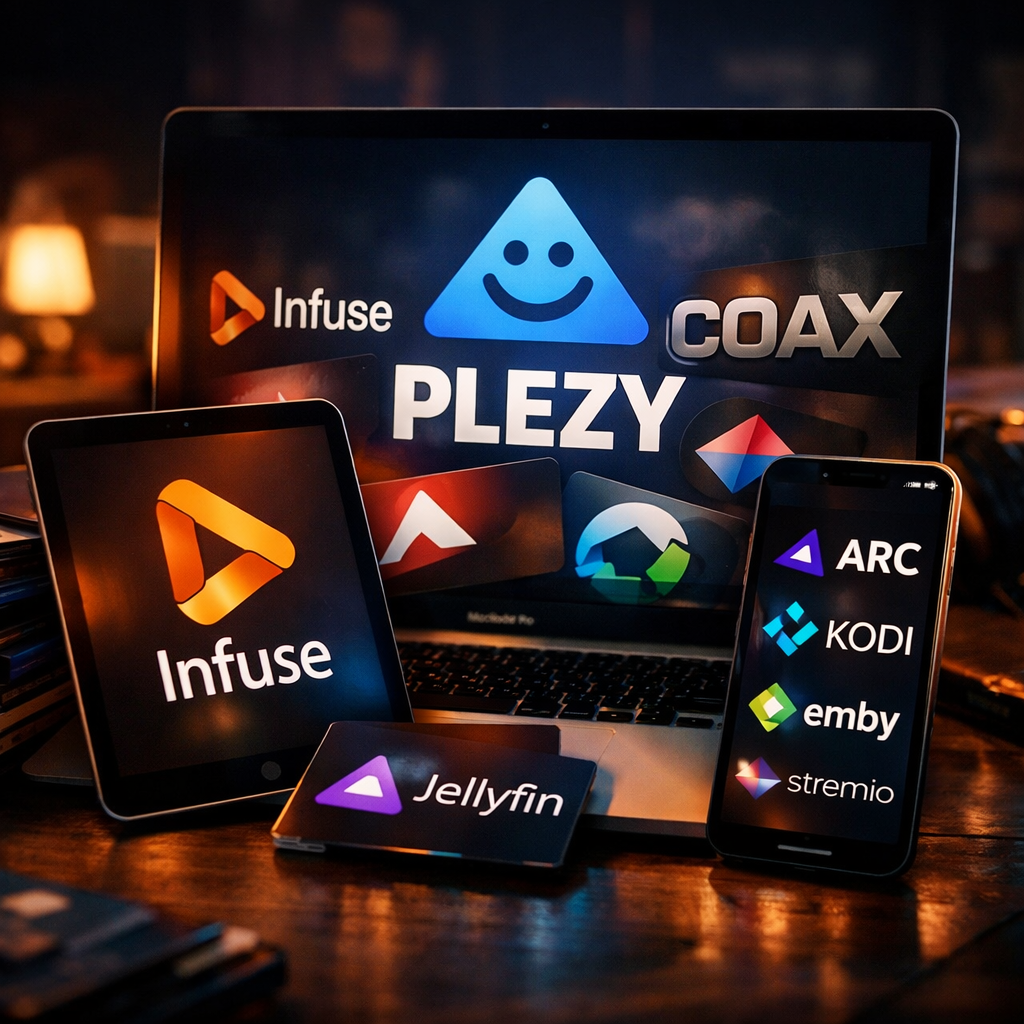
- Plezy: A clean and intuitive client that supports multiple servers including Plex, Jellyfin, and Emby. Offers live TV and DVR, downloads, background audio, and support for HEVC, AV1, and VP9 codecs. Available for all major Apple platforms plus Windows, Linux, and Fire TV. Costs a single fee of $5.99 across Apple devices.
- Rivulet: Designed just for Apple TV, this app delivers a speed-first experience. Handles Plex and Jellyfin servers; supports 4K HDR10+, Dolby Vision, Atmos, and lossless audio. Includes multi-view for watching up to four channels simultaneously. Free and non-commercial.
- Infuse: Longstanding favorite for Apple device users. Streams from Plex, Jellyfin, Emby, or cloud services like Dropbox and Google Drive. Handles diverse media formats (MP4, MKV, MOV), supports HDR10+, Dolby Vision, and adaptive audio formats. Free basic tier; subscription or lifetime license unlocks full features.
- Dusk: Minimalist and focused, Dusk handles MKV, HEVC, DTS, TrueHD, and subtitle formats natively—often without needing server-side transcoding. Includes features like automatic skipping of intros, seasons auto-playing, and picture-in-picture. Open-source and free, with optional supporting tiers for generous users.
- Coax: Offers a different mindset. Think of your Plex library like a live TV schedule, with “channels” that broadcast shows based on genre or metadata right now. You can’t rewind; when you tune into a “channel” you catch what’s airing at that moment. Available on all Apple platforms. Subscription-based with an initial free trial.
Picking the Right One
Your choice depends on which trade-offs matter most. Want simplicity and speed on Apple TV? Go with Rivulet. Prefer maximum codec support and layout customization? Plezy or Infuse might hit the mark. Dusk gives you tight control with minimal fuss. Coax is the wild card—something enjoyable if you’re in the mood for unexpected discovery rather than choosing a show.
What this means. If you use a Plex server, you’re no longer locked into Plex’s official apps. A number of high-quality third-party clients offer compelling improvements—faster interfaces, more flexibility, and features unblocked by traditional subscription walls. As Plex continues evolving (and occasionally breaking things), these alternatives offer solid backup plans or even lifetime replacements. Keep an eye out for how these tools handle updates to formats like Dolby Vision, server compatibility across platforms, and whether their interfaces stay lightweight as they grow.